


You want to rewrite, translate, or turn dictation into clean text inside whatever Mac app you’re in — without installing a plugin for each one. Inklet is an open-source menu-bar writing assistant for that. Site getinklet.app, repo wanming/Inklet. Press Option+Space, pick a Prompt mode, confirm the result, and it pastes back into the focused field. On Apple silicon you can use the built-in local model (no API key), or bring your own OpenAI / Anthropic / Gemini / DeepSeek / Tongyi / Ollama / LM Studio endpoint. Researched October 31, 2026.
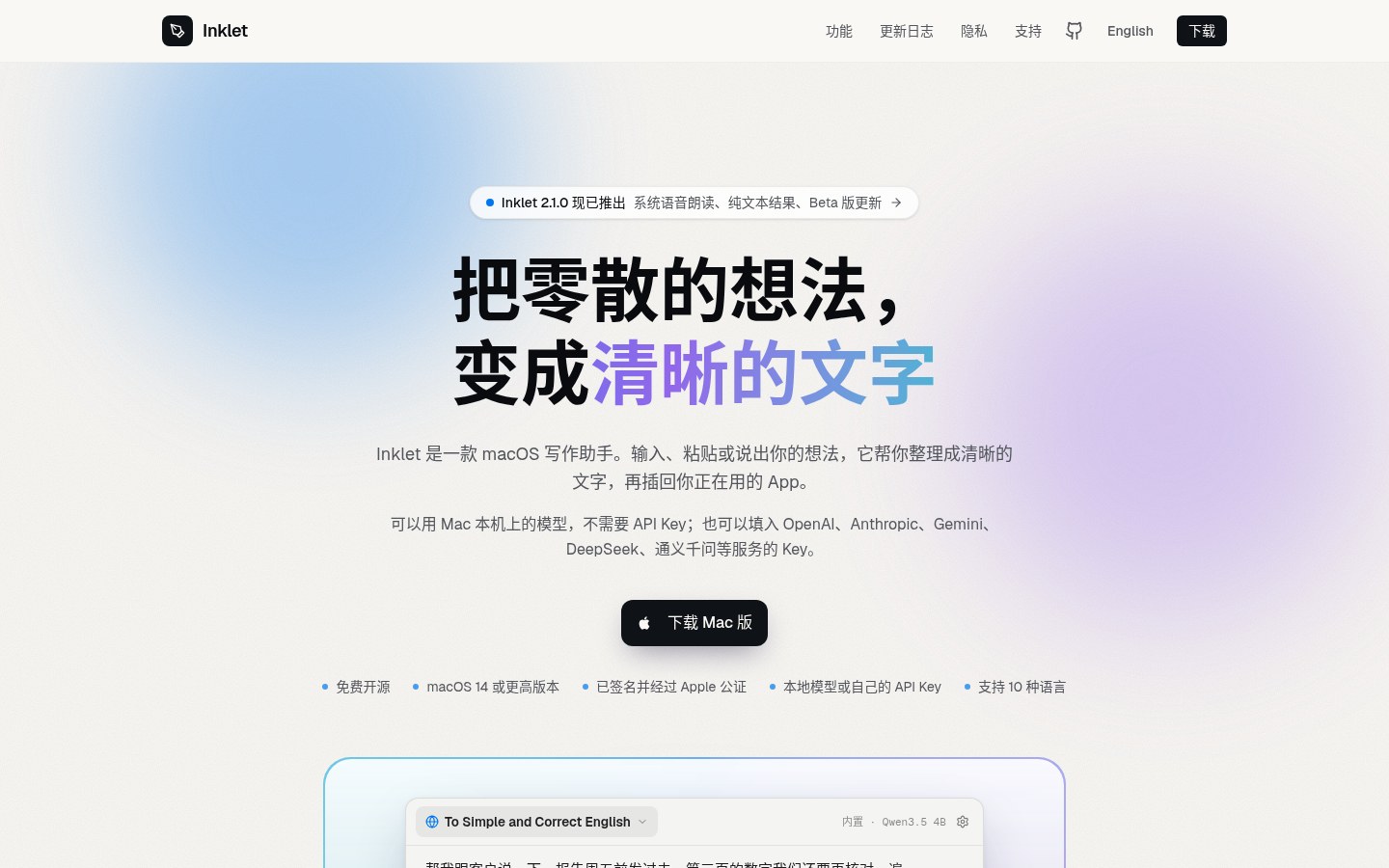
At a glance
| Item | Details |
|---|---|
| Type | macOS menu-bar writing assistant (rewrite / translate / dictate, then paste back into any app) |
| Version | GitHub latest v2.1.0-36 (2026-10-28); DMG is signed and Apple-notarized |
| License | MIT |
| Platform | macOS 14+; built-in on-device writing models need Apple silicon |
| Models | Built-in (≈16GB+ RAM: Gemma 4 E4B recommended; 8GB: Qwen3.5 4B) · Ollama / LM Studio · cloud keys (OpenAI, Anthropic, Gemini, DeepSeek, Tongyi, Kimi, Zhipu, …) |
| Price | Client free and open source; cloud cost follows your own API; system speech read-aloud is offline and free |
| Stars | About 3 when checked (early product, installable) |
| Permissions | Accessibility (read selection, insert result); Microphone (only on first long-press dictation) |
| Site / repo | getinklet.app · github.com/wanming/Inklet |
How to use: hotkey, dictation, selection bar
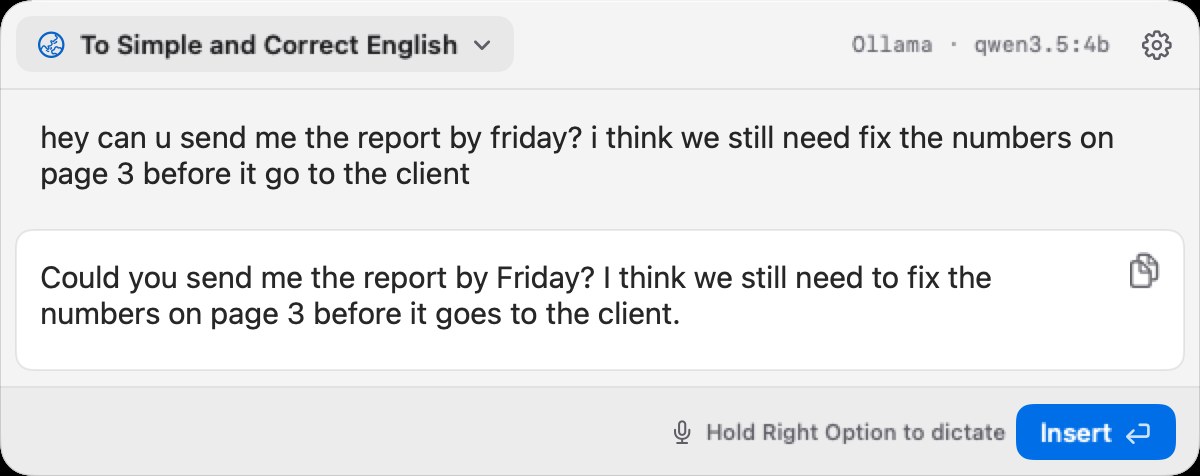
Everyday path: focus any text field → Option+Space → fuzzy-search a Prompt (e.g. ts matches To Simple and Correct English) → type or paste a draft → Enter to generate (streams; Escape stops) → Enter again to insert, or Shift+Command+C to copy only. Output defaults to plain text with no leftover Markdown markers.
Dictation: with the float open and a mode confirmed, long-press Right Option (remappable), speak into the draft live, release to review, then Enter to convert or insert. Fresh Apple-silicon installs default to on-device ASR (including mixed Chinese/English), so audio can stay on-device; you can switch to OpenAI realtime transcription.
Select text and pause briefly for a small toolbar: translate, system speech read-aloud, or run a Prompt. Browser and native apps share the same Accessibility path — no browser-automation permission. Very long selections (roughly >1500 characters in a document) skip the menu so a full-page select doesn’t fire by mistake.
The only official channel is the signed, notarized DMG on GitHub Releases; the repo also ships install.sh (checksum, Gatekeeper, signature checks). It looks for updates about once a day and never installs without your OK. Settings can enable Beta updates. The author still calls it an early MVP with few stars — treat it as an installable early tool with an iterating version number.
How it sits next to tools on this site
| Need | Better fit |
|---|---|
| Offline speech-to-text that pastes into the focused field | Handy (EN pending) |
| Searchable local clipboard history cards | vPaste |
| Edit Markdown files with margin AI notes | Textus |
| Ready multi-device agent for Claude Code / Codex | Cindy |
| Rewrite / translate / dictate inside any app, local models, notarized DMG | Inklet |
For screenshot OCR / on-image translate, see also Shutter; for a pure Markdown editor, MarkText (EN pending).
Who it is for (and caveats)
Good fit: primarily write or answer email on a Mac; want a hotkey that never leaves the current app; have Apple silicon for local models, or already hold API keys; care about notarized builds and no account.
Caveats: Intel Macs cannot use the built-in on-device writing model — use cloud or your own local server; Accessibility must be on or insert fails; early repo, few stars, fast churn — for sensitive drafts confirm you are on local or a trusted cloud; README still says early MVP.
Download: GitHub Releases latest DMG. Version and stars follow the October 31, 2026 check.


