


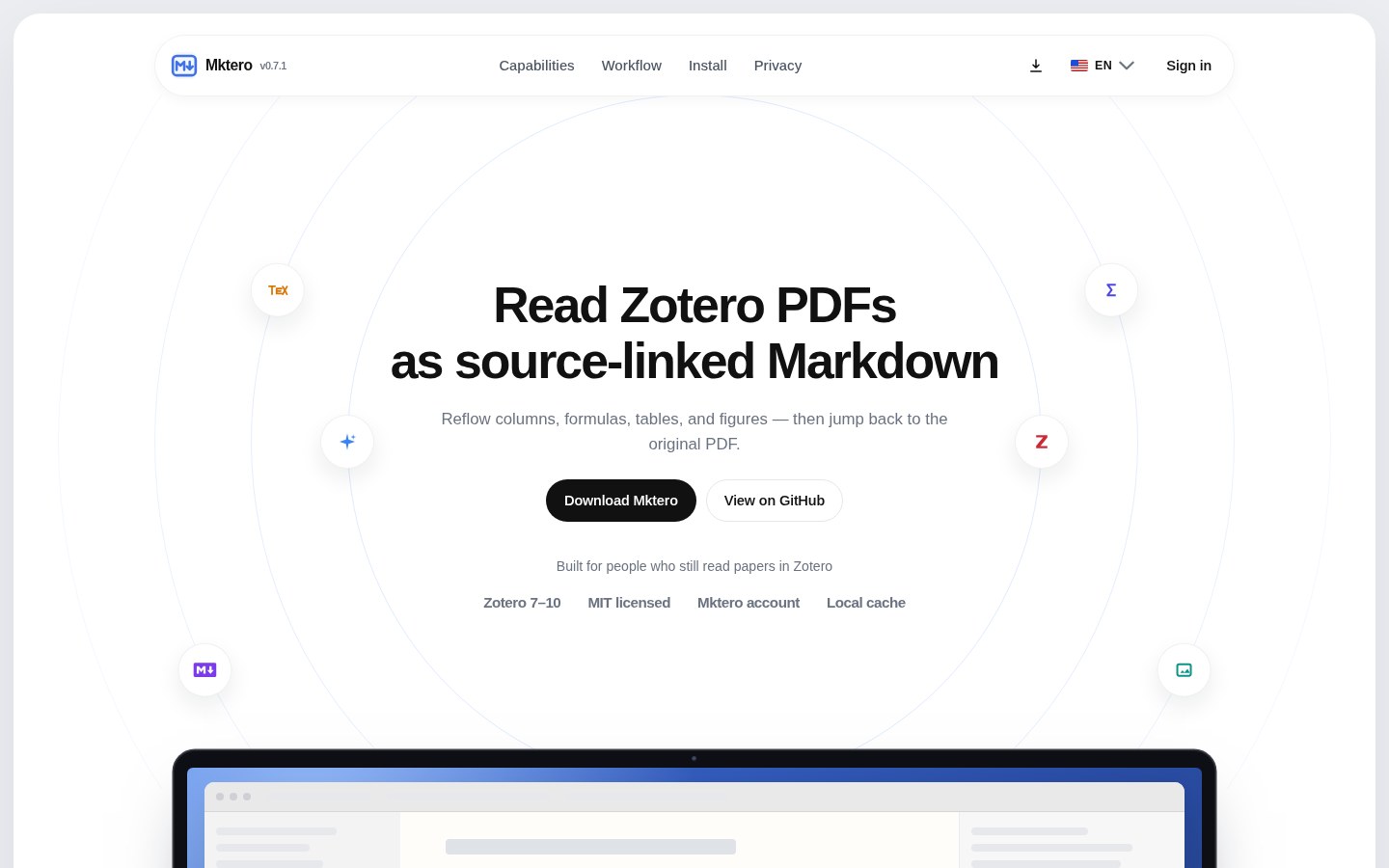
Still fighting two-column PDFs inside Zotero, and wishing you could read them as Markdown that jumps back to the original page — then export into Obsidian? Open-source plugin Mktero is aimed at that. Site mktero.com, repo tenglvjun/mktero. After you install it in Zotero 7–10, right-click a PDF → “Read as Markdown with Mktero”: outline, formulas, tables, figure captions, and annotations land in one reading tab. Researched October 31, 2026.
At a glance
| Item | Details |
|---|---|
| Type | Zotero plugin: PDF → Markdown reading pane with jump-back to the original |
| Version | Latest v0.7.1 (2026-10-28); author marks it Beta |
| License | MIT |
| Platform | Desktop Zotero 7.0–10.0.* (needs a locally downloaded PDF attachment) |
| Conversion path | Default: sign in to a Mktero account; on cache miss the whole PDF is sent to Mktero’s service. Optional: bring your own MinerU (cloud/local) or Mistral OCR so the PDF never goes to Mktero |
| Page limit | Hosted Mktero and MinerU cloud: ≤200 pages per PDF (counted locally before send; over limit stops). Local MinerU / Mistral follow their own docs |
| Export | Corrected Markdown + figures; write to a local folder or an Obsidian vault; optional portable Zotero snapshot |
| Price | Plugin free and open source; default conversion uses Mktero account quota; own OCR / optional AI translate follow your keys |
| Stars | About 67 stars / ~7 forks when checked |
| Site / repo | mktero.com · github.com/tenglvjun/mktero |
What it does when you read a paper
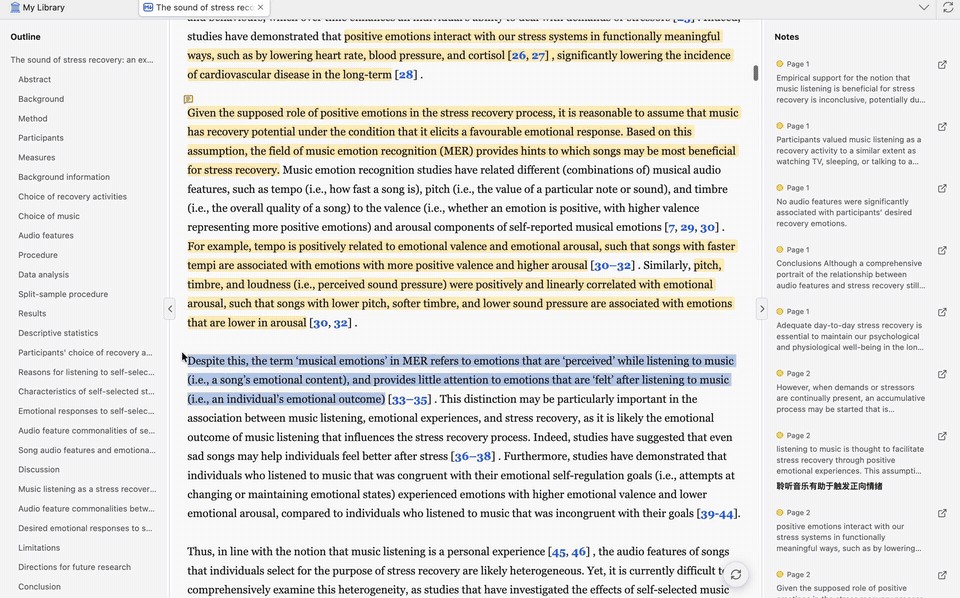
After one conversion, two-column layouts become continuous Markdown; formulas, tables, and figures stay mapped to PDF pages/regions — when unsure, it does not invent. In the reading pane you get outline jump, Cmd/Ctrl+F, citation and figure previews, and highlights / underlines / notes written back into Zotero PDF annotations; “Add to Note” carries page and citation into the current note. Fix a wrong paragraph or table cell without mutating the immutable base conversion — restore anytime.
Optional AI translation does not rewrite the source Markdown: switch among original / translation / bilingual. The citation graph only links items already in your library; you can pull extra metadata from Semantic Scholar, OpenCitations, or OpenAlex when needed. Content-addressed local cache skips remote conversion on hit; Markdown, images, mappings, and credentials live in the local Zotero profile — Mktero does not sync that local data.
Install: grab mktero-*.xpi from Releases → Zotero Tools → Plugins → Install Add-on From File; stable builds can auto-update via Zotero. Under Settings → Mktero, sign in for the default converter or switch to MinerU / Mistral. Only formal GitHub releases enter auto-update — drafts / pre-releases do not.
How it sits next to tools on this site
| Need | Better fit |
|---|---|
| Browser OCR for scans / PDFs, proof against original, export Word/MD | MiniCPM OCR |
| Offline in-browser PDF annotate, no upload | PDF Tool |
| Edit Markdown files with margin AI | Textus · MarkText (EN pending) |
| Desktop one-prompt: read files, run commands, write docs | Abu |
| Stay in Zotero for papers, want link-back MD + Obsidian export | Mktero |
Who it is for (and caveats)
Good fit: daily Zotero literature workflow; two-column papers are painful; want annotations still written back to Zotero, plus occasional Obsidian export.
Caveats: still Beta; default path uploads the full PDF on cache miss — for sensitive drafts switch to MinerU/Mistral or skip; hosted convert ≤200 pages; credentials sit as ordinary prefs in the Zotero profile (not extra-encrypted); Mktero tabs are session-scoped — restarting Zotero does not reopen reading panes. Privacy details: docs/privacy.md.
Download: GitHub Releases. Version and stars follow the October 31, 2026 check.


