


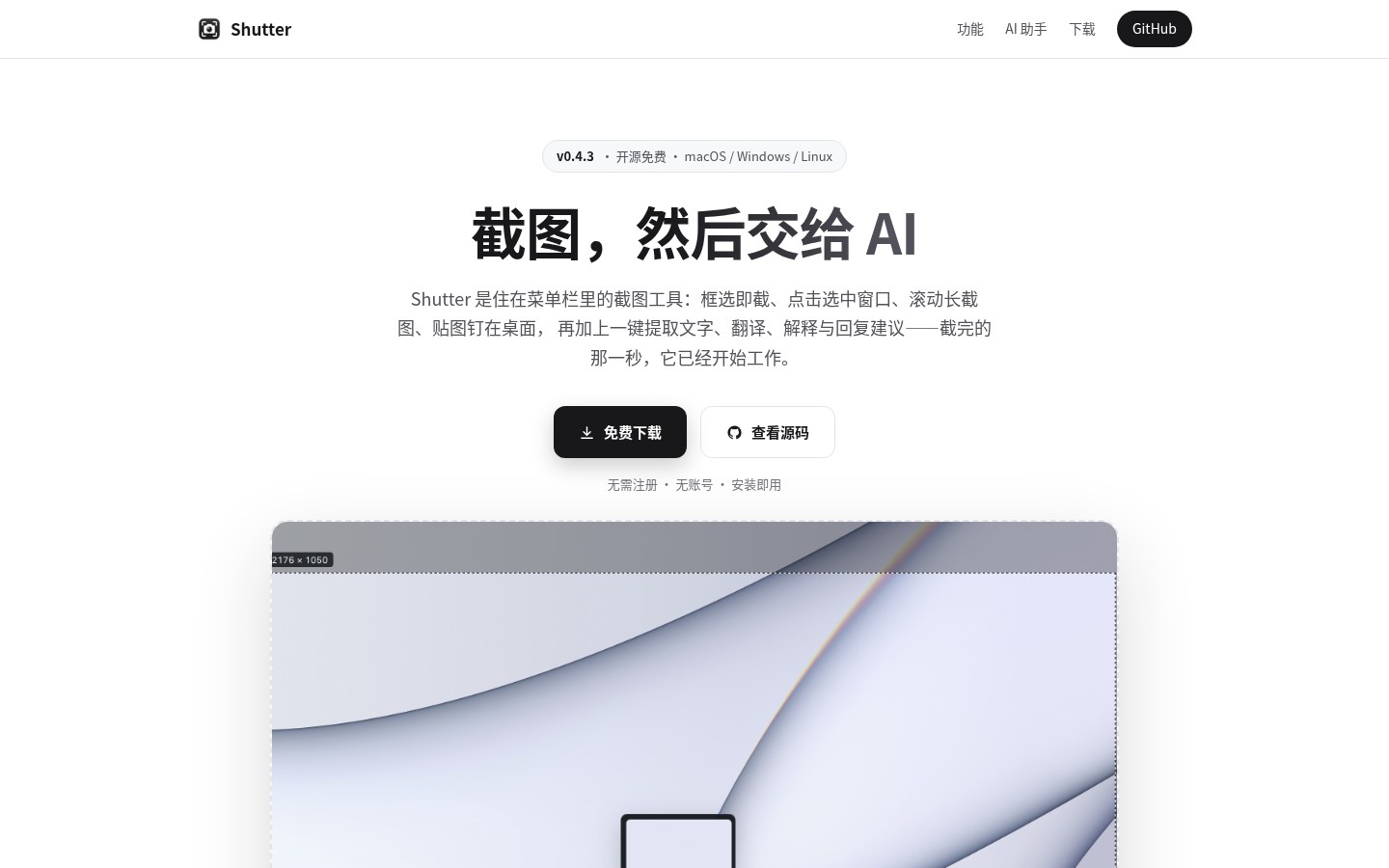
You grab a screenshot, then open another OCR or translate tab and paste back and forth — one extra hop and it gets annoying. Shutter (repo oubuild/Shutter, site shutter.ryanuo.cc) is a Tauri 2 + Rust cross-platform screenshot tool: region / window select, scrolling long capture, annotations, desktop pin, and sending the current selection to any OpenAI-compatible vision endpoint for extract text, translate, or explain. Free and open source under MIT. Researched October 29, 2026.
Important: this article covers the new oubuild/Shutter project — not the long-running Linux screenshot app shutter-project/shutter. Same name, completely different stack and release channels.
At a glance
| Item | Details |
|---|---|
| Type | Desktop screenshot + annotate + vision-model helper |
| Open source | Yes, MIT |
| Stack | Tauri 2; TypeScript / React front end; Rust native side |
| Platform | macOS 12+ (Apple Silicon / Intel), Windows x64, Linux x64 (.deb / AppImage; build baseline Ubuntu 24.04) |
| Latest | GitHub Releases v0.4.3 (2026-10-24; site copy still says v0.1.1 — trust Releases) |
| Stars | About 2 when checked (very new repo, created 2026-10-20) |
| Price | Free; AI uses your own API key / local Ollama — no built-in subscription |
| Site / download | shutter.ryanuo.cc · GitHub Releases (dmg / setup.exe / msi / deb / AppImage) |
Screenshot and annotate: the basics are covered
Global hotkey: macOS ⌘⇧A, Windows / Linux Ctrl+Shift+A (or menu bar / tray). Each monitor gets its own transparent overlay; the selection can be dragged and resized on eight handles.
Annotation tools include rectangle, ellipse, arrow, brush, mosaic, text, highlight, numbered markers, and color picker; undo with ⌘Z / Ctrl+Z. Output can go to the clipboard, save under the system Pictures folder in Shutter/, or pin to desktop (drag, scroll zoom, double-click to close). There is also a gallery of thumbnails.
Long capture: after selecting a region, use the toolbar “long screenshot” or press C. On macOS it can inject auto-scroll (needs Accessibility permission); on Windows / Linux it uses timed frame grabs while you scroll manually. Frame stitching uses row signatures plus MAE / edge NCC checks — if confidence is low it re-grabs or prefers fewer frames over a forced stitch, unlike cheap tools that stretch and ghost.
Platform gaps to keep in mind: whole-window hover pick and auto-scroll long capture are currently more complete on macOS; Windows / Linux lean on free region select and manual scroll. macOS builds are ad-hoc signed and not notarized — first open needs System Settings → Privacy & Security → Open Anyway.
AI: work in the second after you capture
In settings, point it at any OpenAI Chat Completions–compatible endpoint that accepts image_url. README presets include DeepSeek, Tongyi Qwen (qwen-vl-max), OpenAI (gpt-4o-mini), and local Ollama (e.g. llava). Actions roughly cover extract text, translate, explain, reply suggestions, and free-form ask; responses stream and can be copied.
Privacy boundary (per repo docs): API keys go into the system credential store (macOS Keychain / Windows Credential Manager / Linux Secret Service), not plaintext config; only when you trigger an AI action is the current selection PNG sent to the endpoint you configured; claims no telemetry and no silent auto-update background. For confidential screens, stick to a local model or a trusted endpoint.
How it sits next to tools on this site
| Need | Better fit |
|---|---|
| Side-by-side OCR on the web, export Word / Markdown | MiniCPM OCR (independent SaaS, not local screenshots) |
| Browser sidebar page reading and authorized click-fill | Youxiaohou (closed source, credits) |
| Bilingual page / selection translation, optional vision for images | mewCat |
| Offline PDF annotation, no upload | PDF Tool |
| Win / Mac clipboard history cards | vPaste |
| Windows system screenshot / pin extras | PowerToys (EN pending) |
| Desktop screenshot + annotate + your own vision model in one place | Shutter |
Who it is for (and who should skip)
Good fit: want a light cross-platform screenshot tool; willing to configure API / Ollama yourself; OK with a brand-new open-source project (few stars, fast version churn); macOS users who want full long-capture and window pick.
Skip for now: searched “Shutter” and meant the old Linux GTK project; must have store notarization / enterprise code signing for IT; expect zero-config built-in model quota; lean hard on auto-scroll long capture on Linux — still mostly manual today.
Download from Releases/latest. Version, platform gaps, and privacy notes follow the README / v0.4.3 check on October 29, 2026.


