


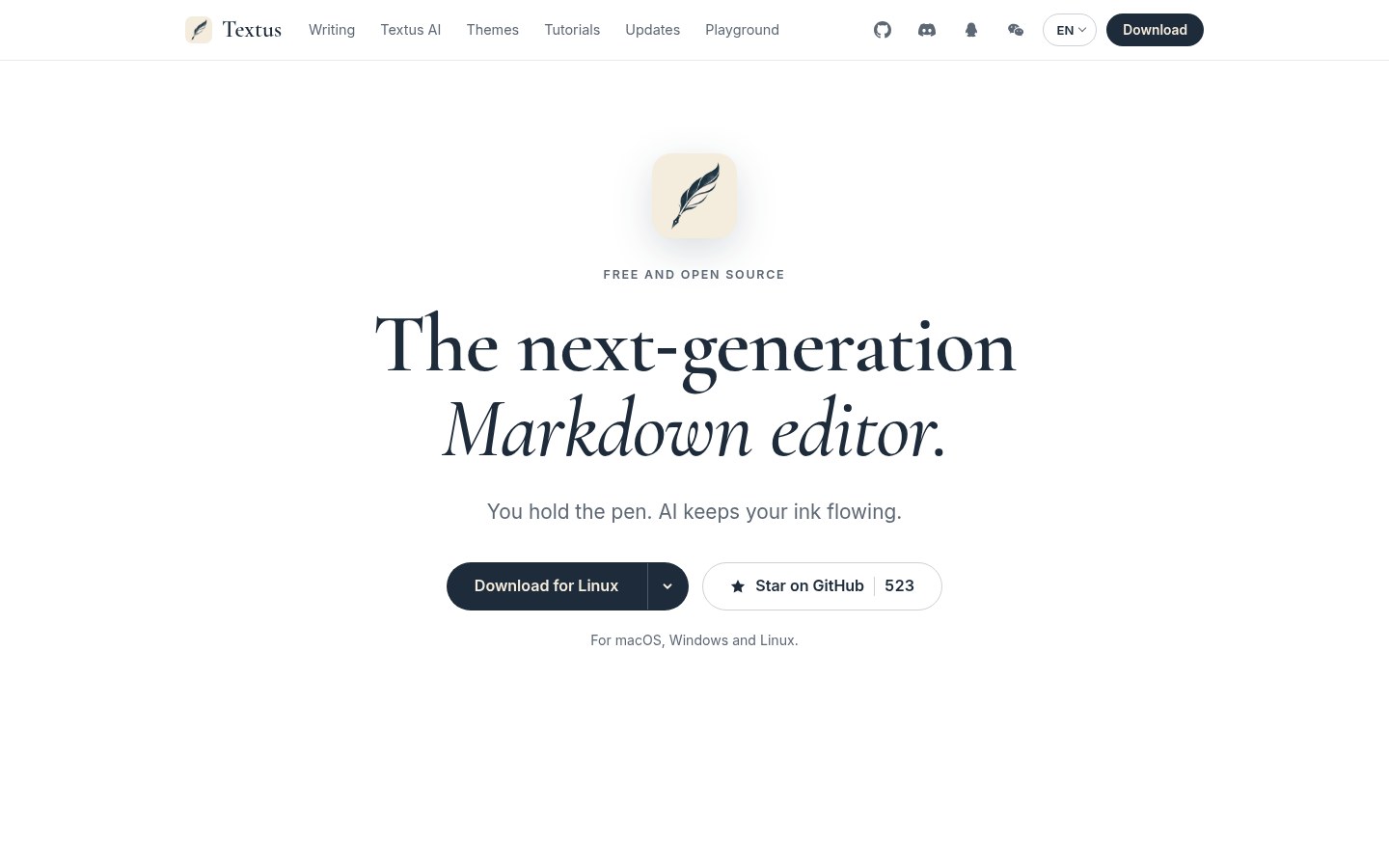
There are plenty of Markdown editors. Far fewer pin AI edits in the margin and still insist on plain local .md files. Textus bills itself as a next-gen Markdown editor: WYSIWYG writing, your own models as the assistant, MIT open source, downloads for macOS / Windows / Linux.
Repo: CatVinci-Studio/Textus; site: textus.catvinci.com. Researched October 28, 2026.
At a glance
| Item | Details |
|---|---|
| Type | Cross-platform AI Markdown editor (WYSIWYG + source / split) |
| Version | v1.2.4 (released October 27, 2026) |
| License | MIT |
| Platform | macOS (Apple / Intel), Windows x64, Linux (AppImage / deb / rpm); Homebrew: brew install --cask textus; iPhone / iPad “coming soon” |
| Stack | Tauri + React (per README) |
| Price | Client free and open source; AI uses your API / subscription / local models — costs follow each provider |
| Stars | About 523 when checked |
| Site | textus.catvinci.com |
| Repo | github.com/CatVinci-Studio/Textus |
Writing itself
Markup renders as you type; point at a line to peek at the source. Formulas, tables, and Mermaid diagrams render in the document. Four modes: zen, typewriter, split, and source; themes swap easily — official docs say Typora themes drop in as-is. Export covers PDF, Word, HTML, and more. Documents are ordinary .md files in a folder you choose.
How Textus AI helps
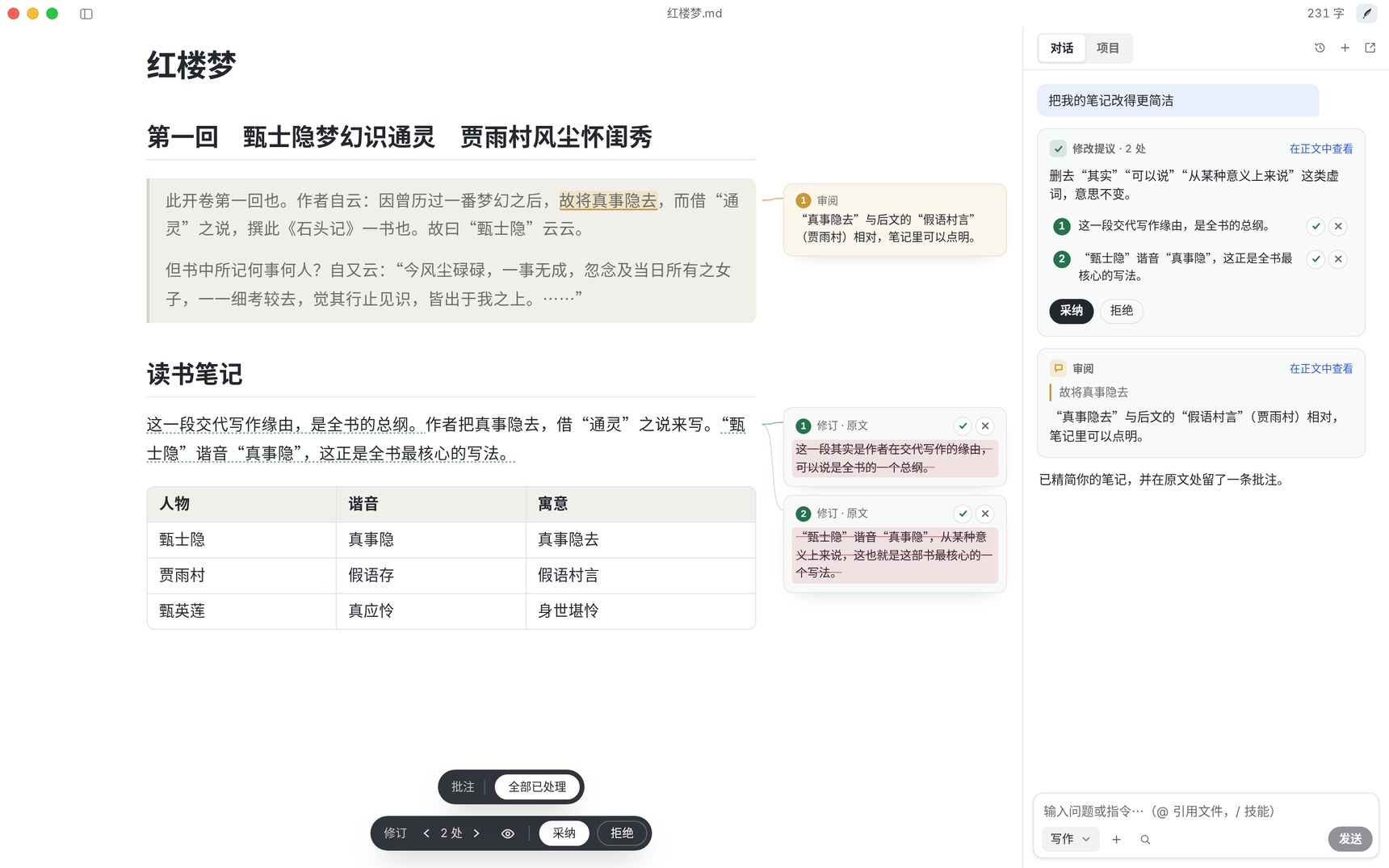
- Write with a nudge: gray ghost completions accept with Tab; typos and awkward phrasing can follow style rules — Alt+Enter to fix.
- Edits are proposals: slash commands for tighten, proofread, translate, tone shift, and more; each change ships with a reason — accept / reject by block or sentence, with comments pinned beside the line.
- Bring your models: the project claims 20+ providers plus any OpenAI-compatible endpoint — OpenAI, Anthropic, Gemini, DeepSeek, Kimi, GLM, Qwen, Doubao, Ollama, and others. Keys and login data stay on device; requests go straight from your machine to the provider you picked. Turn AI off and the editor still works fully.
Plugins (README marks 1.3 beta) can add knowledge graphs, link preview cards, side-by-side docs, kanban, version history, PDF / Word tabs, Zotero citations, and more — permissions are shown before install. Settings also expose a beta update channel.
How it sits next to other Markdown / AI writing tools on this site
| Need | Better fit |
|---|---|
| Turn Markdown into X Articles rich text with images | MD2X |
| Export ChatGPT / Claude chats to Markdown | AI Chat Clipper |
| Open-source AI office that opens and saves real docx / xlsx / pptx | GenOffice |
| Self-hosted Evernote-style notes | EdgeEver |
| Desktop Markdown + margin AI edits, local files | Textus |
Who it is for (and what to watch)
Good fit: long-form / reading notes that want WYSIWYG; bring-your-own API or Ollama locally; migrate Typora themes; want auditable open source with no telemetry (official: no analytics, no ads, write without signup).
Skip for now: need mobile sync today (mobile was still “coming soon” when checked); want a full cloud notes suite instead of a local folder; expect the vendor to foot model bills — free client ≠ unlimited models.
Download: GitHub Releases. Version, model list, and plugin status follow the October 28, 2026 README / v1.2.4 check.


