


When you hand an unfamiliar codebase to Claude Code or Codex, the most token-hungry part often isn’t writing code but finding it. The agent greps again and again, opens files and reads hundreds of lines just to work out where a class is defined, who calls it and what a change would break. On a big project, the context window fills up with all that exploratory output fast.
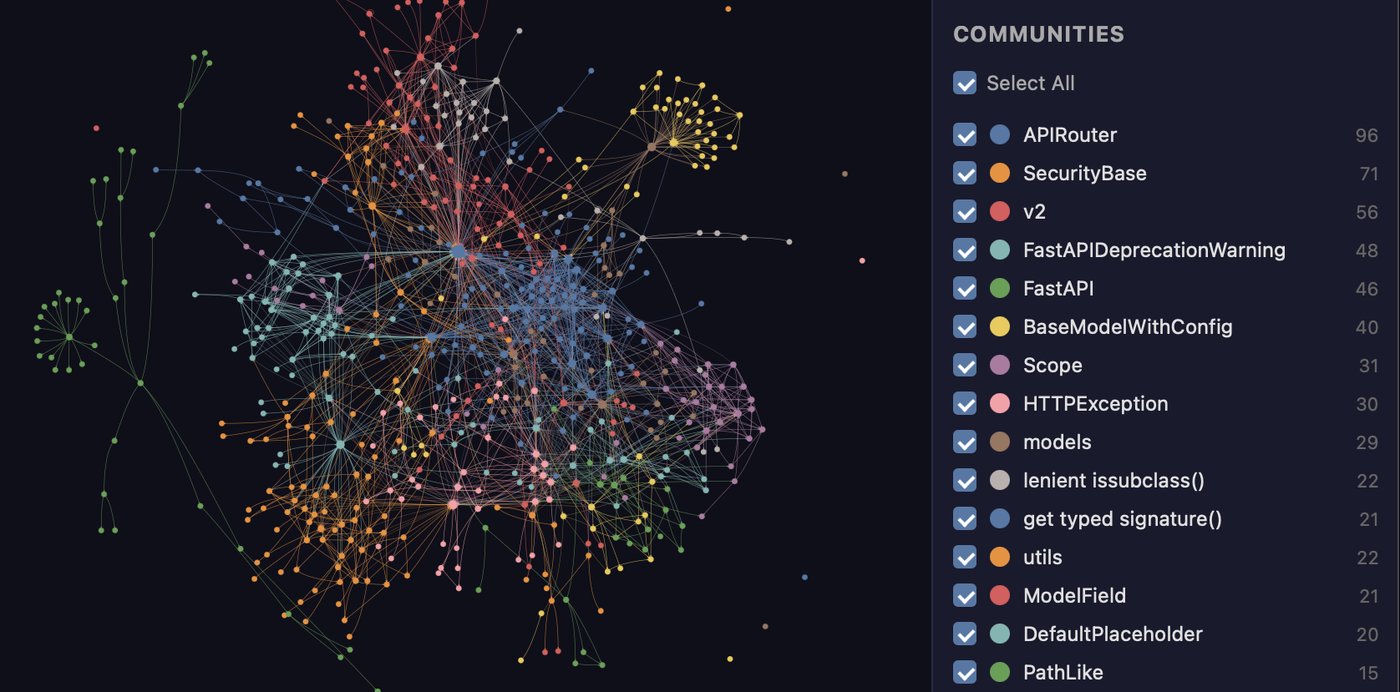
Graphify takes a different approach. It first parses the whole project into a knowledge graph: classes, functions, files and document headings become nodes, and calls, imports and inheritance become edges. When the AI later asks “how does this class connect to that module?”, it queries the graph instead of digging through files. Graphify installs as a skill in more than 20 coding assistants, including Claude Code, Codex, Cursor and Gemini CLI, and you use it by typing /graphify . in the chat.
The project has about 132,000 stars on GitHub under the Apache-2.0 license and is still gaining over a thousand a day. We installed version 0.9.93 from PyPI (released October 21) on Linux and tested it on the source of Scrapling, a Python web-scraping library. Researched on October 22, 2026.
At a glance
| Item | Details |
|---|---|
| Developer | Graphify Labs (YC S26), GitHub repo Graphify-Labs/graphify |
| License | Apache-2.0; the open-source engine is free, and there is a paid Graphify Cloud with a 14-day free trial |
| Version | 0.9.93 (released October 21, 2026) |
| Install | Python 3.10+; the PyPI package is graphifyy (two y’s), but the command is still graphify |
| Supported assistants | Claude Code, Codex, Cursor, Gemini CLI, GitHub Copilot, OpenCode, Kimi Code, Trae, Aider and more than 20 in total |
| What it parses | About 40 programming languages (tree-sitter syntax trees), plus Markdown, PDFs, images, audio and video |
| Output | graph.html (an interactive graph), GRAPH_REPORT.md (a summary report), graph.json (the full graph) |
The key point: code is parsed entirely on your machine, with no LLM calls and no tokens spent. Only non-code content such as documents, PDFs and images needs a semantic extraction pass using your assistant’s model (or an API key you configure).
Installation: two commands
The official recommendation is to install it as a standalone CLI with uv or pipx:
uv tool install graphifyy      # or: pipx install graphifyy
graphify install               # detects the assistants you use and registers the skill
Note that the package name is graphifyy. The README specifically warns that other PyPI packages called graphify have nothing to do with the project, and installing the wrong one could pull in someone else’s code. With supply-chain attacks this common, that’s worth taking seriously.
graphify install targets Claude Code by default. For other assistants add --platform, for example graphify install --platform codex for Codex or --platform kimi for Kimi Code; Cursor uses graphify cursor install. To install it only into the current project so your team can share it, add --project.
We ran graphify install --project --platform codex in an empty Git repo, and it did three things:
- placed the skill file
SKILL.mdand 8 on-demand reference docs under.codex/skills/graphify/; - appended a section to
AGENTS.mdin the project root telling Codex to check the graph before answering code questions; - registered a hook in
.codex/hooks.json.
Once installed, type /graphify . in Claude Code or $graphify . in Codex (Codex uses $ rather than /). The docs also note that Codex needs multi_agent = true under [features] in ~/.codex/config.toml for parallel extraction.
Test run: Scrapling’s source, graph built in 8 seconds
If you don’t want to run it inside an assistant, you can build the graph from the command line. graphify update only processes code and needs no API key:
cd Scrapling
graphify update .
graphify god-nodes --top 5           # list the most connected "hub" nodes
graphify explain "StealthyFetcher"   # explain a node: where it is defined and what it relates to
graphify query "how does the spider rotate proxies" --budget 500
The Scrapling repo has 585 files. Graphify parsed the syntax trees with 8 threads and built the graph in about 8 seconds: 11,073 nodes, 22,001 edges and 760 communities (automatically clustered subsystems). The report said Token cost: 0 input · 0 output.
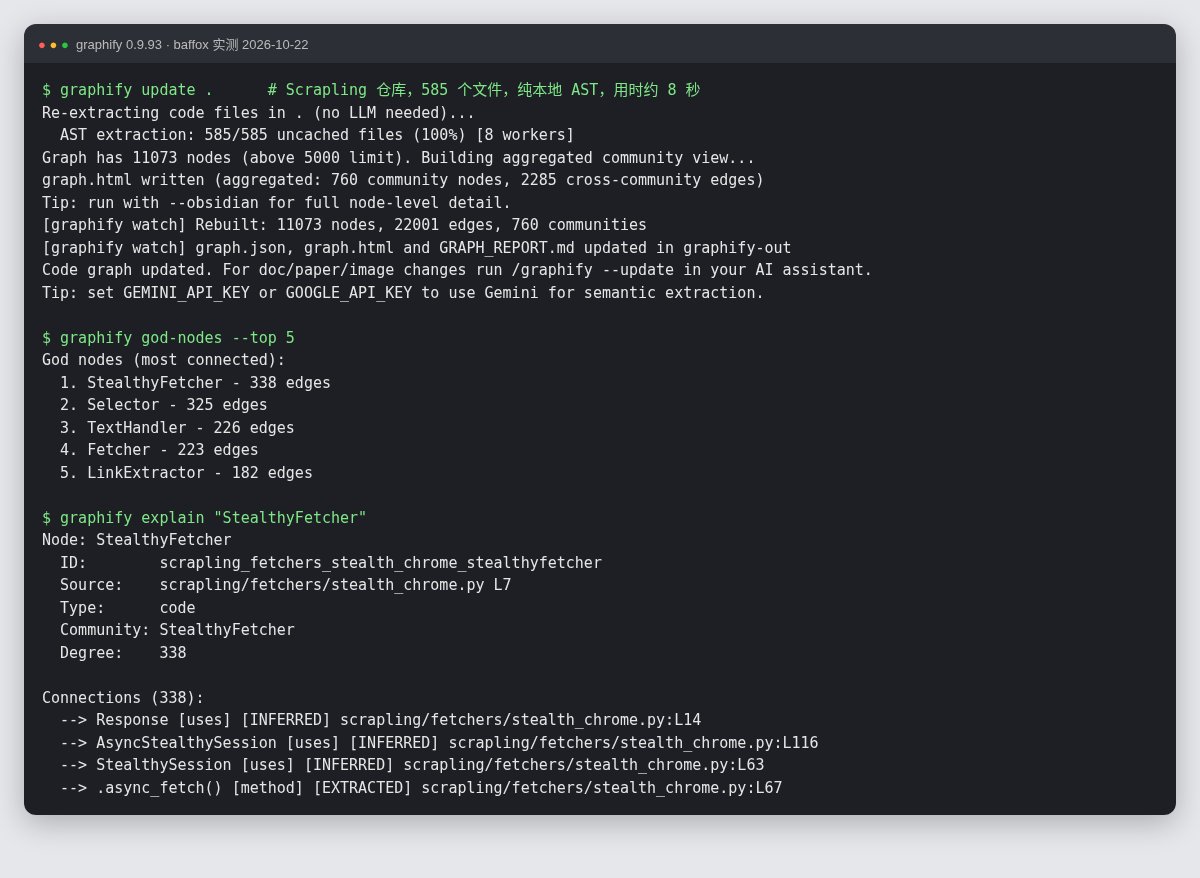
Here’s what each command actually gave us:
- god-nodes: the top entries were
StealthyFetcher,Selector,TextHandler,FetcherandLinkExtractor, which matches our own understanding of the library from testing it earlier: fetchers and selectors are its two backbones. - explain: gives the definition location (
scrapling/fetchers/stealth_chrome.py, line 7), the community it belongs to and every relationship. Each edge is markedEXTRACTED(stated in the source, such as inheritance or imports) orINFERRED(guessed by Graphify, such as “uses”), so you can tell facts from inferences. - query: takes a question in plain English and does a breadth-first traversal from the relevant nodes.
--budgetcaps the tokens returned, and when it truncates it tells you exactly how many nodes were cut and what budget you’d need to see everything. That’s a design made for AI: hand over a small, precise subgraph first, and ask for more only if needed. - path: finds the shortest chain of relationships between two things. When names collide it doesn’t guess; it lists candidates and asks you to retry with
file/path::nameor the full ID.
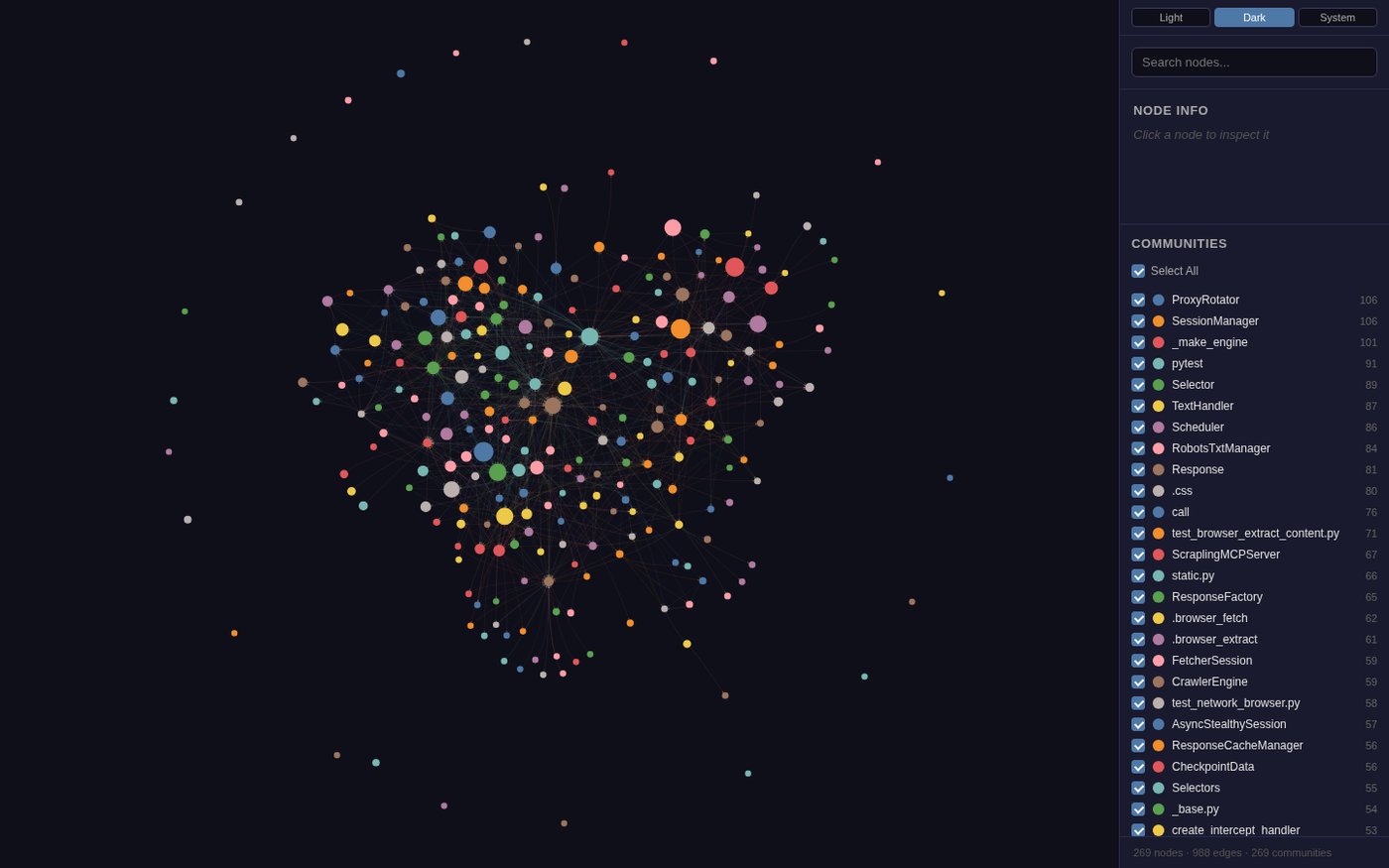
Open graph.html in a browser and you get a graph you can drag, search and filter by community. Above 5,000 nodes it automatically switches to a community-aggregated view so your browser doesn’t freeze.
A practical tip: cut the noise with .graphifyignore
After the first run we noticed StealthyFetcher had 338 relationships, a large share of them from translated docs in more than a dozen languages (Arabic, German, Spanish and so on) under docs/locales/. For an AI trying to understand the code, that’s all duplicate noise.
Graphify supports a .graphifyignore file in the project root, with the same syntax as .gitignore. We added two lines:
docs/locales/
docs/README_*.md
After rebuilding, files dropped from 585 to 234, nodes from 11,073 to 5,457, and StealthyFetcher‘s relationships from 338 to 50, all genuinely about the code. The first time you use it on a large project, check the report for which directories contribute the most nodes, and exclude translations, sample data and build artifacts. The graph gets much cleaner and AI queries use fewer tokens.
How it fits with other context-saving tools
Graphify solves “the AI struggles to find code”, which is a different job from other tools in this space:
- Context-compression tools such as Context Mode deal with tool output that’s too long, shrinking command results before they reach the model; Graphify means fewer files get read in the first place. You can install both.
- ai-memory remembers what decisions were made on a project and how far along it is, which is working memory; Graphify remembers what the code looks like, which is a structural map.
- Graphify is an Agent Skill, the same kind of add-on as Cloudflare’s security-audit skill and Claudemy.
A few more advanced options: graphify hook install adds a Git hook that rebuilds the graph after every commit; graphify watch . watches for code changes in the background and updates live; /graphify . --mcp in an assistant serves the graph as an MCP server to other clients; and graphify export obsidian exports it as an Obsidian vault.
Things to know before you use it
- Take the headline numbers with a grain of salt. The README’s “80% fewer tokens” is marketing for the paid Graphify Cloud, and the benchmarks in the repo (LOCOMO, LongMemEval and others) were run by the project itself. How much you actually save depends on project size. A project with a few dozen files fits in the context window anyway, and there the graph’s value is mainly in clarifying structure.
- Non-code content calls a model. Semantic extraction from documents, PDFs and images uses your assistant’s model or your configured key. That costs tokens, and the content is sent to that model provider, so think it through before feeding in sensitive company documents.
- The graph goes stale. If you change code without rebuilding, the AI queries an outdated structure. The report records the commit the graph was built from; ideally, keep it updated with the Git hook.
- Duplicate names need full IDs. Large projects have lots of generic names like
SpiderorConfig. Graphify shows candidates rather than picking one for you, but you (or the AI) need one extra step to specify. - It’s built for AI, not for human eyes.
graph.htmllooks great, but the useful parts aregraph.jsonand the CLI queries.
Who it’s for
| Your situation | Our take |
|---|---|
| You often have AI take over medium or large unfamiliar repos | Worth installing; building the graph costs almost nothing |
| Several agents work on the same project in parallel | Use watch or the Git hook so they all see the same up-to-date graph |
| You only write small scripts of a few dozen files | Little benefit; just let the AI read the files |
| Your knowledge base is mostly PDFs and images | It works, but costs model usage; try a small subset first |


