


Publishing a long post on X (Twitter) Articles has a concrete pain point: the editor does not speak Markdown. Headings, bold, links and lists you wrote in Obsidian or VS Code often need to be restyled after paste; code blocks and tables are worse — you end up screenshotting them one by one; Mermaid diagrams mean a detour through mermaid.live before you can upload. For a medium-length technical piece, layout alone can eat half an hour.
MD2X (markdown2x.com) is an online tool aimed at exactly that: Markdown on the left, a live preview that looks close to X Articles on the right; Copy Title / Copy Body put rich text on the clipboard; code blocks, tables and Mermaid can be rendered to PNG and copied or batch-downloaded from an Assets panel. It is free, needs no account, and keeps drafts in the browser’s localStorage. The open-source repo is echoVic/x-article-md (MIT, about 10 stars when we checked). Researched on October 23, 2026.
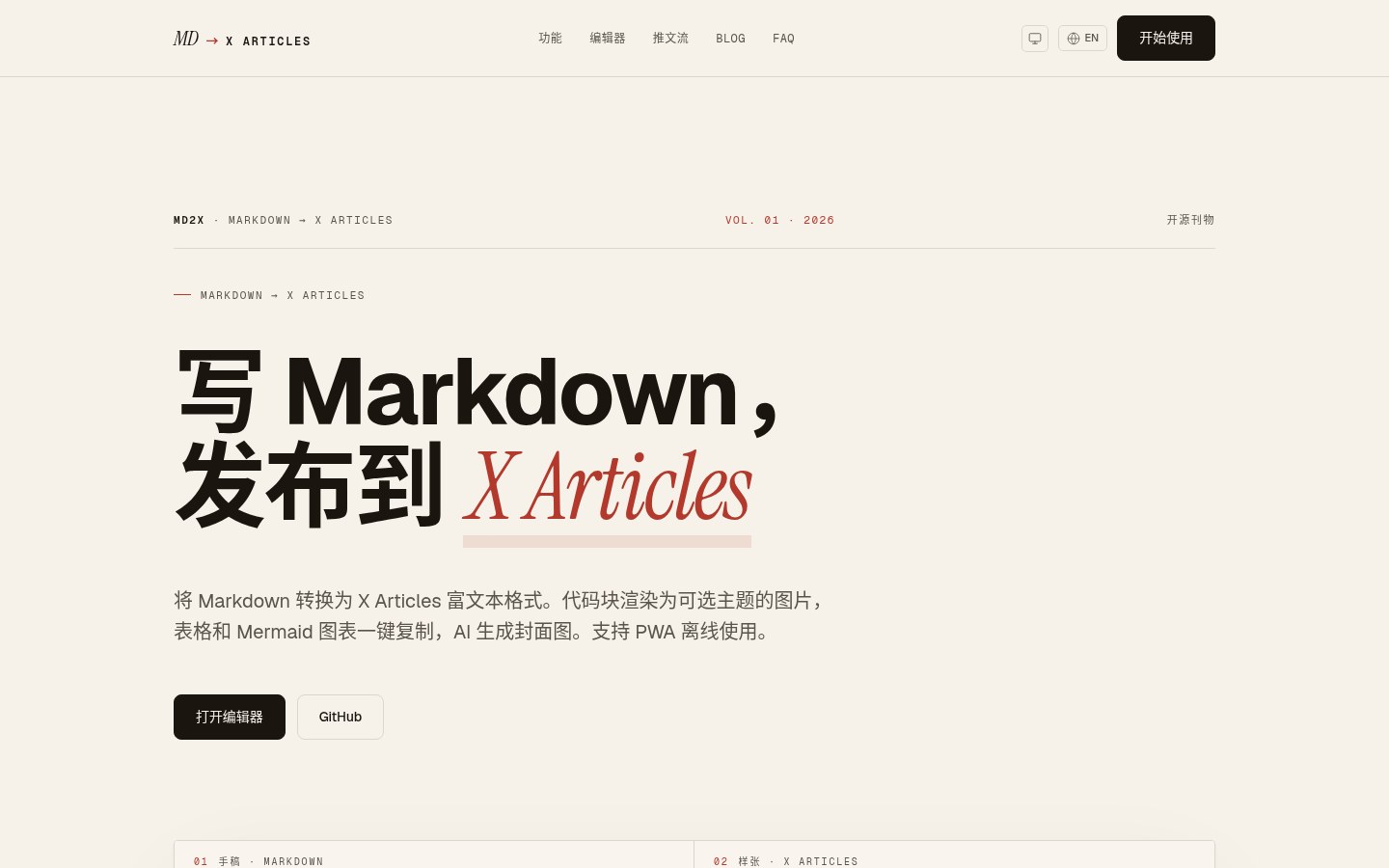
The three steps it is built for
The official flow is three acts:
- Write Markdown. The editor can import an existing
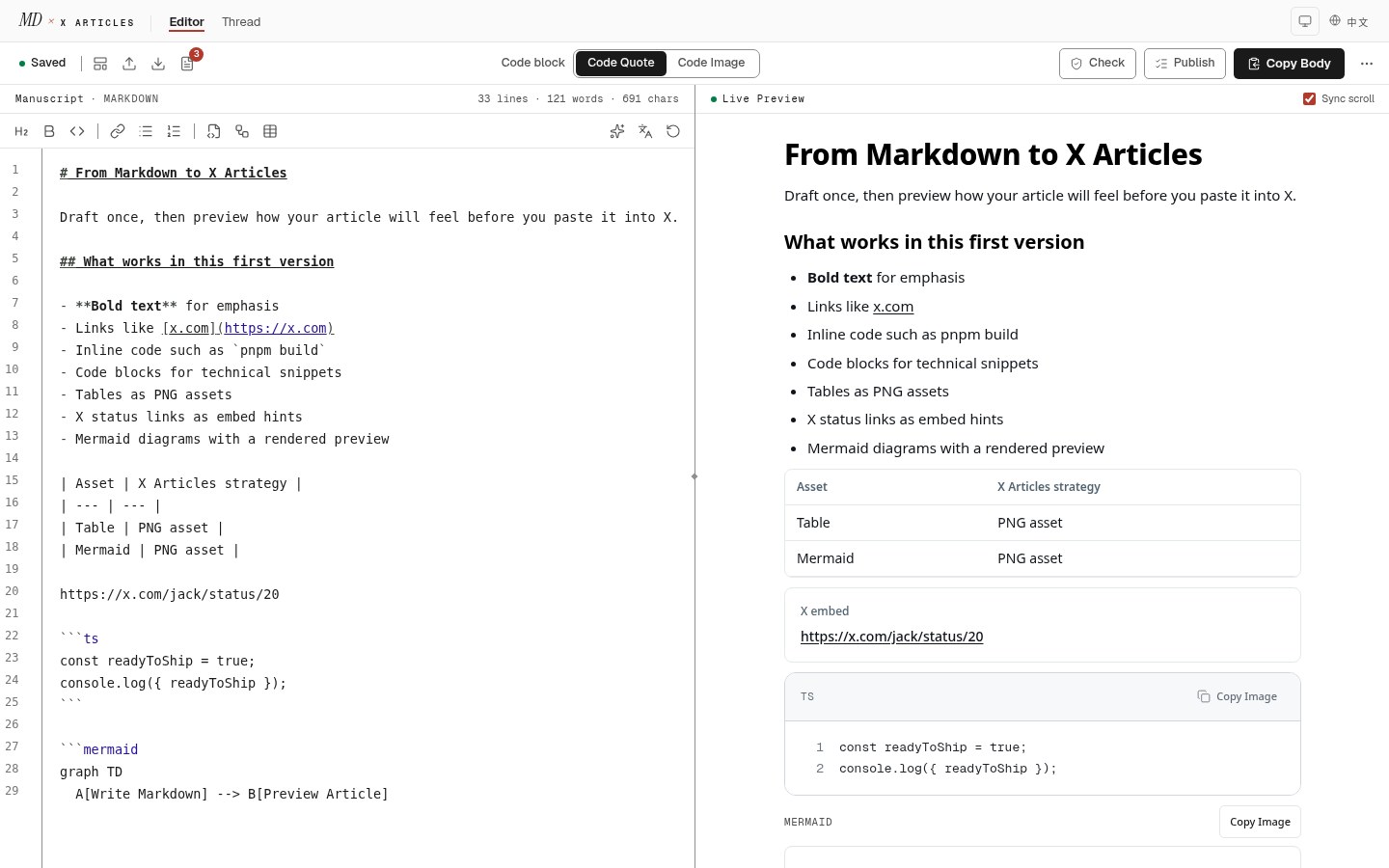
.mdfile and previews live. You can install it as a PWA and keep editing offline (AI features need a network). - Copy title and body. The toolbar offers Copy Title / Copy Body. For code blocks you can choose Code Quote (rich text) or Code Image (syntax-highlighted PNG, several themes).
- Paste into X Articles. Paste in the X editor; paste image assets from the panel into placeholders; optionally generate an AI cover.
This is not “yet another Markdown previewer”. The target output is X Articles-ready rich text on the clipboard plus a handful of PNG assets, not another HTML blog post.
Feature checklist (site / README as of research day)
| Capability | Notes |
|---|---|
| Rich-text clipboard | Keeps heading levels, bold, links, lists, inline code — ready to paste into X Articles |
| Code block → PNG | Several themes (README lists GitHub, Dracula, Nord, Night Owl, Tokyo Night and others; the UI often shows about nine) |
| Table → PNG | Renders Markdown tables as clean image assets |
| Mermaid → PNG | Flowcharts, sequence diagrams and the like; colors follow light/dark theme |
| AI cover | Calls an OpenAI-compatible API to generate a cover from the article (bring your own key / endpoint) |
| Thread split | Splits a long piece into numbered Thread fragments (AI) |
| Polish / translate | README mentions polish and Chinese↔English translation on a selection (needs AI) |
| Local drafts | Auto-saved to localStorage; can be exported |
| UI languages & themes | Chinese and English UI; light and dark mode |
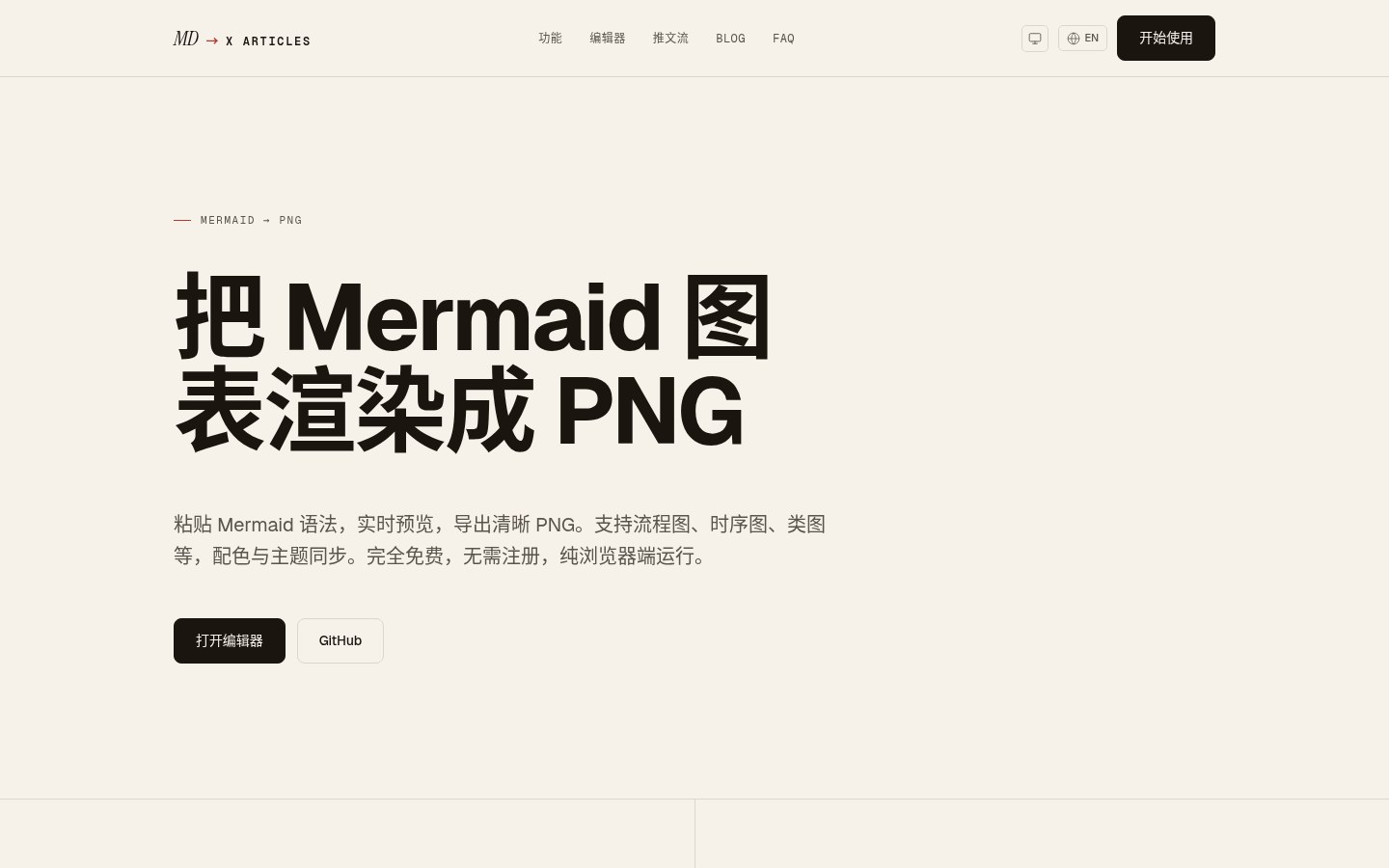
There are also single-purpose pages that do not open the full editor — handy when you only need one image:
- Mermaid → PNG
- Code → image
- Markdown table → image
Stack and open source
The README describes roughly: Next.js 16 (App Router), TypeScript, Tailwind, Vercel AI SDK, PWA (Serwist), Upstash rate limiting, and so on. License is MIT. You can use the hosted service as-is, or run your own with pnpm install && pnpm dev.
The public deployment has rate limits and Vercel Analytics / Speed Insights — so visiting the site involves site analytics. That is separate from whether your draft text is uploaded. The author stresses that manuscripts stay in the browser; once you turn on AI cover / polish / Thread split, content goes to the model endpoint you configure (and any server-side proxy those features use — check the privacy policy and network traffic of the day). Turn AI off and stick to local preview plus PNG rendering, and the attack surface is much smaller.
For a similar “process in the browser, upload as little as possible” angle, we have also written about local-first tools on this site. For note-taking you can use EdgeEver; if what you need is “clip an AI chat from the web and turn it into a draft”, pair MD2X with AI Chat Clipper from this same batch.
Known limits (from the project itself)
Preview and paste cannot recreate every Markdown dialect 100%. Common gaps include:
- Footnotes and some LaTeX math (may fall back to plain text);
- Embedded video / iframes cannot be pasted into X directly — turn them into links;
- Remote images inside Markdown are not auto-uploaded to X; you still paste images yourself;
- X Articles itself keeps changing — preview again inside X before you publish.
Also: posting Articles requires an X account with the right entitlements. MD2X does not log you into X or post for you; it only does layout and assets.
A practical workflow
- Finish a draft in your own editor, or write directly in MD2X.
- In the preview, check heading levels and lists; switch code blocks to Code Image and pick a theme that matches the body background.
- If you have Mermaid or tables, open the Assets panel and confirm every image was generated.
- Copy Title → paste into the X title; Copy Body → paste into the body; then place the PNGs.
- If you want a Thread instead of an Article, use the split feature and rewrite any stiff numbered sentences by hand.
The UI has Chinese and English; pick whichever matches the draft. The project is still young and lightly starred — file rendering bugs on GitHub Issues.
A read-only walkthrough: code + Mermaid
On October 23, 2026 we opened the Chinese editor page (no login). The default sample already included: a title, lists, a Markdown table, a TypeScript fenced code block, and a Mermaid block. In the right-hand preview we could see:
- the table turned into a copyable asset style;
- a Copy Image control next to the code block;
- the same image-copy entry on the Mermaid block;
- the toolbar switching between Code Quote and Code Image.
Without signing into X and without configuring an AI key, local preview and PNG generation worked — which matches the “layout first, decide later whether to enable an AI cover” workflow. The standalone Mermaid → PNG page is better when you only need one diagram and do not want the full editor.
Articles vs ordinary tweets
Articles are the long-form surface; ordinary tweet threads are a different product line. MD2X touches both: the main path serves Articles rich text, with an extra Thread splitter. If you only post short tweets, the payoff is limited; if you already draft 1,500+ word technical notes, changelogs or architecture write-ups in Markdown, the gain is much clearer.
Before publishing, still preview once inside X — fonts, image order and whether links are clickable. A third-party clipboard cannot guarantee a perfect match with every X client, especially between the app and the web.
Who it is for
| Your situation | Our take |
|---|---|
| You often post technical long-form / Articles on X and are tired of screenshotting code and tables | A strong fit |
| You already write in Markdown and want “preview ≈ publish” | A good fit |
| You want to self-host the layout page or audit the source (MIT) | Worth cloning |
| You never use X Articles and only need a static blog generator | Skip it — Hugo / similar is a better match |
Feature details and theme counts follow markdown2x.com and the repo README; this article does not claim to match every future redesign.


