


You have a useful discussion with ChatGPT or Claude, come back two days later, and cannot find it in the history search. Select-all and copy mangled the code blocks and tables. Official export is missing or crude, and getting the chat into Obsidian or your own Git repo usually means another round of fiddling.
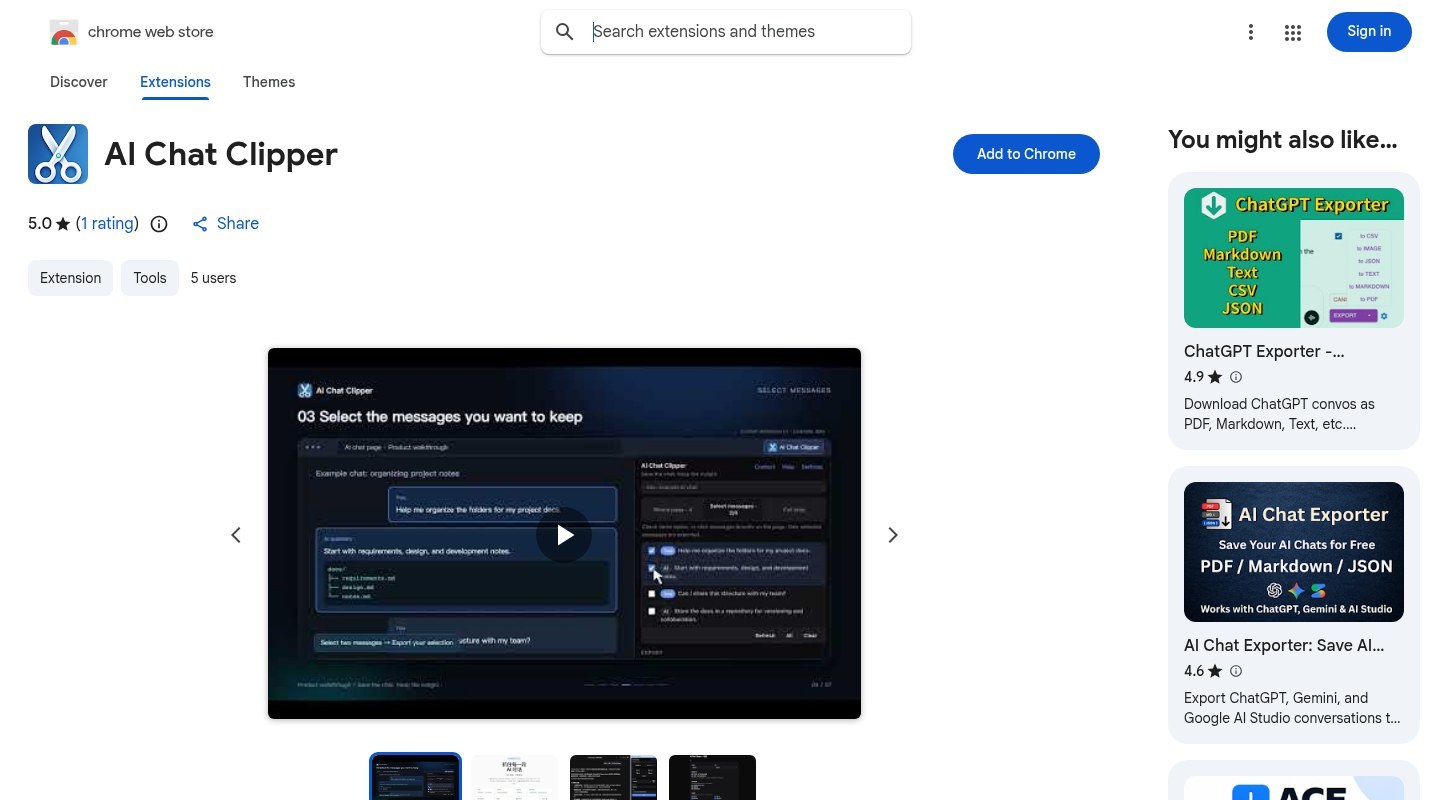
AI Chat Clipper is a Chrome / Edge extension: on an AI chat page you already have open, it mounts a floating panel (or sidebar) so you can export the whole session — or only the messages you tick — as Markdown, JSON or PDF, or commit straight to your own GitHub / GitLab repo. Site: clipper.exbye.work. The author also posted about it on V2EX (a Chinese tech forum). Researched October 23, 2026.
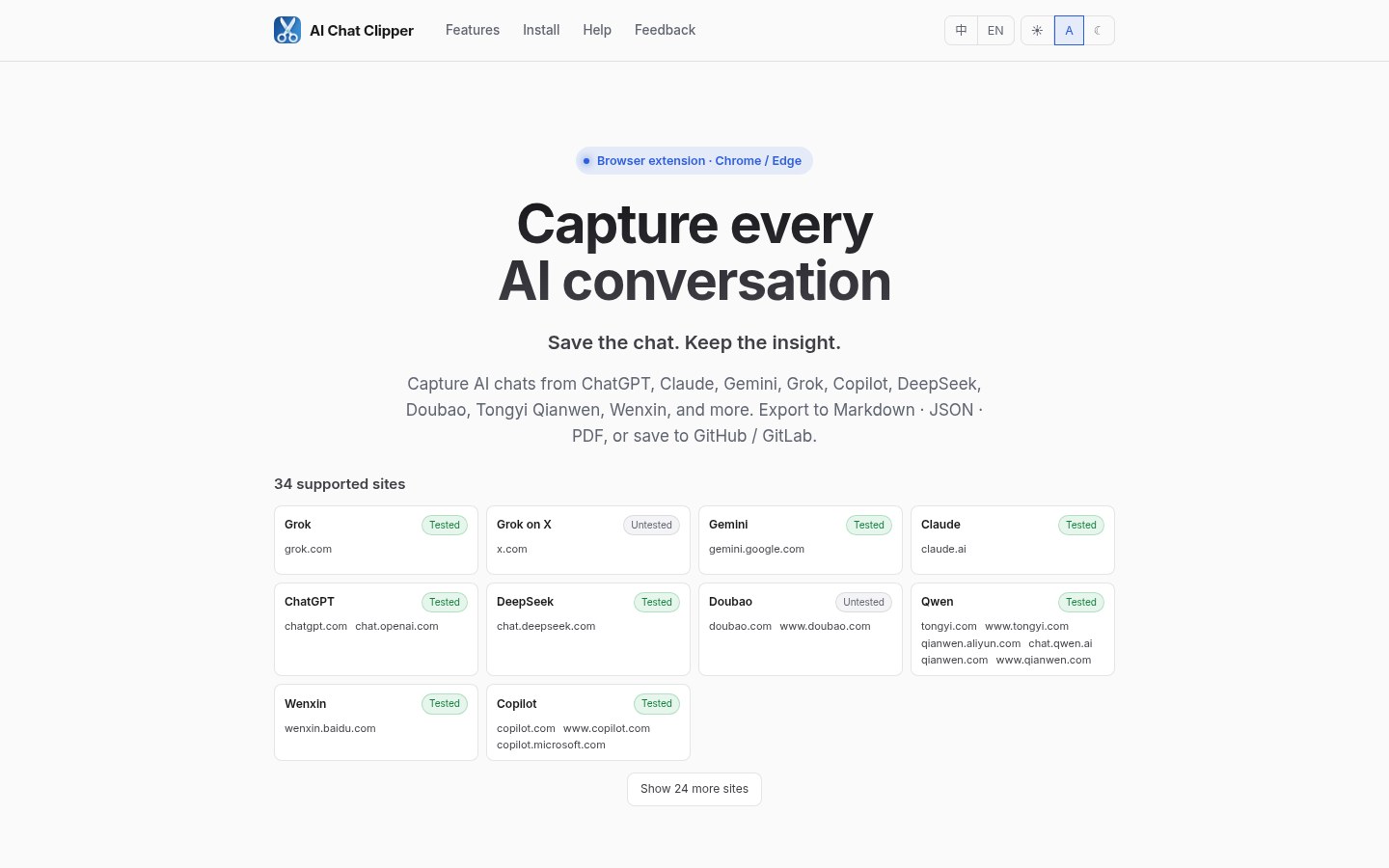
At a glance
| Item | Details |
|---|---|
| Type | Browser extension (Chrome Web Store / Edge Add-ons) |
| Version | Store page showed 0.5.2 (updated around October 3, 2026; trust the store) |
| Price | Free; no paid tier seen |
| Platforms | Chromium browsers: Chrome, Edge |
| Website | clipper.exbye.work |
| Chrome | Store page (~5 users, one 5.0 rating when checked) |
| Edge | Add-ons page |
| Open source | No public repo linked on store or site — treat as closed-source |
The extension is still very new with few users; treat the site and store copy as the source of truth. Below is what we could verify on October 23, 2026.
Which chat sites it supports
The landing page lists built-in sites, with cards marked “tested” / “untested”. What we could confirm:
| Platform | Typical domains | Notes |
|---|---|---|
| ChatGPT | chatgpt.com / chat.openai.com | Tested |
| Claude | claude.ai | Tested |
| Gemini | gemini.google.com | Tested |
| Grok | grok.com; Grok entry on x.com listed separately | Main site tested; X entry may still show untested |
| DeepSeek | chat.deepseek.com | Tested |
| Microsoft Copilot | copilot.microsoft.com and others | Tested |
| Qwen (Tongyi Qianwen) | tongyi.com / qianwen.aliyun.com / chat.qwen.ai and others | Tested — Alibaba’s Chinese AI chat product |
| Ernie Bot (Wenxin Yiyan) | yiyan.baidu.com and others | Tested — Baidu’s Chinese AI chat product |
| Doubao | doubao.com | May still show untested — ByteDance’s Chinese AI chat |
The landing page also has a “show more sites” control; the total changes with versions. After install, trust whichever pages actually inject the floating panel. If the panel does not appear, confirm the URL is in the support list, then refresh.
Export tools solve “how do I keep the chat”, not “how much quota is left”. For remaining subscription quota across several AI coding plans, see QuotaPanel on this site.
What you can export, and how to use it
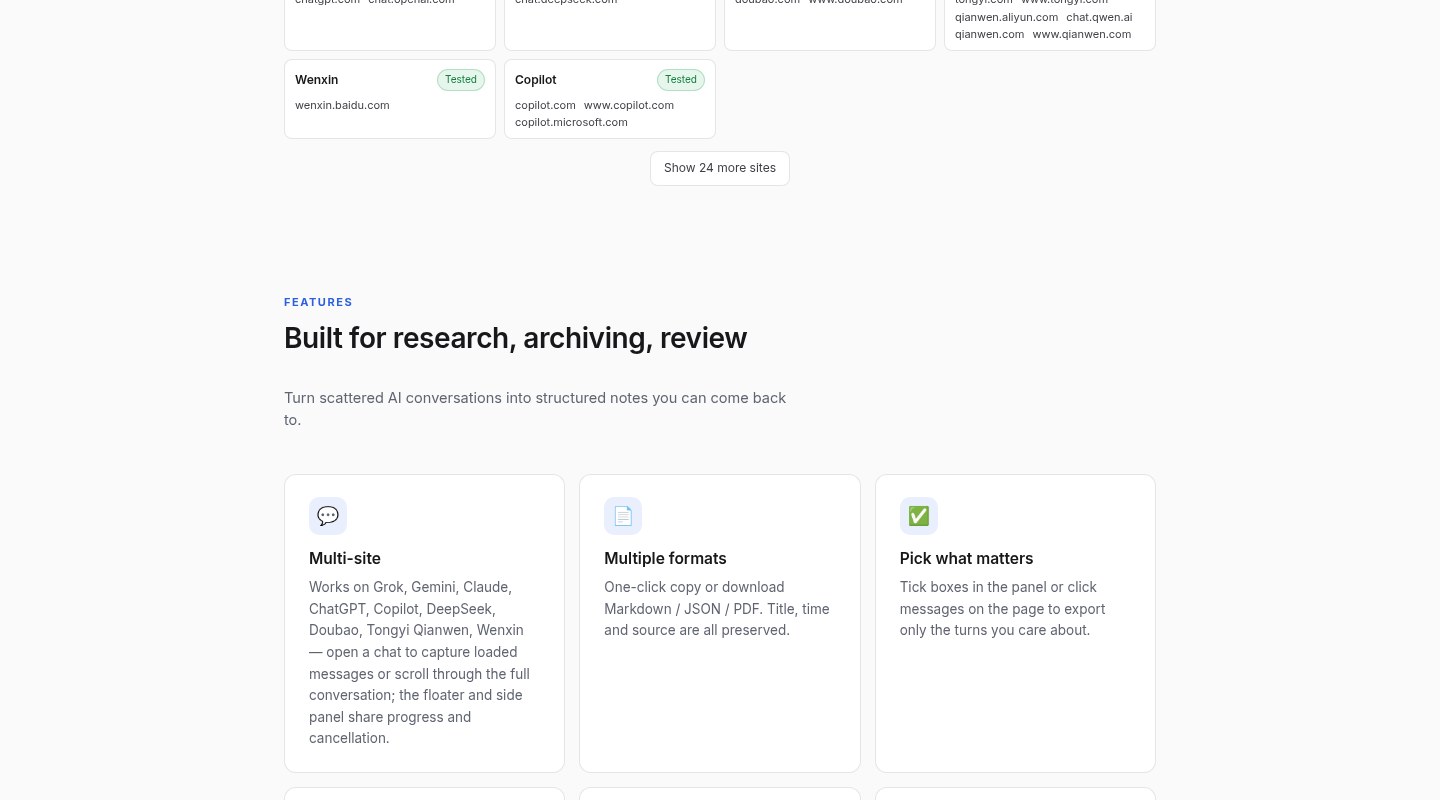
Store copy and the site break capabilities into:
- Whole-page capture. Open the panel or sidebar, set scope to the entire page, take the current session in one go.
- Multi-select messages. Enter selection mode, click bubbles or tick rows in the panel; export only what you want to keep.
- Three formats. Markdown keeps code fences, lists and quotes for note apps; JSON carries role/content fields for further processing or feeding another model; PDF is rendered locally, not on the author’s servers.
- Commit to Git. In settings, add one or more GitHub / GitLab repos (token, default path, default branch) and commit in one click; same-name file policy can be append / overwrite / ask each time.
Suggested first-minute flow:
- Install from the Chrome or Edge store.
- Open any supported AI chat page and check for the floating panel in the lower-right; you can switch to sidebar in extension settings.
- Try “Copy MD” or “Download .md” once and inspect code blocks and heading levels.
- For long-term archive, add a repo in settings: the token stays in local
chrome.storage.local; API calls go straight from the browser to GitHub / GitLab.
Privacy and permissions
The site and privacy policy (last updated labeled 2026-05-19) stress “local first”. After checking, read it as:
- Chat body, original URL, filenames and Git tokens do not leave your browser by default; export and PDF rendering happen locally.
- GitHub / GitLab tokens live only in browser local storage; commits go from the extension straight to the host.
- Anonymous usage analytics are on by default (events like “opened panel”, “exported Markdown”) — no chat content, URL or token. Turn them off under Settings → Privacy. If you care, do that first after install.
- The extension needs page-content access on supported sites to capture chats; exact permissions are whatever the store page requests. For unfamiliar extensions, try a secondary profile or only export sessions without secrets.
When you drop Markdown into a notes vault, you can pair it with EdgeEver: Clipper pulls chats from the web; a self-hosted notes app does search. Browser agents that drive the browser for you are a different product category.
How it differs from “official export”
Web clients are inconsistent: some export whole histories, some only share links, some strip code highlighting on copy. AI Chat Clipper is more like a clipper for the current conversation:
- You do not wait for each vendor to ship a unified export format;
- You can tick only the valuable turns and skip the trial-and-error noise;
- Markdown / JSON suit a notes vault or further processing; PDF suits non-coding colleagues;
- Direct Git is for people who already use a repo as a second brain — folders by date or topic, building a private knowledge base over time.
It does not replace: account-level “export all data”, cross-device cloud sync, or full restore of encrypted attachments. Whether attachments land in the export depends on whether the page DOM / APIs expose them. The site also warns that capture depends on page structure and may break briefly after a site redesign.
Small tips
- Floating button greyed out: confirm the domain is supported, hard-refresh; if still stuck, try sidebar mode.
- Too many panel buttons: Settings → Export options can hide copy / download entries you rarely use.
- Default branch: set it in the repo config so the main panel does not ask every time.
- Token scope: GitHub / GitLab — minimal write access to the target repo only; never a super-admin token.
- Analytics: if you dislike anonymous telemetry, turn it off right after install.
If you mainly use APIs / CLIs rather than web chat, export needs look completely different — that is Claude Code / Codex CLI logs and session files territory, better paired with tools like QuotaPanel, not this extension.
Who it is for (and who should wait)
| Your situation | Our take |
|---|---|
| You often produce long answers, plans or code snippets in ChatGPT / Claude / Gemini / DeepSeek web UIs and want them in a Markdown vault or private Git repo | A good fit |
| You hate format-breaking copy-paste | A good fit |
| You need account-level full-history export or audited open source | Not this tool — treat it as closed-source and current-session only |
| You only use API / CLI agents | Skip the extension |
When we wrote this, store user counts were still single digits. Stability is whatever you measure on your machine; if a site captures incompletely, use the site feedback area or the author’s forum post. Materials and screenshots are from the October 23, 2026 site and Chrome Web Store pages.


