


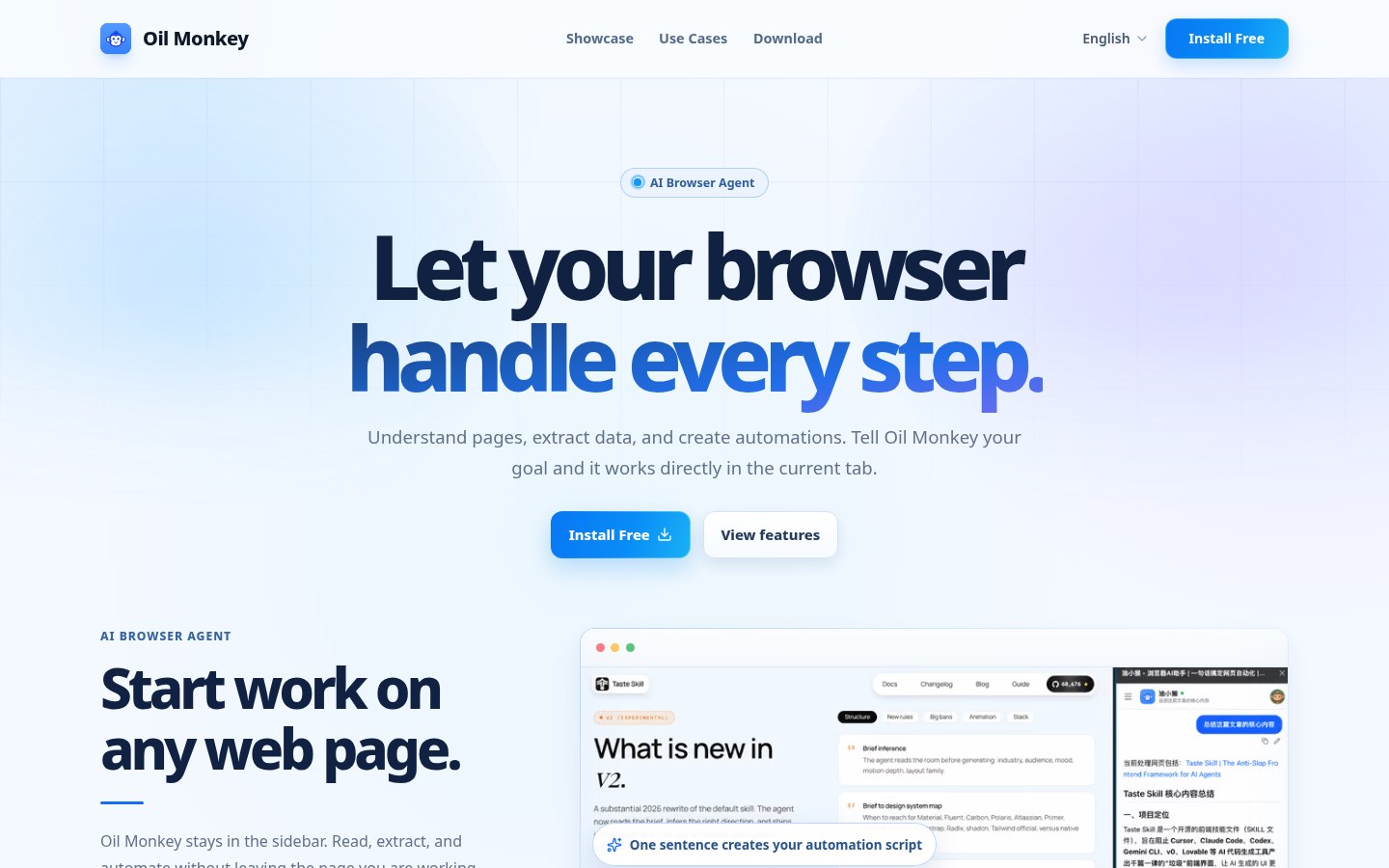
You are still on the current tab, but you need a long-page summary, a table pulled out, or help clicking buttons and filling forms — bouncing to another AI site and pasting back is tedious. Youxiaohou (Oil Monkey) puts AI in a Chromium-family browser as a sidebar + web agent: Chat mode reads the current page for Q&A and cleanup; Agent mode runs page actions after you authorize; it can also generate and run automation scripts. Site: aibot365.com. Closed-source commercial extension — not an open-source project; AI usage is billed in credits. Researched October 29, 2026.
At a glance
| Item | Details |
|---|---|
| Type | Browser sidebar AI / web agent (Chat + Agent) |
| Open source? | No (closed source; no public app repo to audit) |
| Platform | Site FAQ: Chrome, Edge, Firefox and common Chromium engines; Edge store copy leans Chrome / Edge Chromium |
| Edge store | Youxiaohou AI Sidebar · Browser Agent; when checked, version 5.4.1, ~2,786 active installs |
| Models | Copy claims support for DeepSeek and other mainstream LLMs (exact list is inside the extension) |
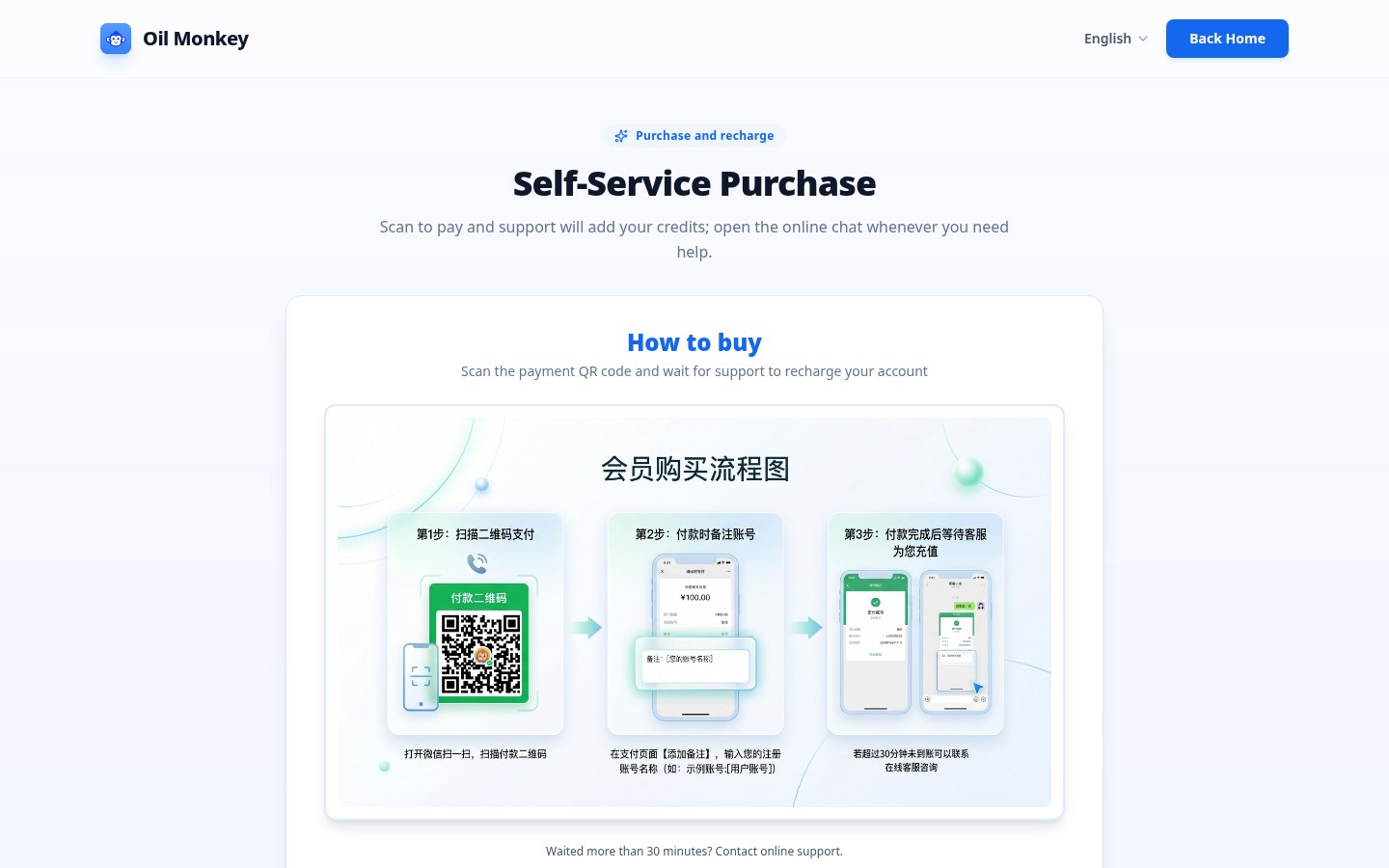
| Price | Install page says “permanently free” to install; AI usage is credit-billed — self-serve purchase / support top-up via QR (aibot365.com/support) |
| Contact | [email protected] |
| Site | aibot365.com |
Three tracks: Chat, Agent, scripts
Chat: summarize, translate, extract, and tidy Markdown from the current page; you can follow up. Agent: state a goal, it plans the task; clicks, fills, and submits need your review and confirm — store copy says it handles page tasks “after obtaining authorization,” not unattended random clicking. Scripts: can generate Tampermonkey-style automation scripts to run or install for matching sites; for irreversible batch / payment / delete actions, the FAQ suggests caps and a small dry run first.
Privacy policy summary (site copy): AI processes current-page content to fulfill the request; claims not to save or sell browsing content; tokens, preferences, and script data stay in Chrome Storage locally. Treat the privacy page as authoritative.
How it sits next to other browser tools on this site
| Need | Better fit |
|---|---|
| Export ChatGPT / Claude / Gemini chats to Markdown | AI Chat Clipper |
| Bilingual page reading and selection translation | mewCat |
| See a site’s tech stack | StackPrism (EN pending) |
| Desktop open-source agent, not tied to the browser | Cindy |
| Sidebar page reading, authorized click-and-fill, closed-source credits | Youxiaohou |
Who it is for (and pitfalls)
Good fit: often summarize / extract tables / assist form-fill on the web; accept closed source and credits; mainly use Chrome or Edge.
Skip for now: must audit source or run fully offline / private; treat the Agent as unattended sniping or rule-bypass automation (FAQ explicitly discourages abuse and harming others’ services); want free unlimited models — install is free, quota still follows credits and support top-up rules.
Install: site “free install” local package, or the Edge add-ons store. Version, install count, and billing follow the October 29, 2026 site / store check.


