


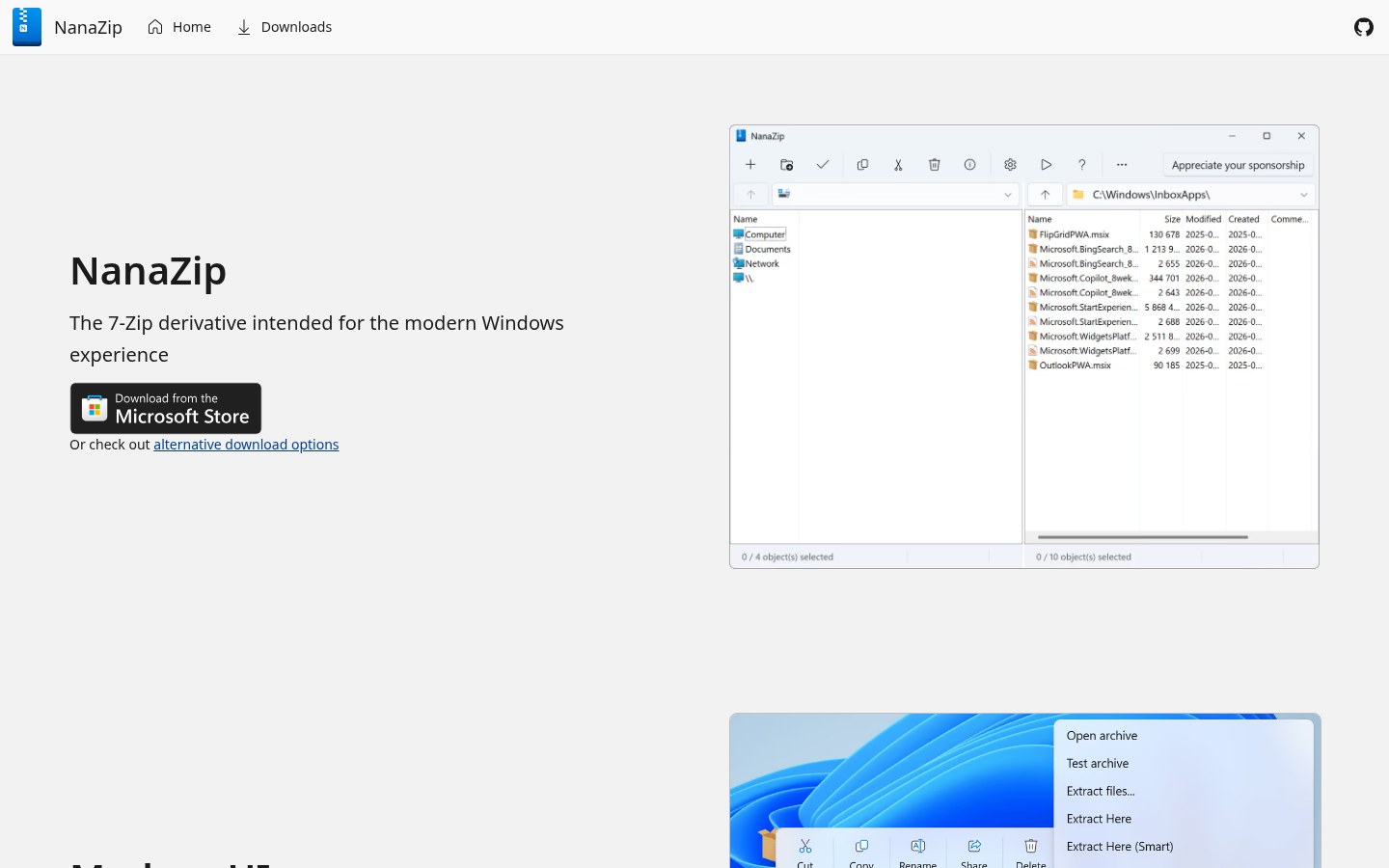
Still using Windows built-in “Compressed Folder,” or stuck on classic 7-Zip skins? NanaZip is a 7-Zip fork for modern Windows: Win11 context menu, Fluent / Mica, dark mode, smart extraction, plus extra codecs. Repo M2Team/NanaZip, site nanazip.org. Researched October 28, 2026.
At a glance
| Item | Details |
|---|---|
| Type | File compress / extract (modernized 7-Zip fork) |
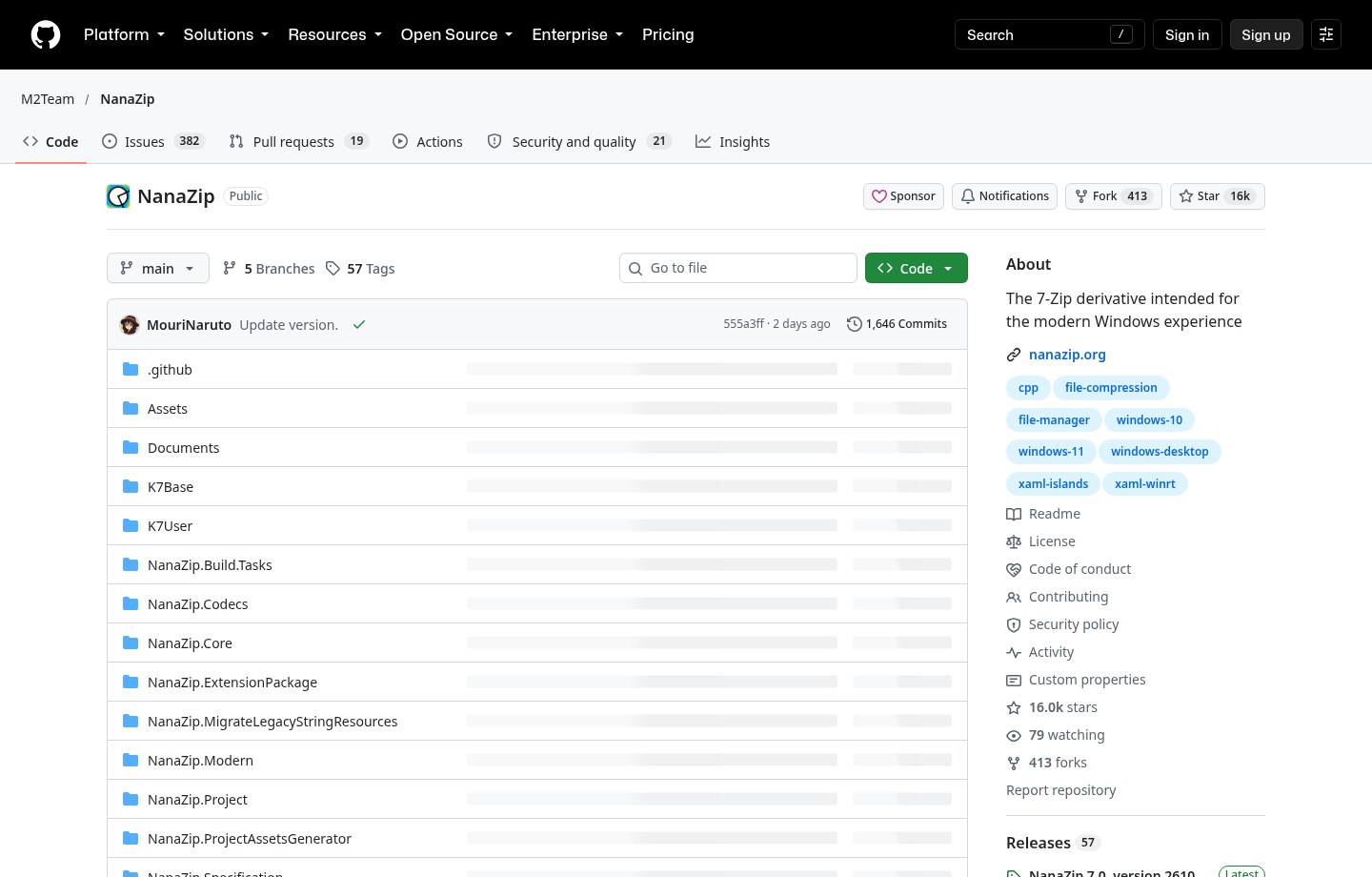
| Version | 7.0.1882.0 (NanaZip 7.0 / 2610.2, released 2026-10-26) |
| License | Own code MIT; 7-Zip / derived parts follow 7-Zip License; project marks also CC BY-ND 4.0 (see repo License.md) |
| Platform | Windows 10 / 11 (MSIX packaging; classic UI / modern UI) |
| Stars | About 16,000 when checked |
| Distribution | Microsoft Store stable; Preview channel has a separate Store page; GitHub Releases ships .msixbundle / Binaries.zip |
| Site | nanazip.org |
What you get beyond built-in zip / stock 7-Zip
NanaZip inherits 7-Zip 26.05 plus 7-Zip ZS / NSIS capabilities, then wraps them for Win10/11:
- Modern shell: Windows 11 Explorer context menu, Fluent design, Mica main window, dark mode, per-monitor DPI.
- Smart Extraction: archives with a single root folder need fewer clicks; multi-root packs get tidier layout; you can also open an archive and smart-extract immediately.
- Extra formats: beyond 7-Zip, adds Zstandard, Brotli, LZ4 / LZ5, WASM, Electron ASAR, .NET Single File Bundle, and more (codec details in the repo README).
- Safer defaults: Mark-of-the-Web is propagated to extracted files by default; CFG and package integrity mitigations exist; Group Policy can tighten further (see Policies docs in the repo).
- Migration: 7-Zip execution aliases help scripts move over from classic 7-Zip.
How it sits next to other file tools on this site
| Need | Better fit |
|---|---|
| Drag a file for a radial convert / compress menu | DragShift (EN pending) |
| Batch image / PDF convert vs paid converters | Open Tangerine (EN pending) |
| Multi-tab file manager | crFiles (EN pending) |
| Windows setup checklist that includes an archiver | 2026 Windows essentials (EN pending) |
| Modern UI 7-Zip you can install from the Store | NanaZip |
Built-in zip is fine for “unzip one pack once in a while”; for daily 7z / split volumes / high compression, stock 7-Zip still works. NanaZip’s pitch is: same engine spirit + Win11-native interaction and distribution.
Install, license, caveats
Search NanaZip in the Store or open the Store link above; if you skip the Store, grab NanaZip_*.msixbundle from GitHub (Preview packages have Preview in the name — don’t mix channels). Latest stable when checked: 7.0.1882.0.
Don’t stop at GitHub’s NOASSERTION license badge: repo License.md spells out NanaZip-owned code as MIT, while 7-Zip-related trees stay under 7-Zip License. Read the originals before commercial redistribute.
Good fit: Win10/11 users who want to retire the old 7-Zip UI; prefer Store updates or MSIX; need Zstd and other extras or smart extraction.
Skip for now: non-Windows; must stay portable with no MSIX; only unzip the occasional zip and don’t want any third-party tool — use the built-in.
Entry: nanazip.org · GitHub Releases. Version and stars follow the October 28, 2026 check.


