


You need to highlight a contract, a scan, or lecture slides on a PDF — and you do not want to upload that file to a random online converter. A browser app that stays fully offline fills that gap.
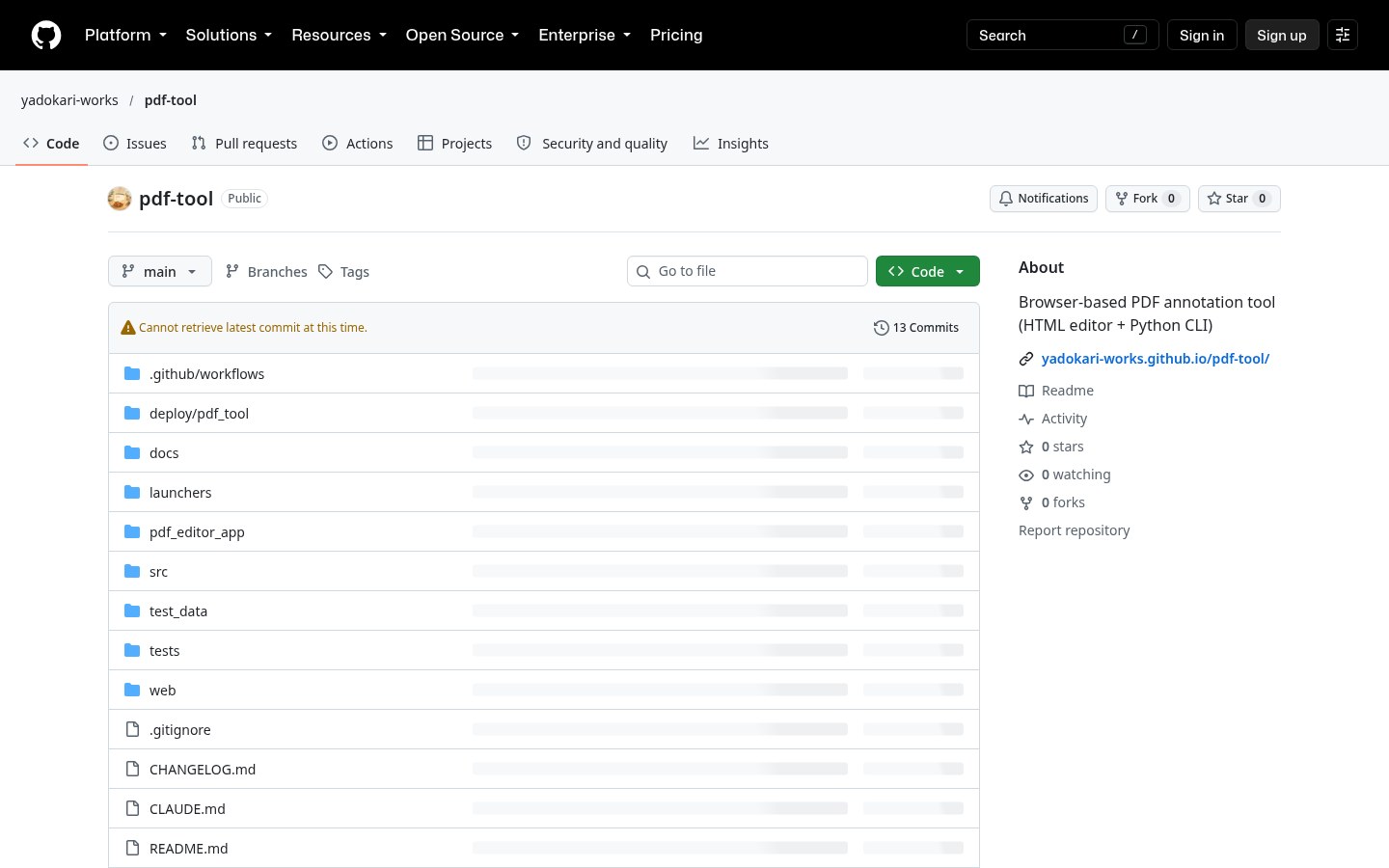
PDF Tool by yadokari-works is exactly that: a self-contained HTML package that annotates PDFs locally in Chrome, Edge, Safari or Firefox. Nothing is sent to a server. Repo: yadokari-works/pdf-tool; live demo: yadokari-works.github.io/pdf-tool. Researched October 26, 2026.
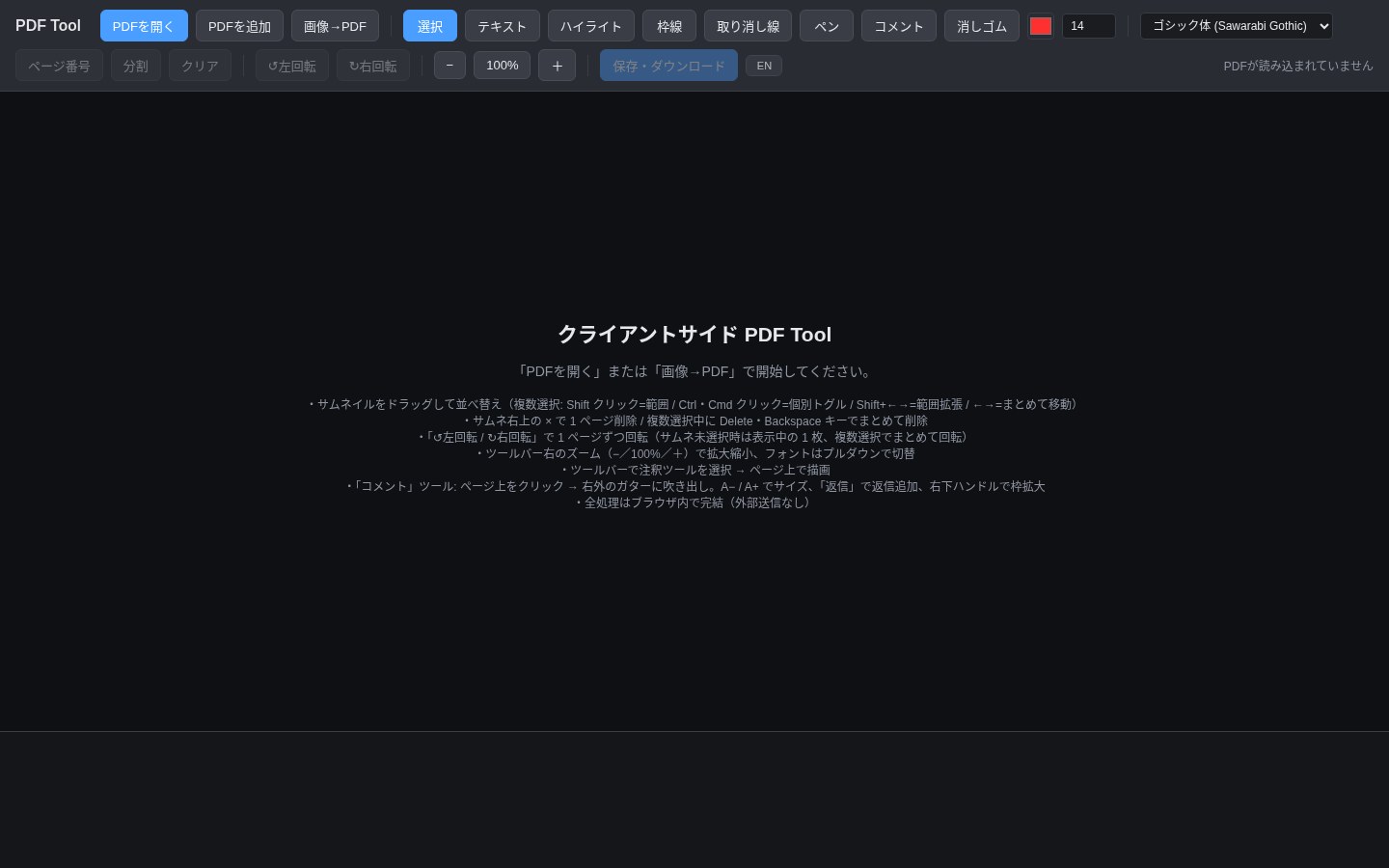
At a glance
| Item | Details |
|---|---|
| Type | Privacy-first browser PDF annotator / light editor |
| Version | v1.5.0 (released June 21, 2026; latest Release when checked) |
| Price | Free to use; dependency licenses in the package LICENSE.txt (PDF.js, pdf-lib, and others) |
| Platform | Windows / macOS zip bundles; also any modern browser (Chrome / Edge / Safari / Firefox) |
| Download | Releases: PDF_Tool_Windows_EN/JP.zip, PDF_Tool_Mac_EN/JP.zip |
| Online demo | GitHub Pages demo (after load you can disconnect Wi‑Fi and keep editing) |
| UI language | JP / EN one-click switch (independent of which zip you downloaded) |
| Stars | Very few stars when checked — judge by features and privacy claims, not popularity |
What it can do
The README keeps the feature list practical:
- Text, highlight, box select, strikethrough, and freehand pen
- Word-style comments: margin bubbles you can reply to, with leaders pointing at the page spot
- Page management: reorder, multi-select, delete, rotate; optional page numbers
- Merge PDFs; images → PDF (PNG / JPEG)
- Bundled Sawarabi Gothic font, or load your own
.ttf/.otf; zoom 40%–400%, annotation size stays independent of zoom
Packaged installs are trivial: unzip, double-click the entry HTML (pdf_tool_bundled.html on Windows EN, Start_Here.html on Mac EN), and it opens in your local browser — no installer.
How it sits next to other PDF / file tools
| Need | Better fit |
|---|---|
| Quick browser image compress, format conversion, small-tool collections | Public online toolboxes (and our China-oriented Baffox online tools page; no EN) |
| Heavier PDF editing / Acrobat-replacement path in Rust | PdfCraft in the storytold Craft suite (EN pending) |
| Drag a file, hold Shift, convert images / PDF from a radial menu | DragShift (EN pending) |
| Contract markup, highlights, comments — zero upload | PDF Tool |
It is not a full layout engine and does not do OCR reflow. Complex form fill-in, digital signatures, and enterprise redline review still need professional software.
Privacy boundary
The project is explicit: processing stays inside the browser; files do not leave your machine. On the demo page you can load once, then turn off Wi‑Fi and keep editing. The zip packages are the same local HTML bundle. That fits “sensitive PDFs I will not shove through a third-party compress site”. Still: open only from official Releases / official Pages, and clear IT change control in workplaces.
Who it is for (and who should skip)
Good fit: Windows / Mac users who want offline markup, merge, and image-to-PDF; care about uploads; are fine with an English or Japanese UI (JP/EN toggle).
Skip for now: you need deep reflow, OCR, e-signatures, or a server batch pipeline; or IT only allows a signed system installer.
Download: v1.5.0 Releases. Try online: demo page. Features and version follow the October 26, 2026 README / Release notes.


