


If you suddenly need a sheet of graph paper, a dotted notebook page, staff paper, or Cornell notes, the usual hassle is hunting down a template, or landing on a site that wants you to sign up and then serves a file you do not quite trust. On November 19, 2026, in desktop Chrome, we opened MakePaperFast. We did not create an account. We exported several PDFs and one SVG under different settings, then used pdfinfo and rendered images to check the paper size and the grid spacing.
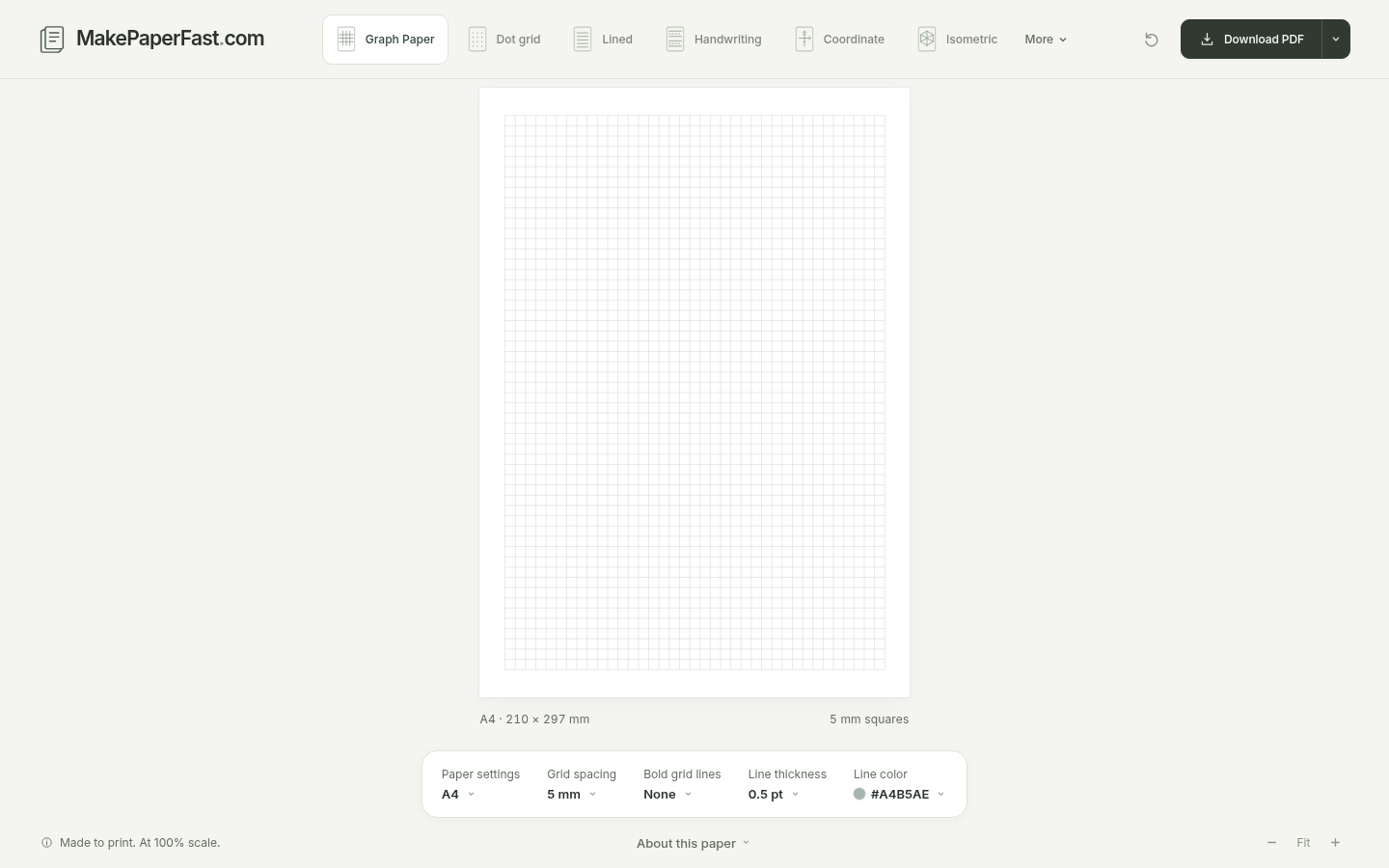
The homepage title is “Modern Graph Paper Generator — Free Printable PDF in Seconds.” The interface is in English, and the page language is also marked en. When it opened, we did not see a cookie banner, a sign-up wall, a price, or a pop-up ad. The header, from left to right, is MakePaperFast.com, Graph Paper, Dot grid, Lined, Handwriting, Coordinate, and Isometric, with the remaining kinds under More: Hex grid, Calligraphy, Cornell notes, and Music staff. By default it already showed a sheet of A4, 5 mm graph paper, with a line underneath that read “A4 · 210 × 297 mm” and “5 mm squares.” The footer has About and Privacy. We did not find a language switcher. One other note: when we opened www.makepaperfast.com in the browser, the TLS handshake failed. This test used the apex domain, makepaperfast.com.
The same day we looked at the public repository defcc/makepaperfast: the language is JavaScript, the star count on the GitHub API was 6, and the homepage is listed as https://makepaperfast.com/. There is no license field in the repository root or in package.json, and there is no LICENSE file in the tree, so we are not presenting it as an open-source project. Public code is not the same thing as a declared public license. The star count is only the number we saw that day.
Who it is for, and what options are on the page
It is a good fit if you have already decided to work on paper and you just need a temporary sheet of grid paper, dot grid, handwriting paper, staff paper, or Cornell notes, without first downloading a template you do not trust and without signing up. It is not a note-taking app for writing on the screen. If the goal is also to print a practice sheet, it is in the same “export and print” category as SudokuSheet, which we have written about — except SudokuSheet produces sudoku puzzles, not blank grids.
The default view is the graph-paper tool. The controls we actually saw were:
| Item | Options we saw on the page on November 19, 2026 |
|---|---|
| Paper kinds | Graph Paper, Dot grid, Lined, Handwriting, Coordinate, Isometric; under More: Hex grid, Calligraphy, Cornell notes, Music staff |
| Paper settings | ISO A2–A5, US Letter and others, and Custom; Portrait / Landscape; margins (default 12 mm); page count; background color |
| Graph paper only | Grid spacing (default 5 mm, with presets such as 10 mm), Bold grid lines (default None), Line thickness (default 0.5 pt), Line color (default #A4B5AE) |
| Actions | Download PDF, Download SVG (labeled Editable vector), Print this page (labeled 100% / Actual size), Copy link to this paper, Reset this paper |
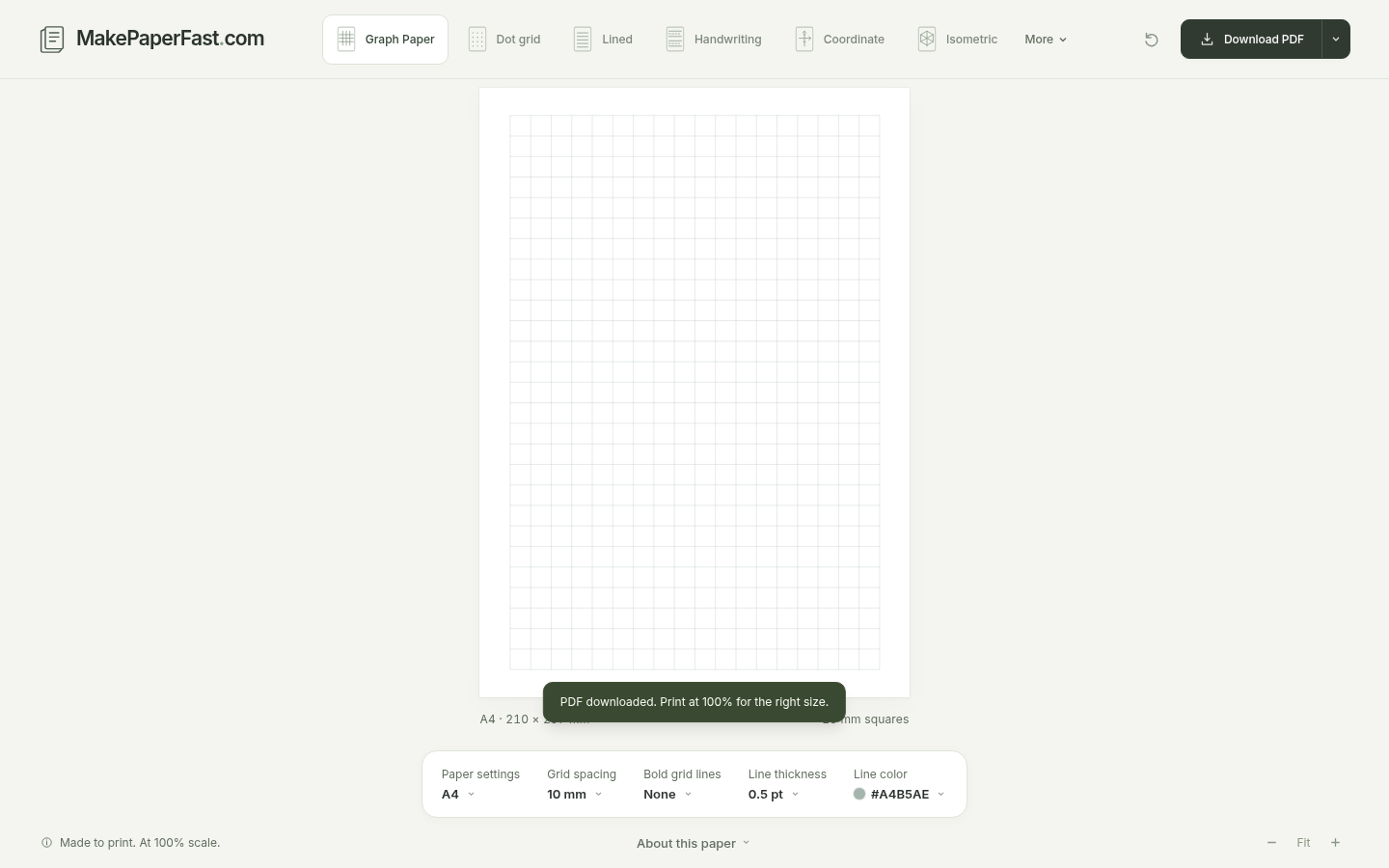
The lower left says “Made to print. At 100% scale.” After we clicked Download PDF, a notice appeared on the page: “PDF downloaded. Print at 100% for the right size.” The About page also says that to keep the size you chose, you should print the PDF at Actual Size or 100%. The FAQ adds that choosing “Fit to page” on the printer may shrink the squares, and that to check a 5 mm grid you can measure ten squares and see whether they are 50 mm. We did not connect a printer; these points are from the page and the About text.
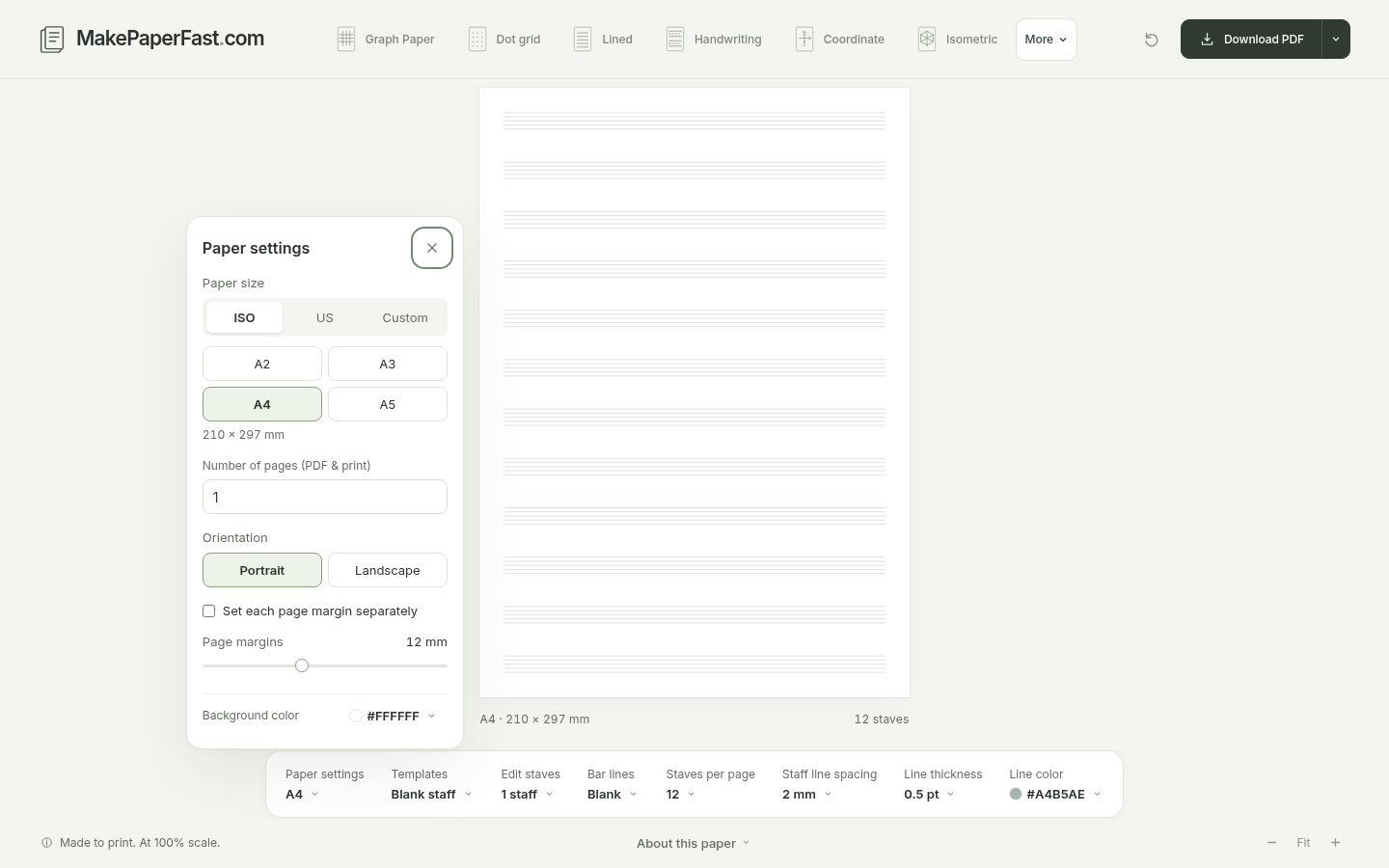
The music-staff page defaulted to A5, 12 rows of blank staff. We later changed it to A4 in Paper settings before exporting. For dot grid we chose A5. The Cornell notes page opened as A5, with a lined notes area. On the Handwriting page we only looked at the interface (A4, Three-line, 12 mm letter height, 6 mm line spacing) and did not export.
What the PDFs and the SVG actually contained
The test was on November 19, 2026, in desktop Chrome, without signing in. After we clicked Download PDF or Download SVG, the browser started a download directly, and the suggested filename included the paper kind, the size, and the key settings.
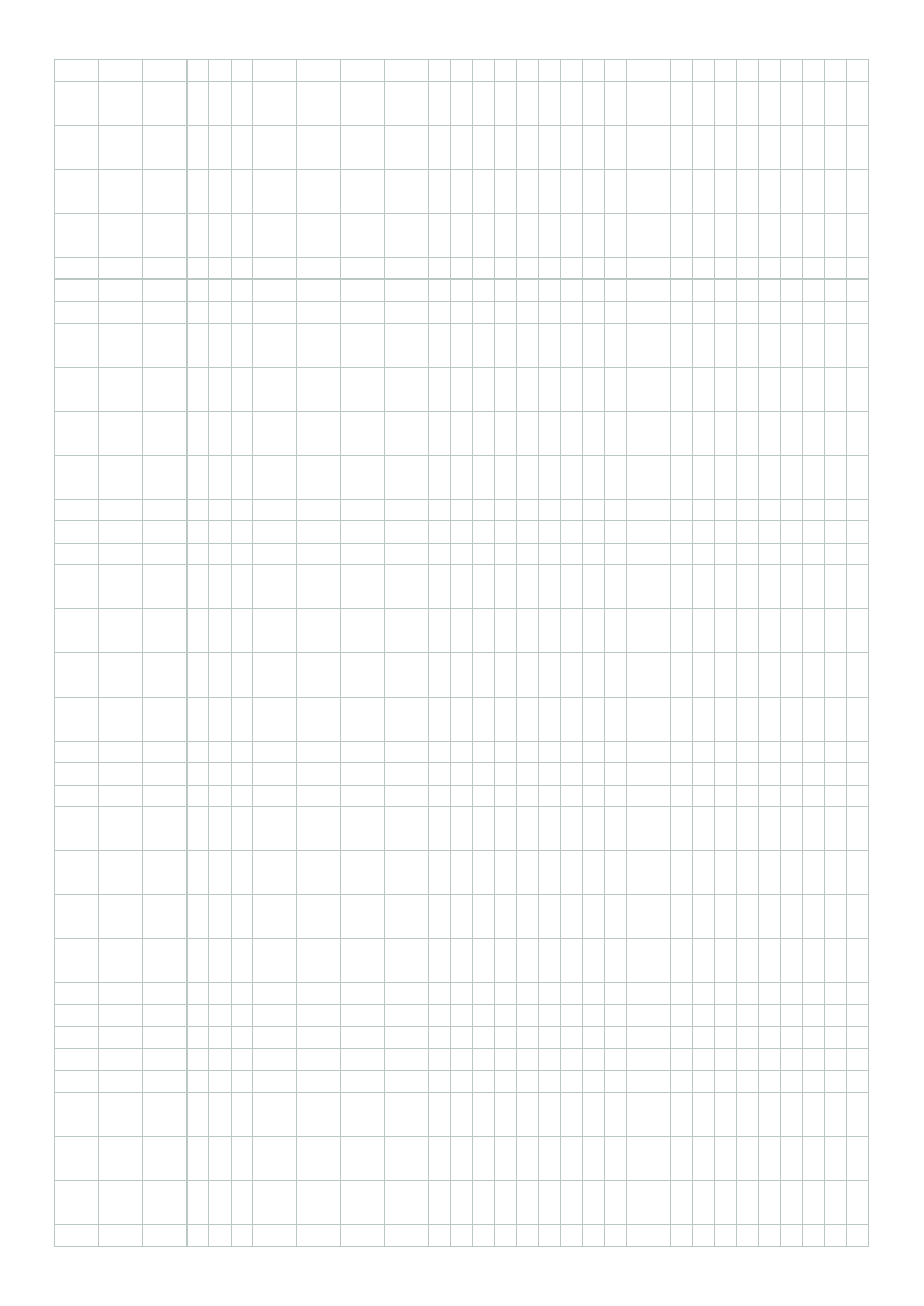
First file: the homepage default, A4 graph paper, 5 mm, no bold lines, 0.5 pt stroke. We got makepaperfast-graph-a4-portrait-5mm.pdf, 4,715 bytes, 1 page, with a page size of 595.276 × 841.89 pts, which is 210 × 297 mm A4. The title was Graph paper – MakePaperFast, and the Producer was “MakePaperFast vector paper engine.” The file had no extractable text layer. After rendering, it was a light-green vector grid, with no watermark and no bitmap that had been photographed onto the page. At 150 dpi, we counted 37 squares across and 54 down; the spacing between adjacent lines was about 29.54 pixels, which comes out to 5.00 mm, matching the setting. The margins were a little wider than the 12 mm in the settings (about 12.5 mm left and right, about 13.5 mm top and bottom). The site FAQ says the grid is laid in whole squares inside the margin, and any leftover space is split between the two sides. The blank space we measured matches that description.
Second file: we changed only Grid spacing to 10 mm. The squares in the preview became clearly larger, the toolbar changed to “10 mm,” and we clicked Download PDF again. We got makepaperfast-graph-a4-portrait-10mm.pdf, 2,864 bytes, also 1 page of A4 (210 × 297 mm). At 150 dpi there were 18 squares across and 27 down, with a spacing of about 59.06 pixels, which is 10.00 mm. The square count was roughly halved, and the file was smaller than the 5 mm one, so the preview and the export both followed the setting; this was not the same default image under a new filename.
With the same settings we also clicked Download SVG and got makepaperfast-graph-a4-portrait-10mm.svg, 4,611 bytes. The root element is viewBox="0 0 210 297", with width and height written as 210mm × 297mm. Inside it are 47 <line> elements (19 vertical, 28 horizontal), and the spacing is exactly 10 throughout. You can see those coordinates in a text editor. These are scalable vector lines, not a bitmap of the preview wrapped in another layer.
Third file: we opened Dot grid, chose A5, and exported. We got makepaperfast-dot-a5-portrait-5mm.pdf, 228,126 bytes, 1 page, with a page size of 419.528 × 595.276 pts, which is 148 × 210 mm A5. After rendering it was a regular dot grid, with no watermark. This file is two orders of magnitude larger than the graph-paper PDFs, which is what you would expect if each dot is written into the file, not a sign that the spacing went wrong. We did not change the dot diameter.
Fourth file: we opened Music staff. The default was actually A5, 12 rows of blank staff. We changed it to A4 in Paper settings (the page then confirmed “A4 · 210 × 297 mm” and “12 staves”) and exported makepaperfast-music-a4-portrait-blank-12-systems.pdf, 3,428 bytes, 1 page of A4. After rendering there were 12 groups of staff lines, with no clef and no watermark. We also kept the default A5 file (3,408 bytes, 148 × 210 mm), so it would not be mixed up with the resized one.
For Cornell notes we exported the page default as makepaperfast-cornell-a5-portrait-lined.pdf, 1,850 bytes, 1 page of A5. After rendering, the cue column was on the left, the lined notes area on the right, and a summary area at the bottom, again with no text layer and no watermark. This is the default layout; we did not change the cue-column width.
After we clicked “Copy link to this paper,” the clipboard held a URL with parameters, including size=a4, spacing=10, and margin=12. Opening that link again restored the toolbar and the preview to A4, 10 mm squares, so the settings did come back. The Privacy page says a share link includes the current settings, and that opening or refreshing it also sends that URL to the site. Do not read “the settings can be restored” as “the link only works locally.”
If you want to add simple annotations to the exported PDF in the browser, we have written about PDF Tool. The job is different, but both are about working on a file that is already on your computer.
What we saw on the network during the downloads
The site’s About and Privacy pages say the PDF and SVG are generated in the browser on your device. That is its statement, not an audit conclusion.
While we exported the PDFs and SVG above, we did not see a request that POSTed the file contents to makepaperfast.com or to another host. The download was received directly by the browser; it did not first go to a PDF URL. The main third-party request throughout was a script from static.cloudflareinsights.com (Cloudflare’s traffic analytics). The Privacy page also says the site runs on Cloudflare, and that request logs may include the URLs visited and technical information. We did not open the bodies of those requests, and we are not writing this as proof that the site never goes online.
If what you care about is “the whole job stays in the browser, without uploading a file first,” a similar approach is keeplocal, which strips location data from photos, not printable paper.
Common failures and limits
- The interface is in English. We did not see a Chinese option. The repository has a Simplified Chinese README, which is for developers, not the website UI.
- The www subdomain failed TLS at the time of the test. Use makepaperfast.com.
- When you print, follow the page’s reminder and choose Actual size / 100%. We did not connect a printer, so we cannot promise that your machine will come out at exactly 5 mm.
- With the margin set to 12 mm, the actual blank space may be a little larger, because the grid is laid in whole squares and leftover space is split between the sides. That is the page’s own explanation, and it also matches the margins we measured on the 5 mm and 10 mm A4 graph-paper files.
- The default paper size for music staff, dot grid, and Cornell notes is not necessarily A4. When we opened music staff, the default was A5; for A4 you have to change it in Paper settings yourself.
- A dot-grid PDF can be much larger than graph paper. This A5, 5 mm dot-grid file was 228,126 bytes; the A4 graph-paper files in the same test were only a few kilobytes.
- The page loads Cloudflare’s analytics script. A share link writes the settings into the URL. Do not read “the file is generated in the browser” as “opening this site makes no third-party requests.”
- Lined, Handwriting, Coordinate, Isometric, Hex grid, and Calligraphy, as well as bold grid lines, custom sizes, multi-page PDFs, US Letter, the browser’s own print dialog, and a physical printer, were not treated as export targets in this test. For Handwriting we only looked at the default interface.
- The repository code is public, but on the day we checked there was no public license, so it should not be relied on as open-source software.
- If what you want is not a blank grid or staff, but a printable fuse-bead pattern from a photo, see HapiPixel. That is a different kind of paper to work on, and the default grid can also lose detail, so do not mix it up with this kind of blank template.
If what you want to export is not graph paper, but a Chinese–English quotation for a customer abroad, see Twinform. On November 20, 2026, we filled one in in the browser and downloaded an A4 PDF without signing up; after we changed the currency, the preview and the new file followed, and the free-version PDF had a “Twinform Free” watermark.


