


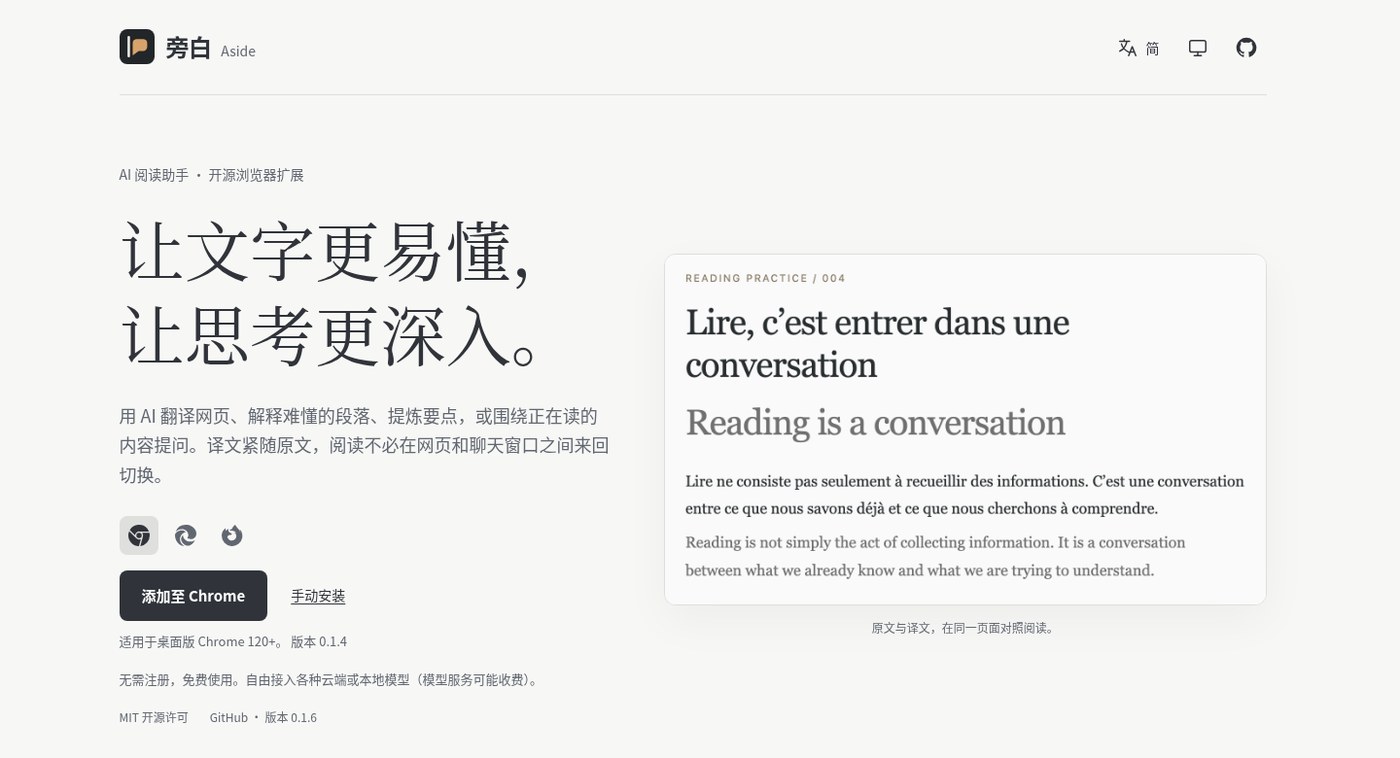
Tried a few translation extensions and none quite stick? Aside (Chinese product name 旁白 / “narration”; site / GitHub) is an open-source Chrome / Edge (Firefox can be sideloaded) AI webpage reading assistant: bring your own OpenAI, Anthropic, Gemini, or compatible API key (local models work too). Translations sit under each original paragraph; you can also select text to explain or ask questions, customize processing actions, and save results. Free, MIT, no Aside account — model fees are billed by whichever provider you choose. Researched November 5, 2026.
At a glance
| Item | Details |
|---|---|
| Type | Browser extension: full-page bilingual translation + selection explain / Q&A |
| Site | worldtheater.github.io/aside/ · Chinese docs |
| Repo | github.com/worldtheater/aside (MIT) |
| Browsers | Chrome / Edge 120+ (store installs); Firefox 147 store review pending — temporary sideload works |
| Install | Chrome Web Store, Edge Add-ons; or load a GitHub Releases ZIP manually |
| Model protocols | OpenAI Responses, OpenAI-compatible Chat Completions, Anthropic Messages, Gemini Interactions; localhost supported |
| Account | No Aside account; optional browser sync (passphrase-encrypted config) |
| Cost | Extension free; API / local model cost is yours |
What it actually does
- Translation under the original: translates the visible area first, continues as you scroll or the page changes; restore original anytime.
- Selection & quick ask: select text to translate, explain, or question; floating menu / hotkeys open quick-ask or a text-translate panel.
- Custom actions: built-ins for explaining concepts, reading classical Chinese, extracting key points, and more; add extra instructions per action or write your own prompts and dry-run them.
- Reading aids: built-in Dark Reader engine for site dark mode; tweak result color, font size, line height; ~15 UI languages.
- Saves & daily notes: bookmark results with original + source (searchable); optional short daily reflections (can disable).
- Privacy stance: requests go directly to the model endpoint you configure — no Aside proxy; saves and request logs stay local (sync excludes saves).
How it sits next to tools on this site
| You care more about… | Better fit |
|---|---|
| Chrome bilingual reading + optional vision models for images | mewCat |
| Layout-preserving PDF translation inside ChatGPT Work | Babeldoc4GPT (EN pending) |
| Highlight ChatGPT replies and export Markdown | Highlights |
| Dedicated prompt optimize / A-B workspace | Prompt Optimizer (EN pending) |
| Self-hosted API gateway with per-user quotas | New API (EN pending) |
| BYO key, same-page bilingual web pages + deep selection reading | Aside |
In short: mewCat leans toward an install-and-go bilingual plugin feel; Babeldoc owns PDFs; Highlights / Prompt Optimizer own chats and prompts. Aside’s entry ticket is an API key — in exchange you control models and prompts fully, with no extension-vendor account.
Boundaries (read before you install)
- Good fit: you already have a cloud or local model key; reading foreign docs, paper pages, or tech blogs with the original kept in view; want custom “explain / summarize / rewrite” actions.
- Caveats: not “zero-config free translation” — without a key the AI features do not work; full-page translate keeps sending newly visible paragraphs to your model provider, so watch their data policy and bill.
- Not a great fit: users who want install-and-forget with zero API setup; teams that need a central billed proxy instead of personal keys (see New API (EN pending)).
Bottom line
Aside folds translation and deep reading onto one page: text under the original, questions answered in place. Prefer an out-of-the-box bilingual plugin? Start with mewCat. Already managing prompts for agents / writing? Pair it with Prompt Optimizer (EN pending) — one for webpage reading, one for prompt engineering.


