


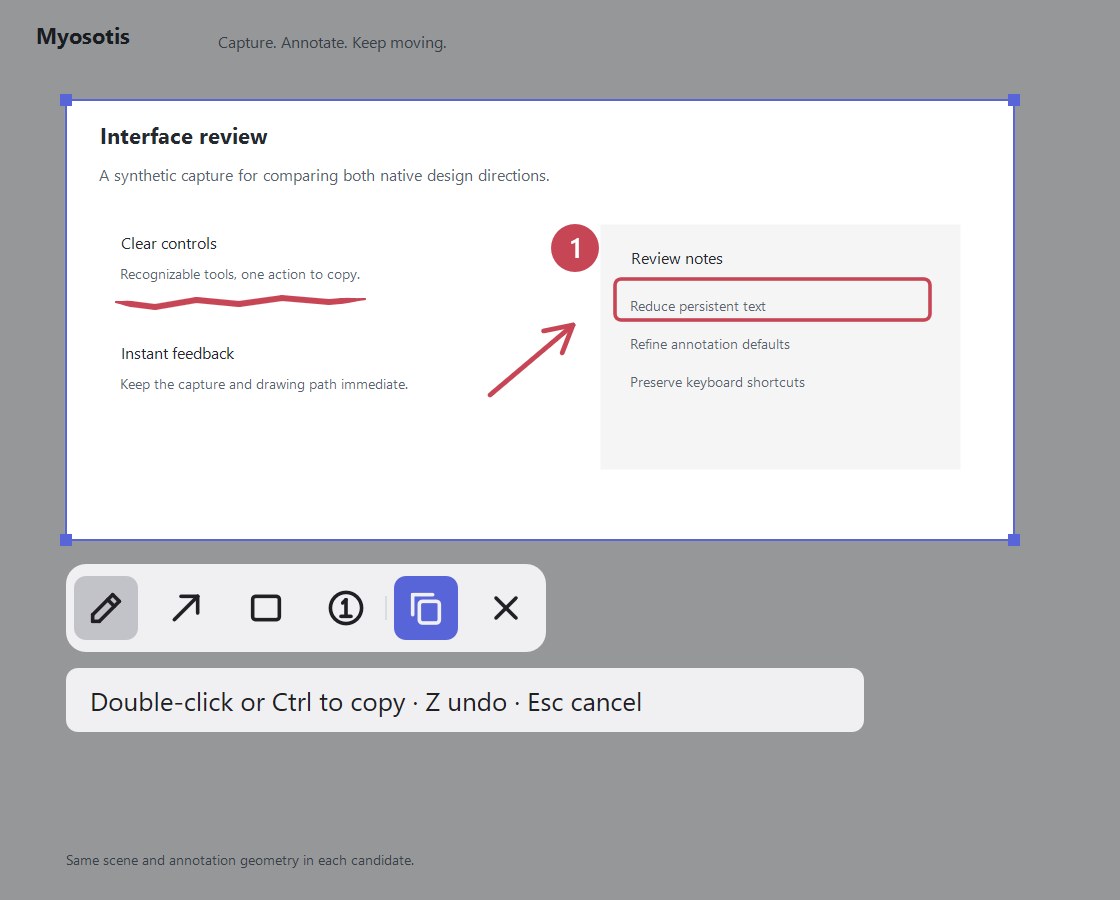
Windows’ built-in snipping tool feels slow, and after you draw a box you still have to hunt for a Confirm button? Myosotis (GitHub — named after the forget-me-not flower) is a tiny Windows screenshot utility written in Rust: region select, pen, arrow, rectangle, and numbered markers; once the region is set, double-click or press Ctrl to copy. The author calls it “feature-poor” on purpose — only the everyday capture path, squeezed into a few seconds so you can paste into an AI agent, a doc, or a ticket. Full app size under 500KB. Researched November 5, 2026.
At a glance
| Item | Details |
|---|---|
| Type | Native Windows screenshot / annotation utility (portable) |
| Repo | github.com/nekoium/Myosotis (MIT) |
| Platform | Windows 11 x64 MVP; macOS / Linux planned |
| Latest (research day) | v0.2.0 (Myosotis-0.2.0-windows-x64.zip; Scoop install available) |
| Size | Author claims the full app is under 500KB; no extra runtime |
| Hotkey | Default Ctrl+Alt+S; tray flower icon can re-trigger; optional start at login |
| Finish capture | Double-click, Ctrl, Enter, or toolbar Copy |
| Code signing | Executable is currently unsigned |
What it actually does
- Fast capture → paste: double-click after selecting to copy; Space works like left-click, so left hand on keyboard / right on mouse stays put.
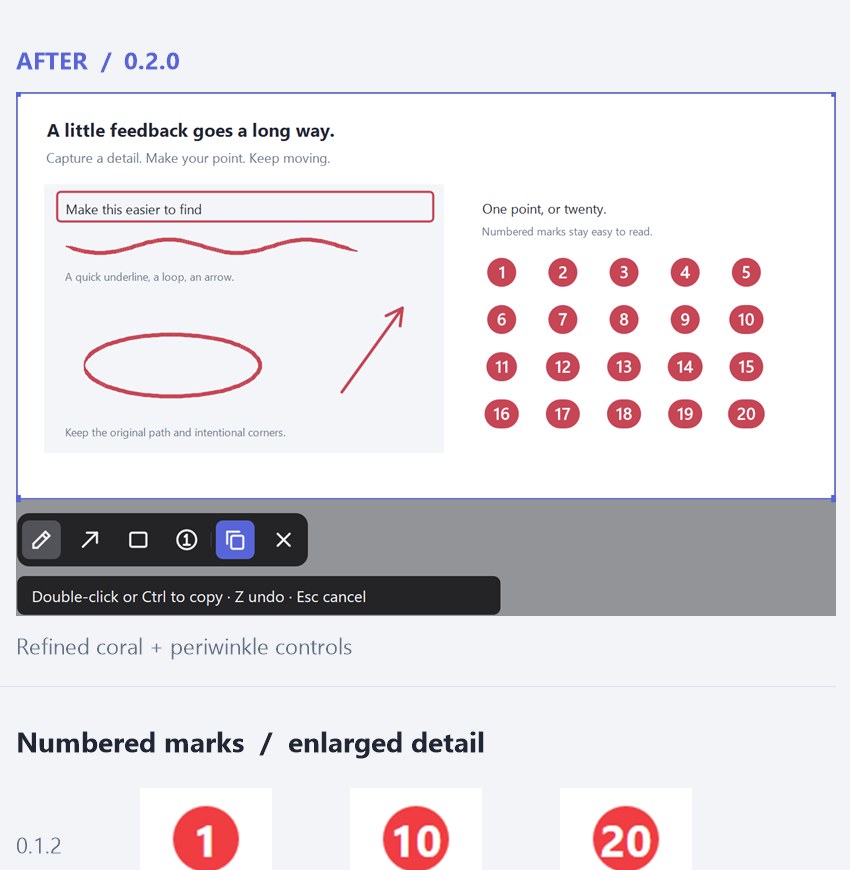
- Just-enough markup: pen (from 0.2.0, stroke tapers at both ends; stylus pressure supported), arrow, rectangle, sequential numbers; coral annotation color + lilac controls.
- Whiteboard sketch: right-click in the capture UI switches to a whiteboard (right-drag to size it) and keeps existing marks — handy for quick diagrams.
- Light / dark theme: tray right-click toggles theme; stays in the notification area after cancel or copy.
- Install: unzip and run
myosotis.exe; orscoop bucket add myosotis https://github.com/nekoium/Myosotisthenscoop install myosotis/myosotis.
How it sits next to tools on this site
| You care more about… | Better fit |
|---|---|
| Cross-platform screenshots + optional vision models for OCR / translate | Shutter |
| Clipboard history and searchable cards | vPaste |
| Local search of filenames, body text, and screenshots (also handy for agents) | Kensaku (EN pending) |
| Offline speech-to-text pasted into the focused field | Handy (EN pending) |
| Ultra-light on Windows: box → double-click → paste into an agent | Myosotis |
In short: Shutter covers a wider surface (cross-platform, OCR); vPaste / Kensaku / Handy own clipboard, search, and dictation. Myosotis does one job — shrink “crop, circle, paste into chat” to the shortest path.
Boundaries (read before you download)
- Good fit: frequent UI callouts while pairing with agents; annoyed by Snipping Tool delay and toolbar aiming; want a portable tool with no installer bagage.
- Caveats: Windows 11 x64 only; no scrolling / long capture, no OCR, no cloud sync; unsigned binary — download from GitHub Releases and verify the repo’s
.sha256yourself. - Not a great fit: one tool shared across Mac/Linux, or people who need screen recording, pin-to-desktop, pixel rulers, and other “suite” screenshot features.
Bottom line
Myosotis turns screenshots into a forgettable muscle memory: Ctrl+Alt+S → annotate → double-click to copy. If you already use Shutter for OCR or Kensaku (EN pending) to search past shots, treat Myosotis as a Windows paste accelerator, not a full screenshot workflow replacement.


