


Long ChatGPT threads bury the few lines that matter — days later you dig through history to find one claim. Highlights (branded HighLights on the site) is a Chrome extension for the ChatGPT web UI: select → highlight → annotate → organize by notebook, plus search, jump-to-source, Markdown / JSON export, and a multi-device sync flow. Researched November 3, 2026.
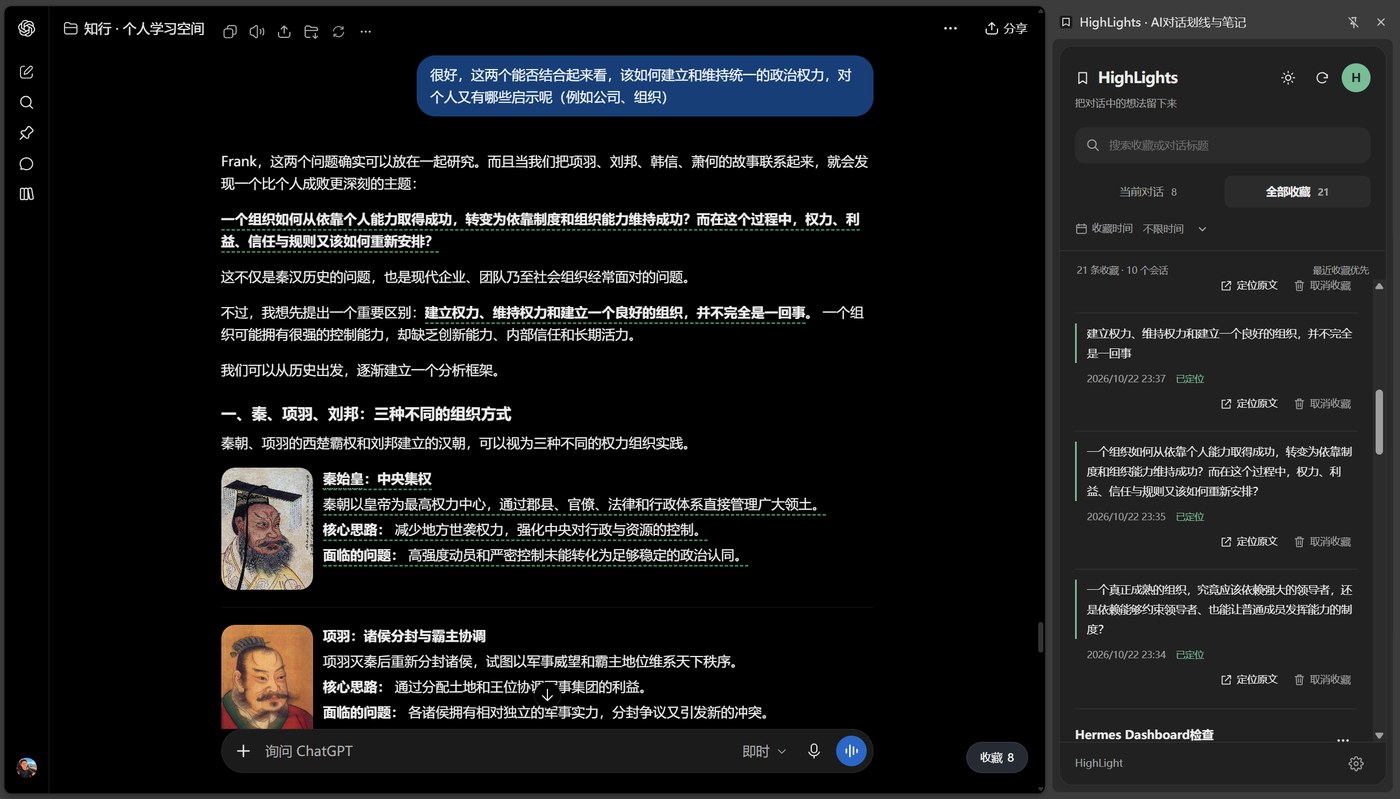
It solves a workflow — not another “save the whole chat”
The site breaks the motion into four steps, and real use matches that rhythm:
- Highlight in place: drag a selection, tap the floating Save, and the span becomes a persistent green dashed underline
- Side-panel inbox: Chrome Side Panel, grouped by conversation, without covering the main chat
- Search and provenance: keyword + time filters; “Jump to source” scrolls back to the bubble
- Export to keep: quote, timestamp, and source link land in standard Markdown for your own knowledge base
There is also a workbench: notebooks for themes, tags for threads, and a personal notes field. Multi-device sync (preview) is described as “authorize each device separately; only merge content already linked to this account — signing in does not auto-upload“.
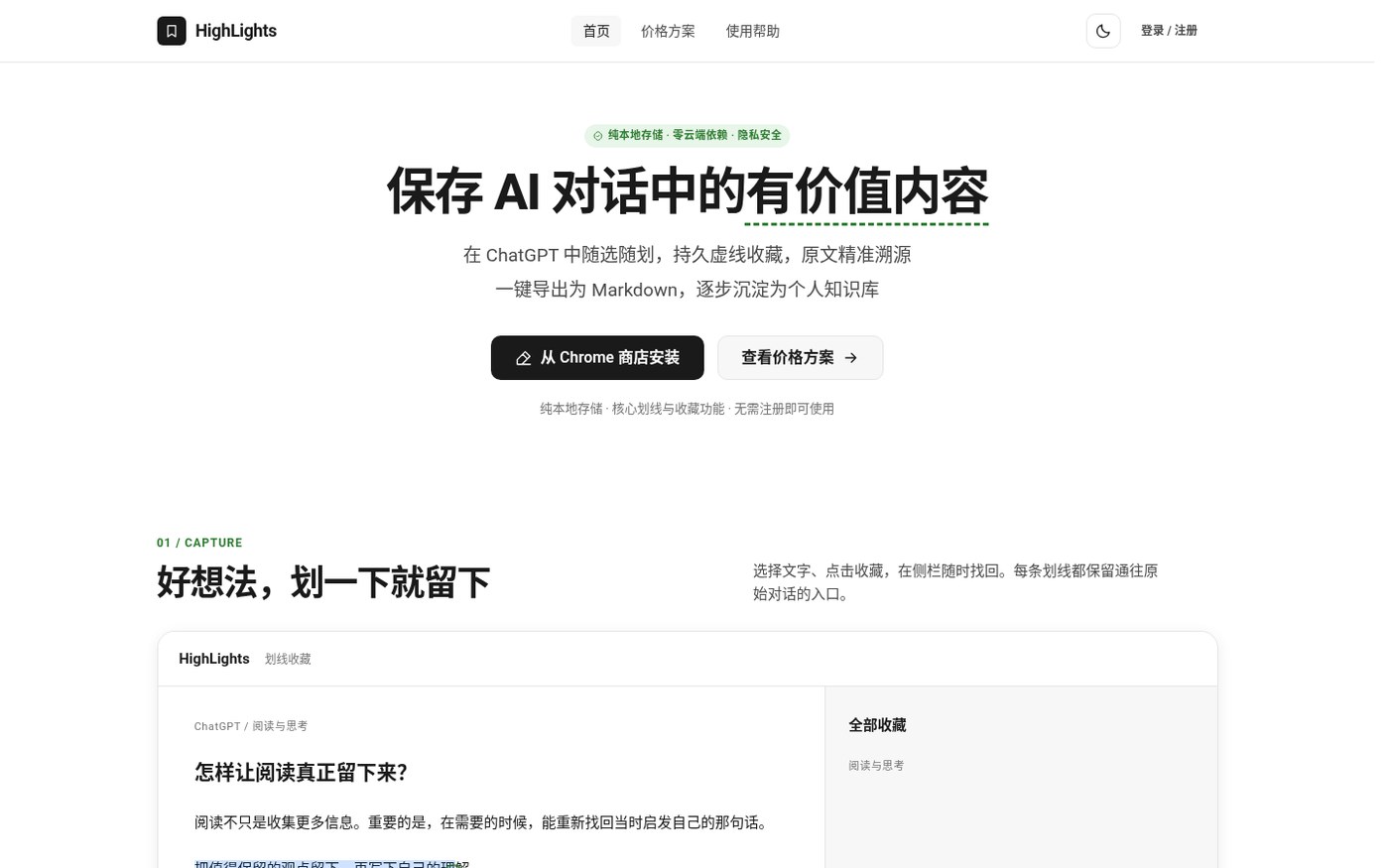
Install and version (verified)
| Item | Details |
|---|---|
| Site | https://highlight.frankcloud.vip/ |
| Chrome Web Store | Store listing (extension ID lahkmimfeflhdmmbemgffdijejcinalf) |
| Manual package | Site offers ZIP 0.4.16 (~436 KB); drag onto the extensions page or Load unpacked after extract |
| Note | Store and manual builds do not share data automatically; the manual build does not auto-update — back up before switching |
After install, pin the icon, open ChatGPT, and refresh existing tabs before highlighting.
How it pairs with tools on this site
| Scenario | Go to |
|---|---|
| Keep layout while translating PDFs inside ChatGPT Work | Babeldoc4GPT (EN pending) |
| Local Markdown long-form editing with AI margin reviews | Textus |
| Cross-platform screenshot annotate, optional vision OCR | Shutter |
| Highlight inside a chat and export Markdown notes | Highlights |
Babeldoc owns “how this PDF gets translated”; Highlights owns “how golden lines from a chat get kept”. Screenshot jobs stay with Shutter — do not mash them into one extension.
Who it is for (and boundaries)
Good fit: heavy ChatGPT use for study / research notes; want snippets searchable, jumpable to source, and exportable into your own Markdown library; fine with ChatGPT web + Chrome only.
Caveats: not a whole-web highlighter; cloud sync and account rules follow the live site; post-export organizing is still on you. Permissions and ratings follow the Chrome Web Store page in real time (match name + extension ID when you check).
Entry: Site · Chrome Web Store · source V2EX #1253962. Version and copy follow the November 3, 2026 check.


