


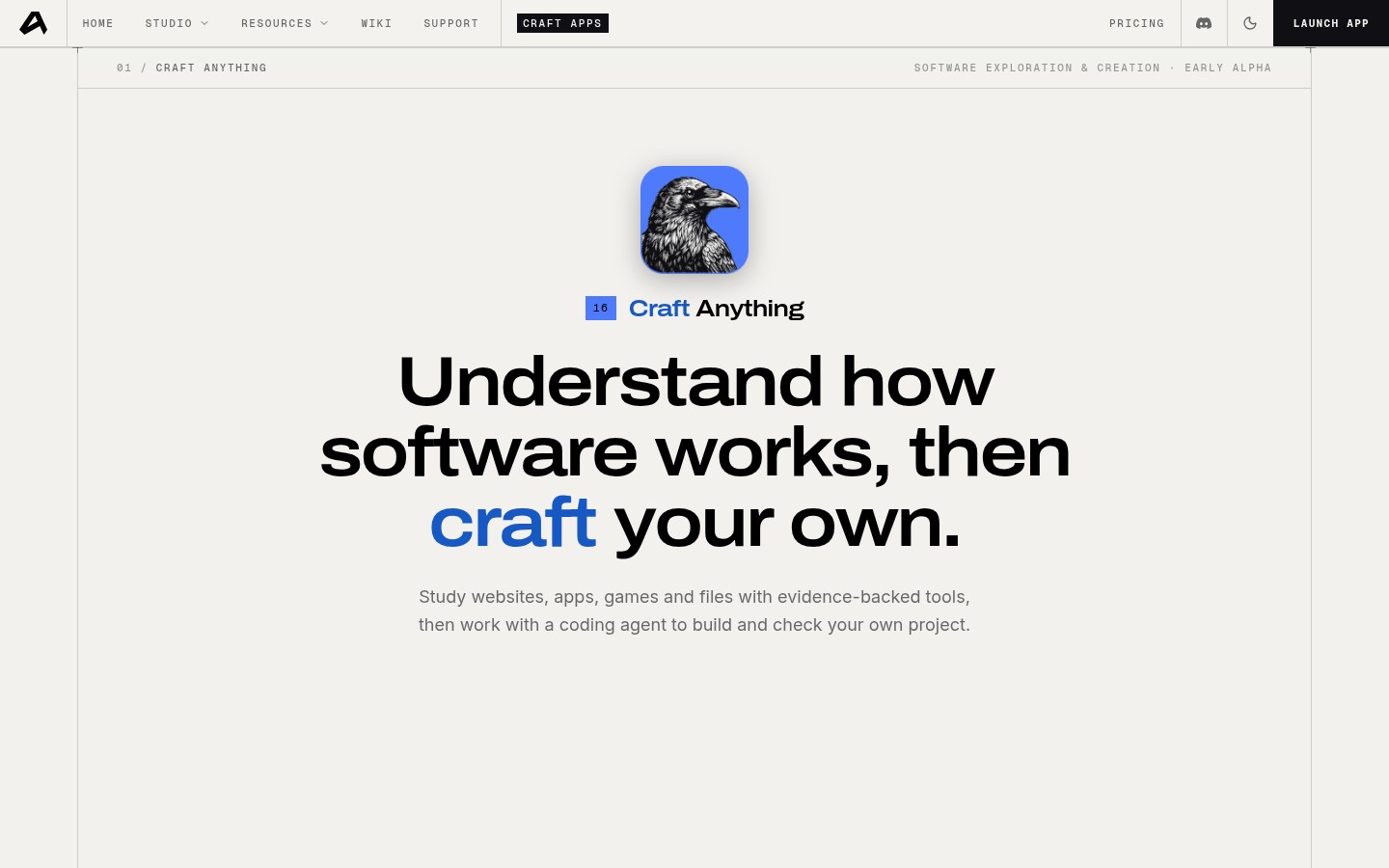
If you want to understand how a website, a desktop app, or a small game is put together, and then have an AI build a new project of your own to your brief, that is Craft Anything, from the ArtCraft team. It is not an upgrade of PhotoCraft, PdfCraft, or the other specific creative apps. It is an open-source engine that describes itself as clean-room: you point it at a target and say what you want, it studies the original with inspection tools, then hands a coding agent the job of building a new project, checking it against the original and iterating.
The repository is storytold/craft-anything on GitHub, with a Chinese README at README.zh.md. The brand site is getartcraft.com, and the product page is getartcraft.com/apps/craft-anything. Notes below were checked on November 10, 2026: about 25,172 stars that day; licensed under MIT or Apache-2.0 (your choice of the two; the GitHub API license field shows Apache-2.0, and the repo also ships LICENSE-MIT and LICENSE-APACHE, with the badge and sidebar stating dual license); latest stable release v0.6.0 (published at 12:57 UTC on November 9, 2026, not a pre-release). The README marks Status: early alpha. It is still early. It is not a finished office suite, and you should not expect it to “perfectly recreate any piece of software.”
What it is, at a glance
| Item | Details |
|---|---|
| Product | Craft Anything / GitHub / product page |
| Version | v0.6.0 (latest stable on GitHub Releases) |
| Platforms | The badge lists macOS · Windows · Linux · FreeBSD · Web. On the day we checked, the v0.6.0 files included: Windows x64 / arm64 MSI and portable ZIP (no 32-bit x86 package), a macOS universal DMG, Linux AppImage / deb / rpm / tar / Flatpak and other packages for several architectures, FreeBSD x86_64 and aarch64 tarballs, plus craft-anything-cli-0.6.0-macos-universal.zip and craft-anything-web-0.6.0.zip. Go by the file names on the Releases page |
| License and price | MIT or Apache-2.0, free and open source. Building requires a coding agent already signed in on your computer; questions and analysis can use a separately configured model. Optional image and 3D generation has to be turned on by you, with your own fal.ai key |
| Status | Early alpha. The docs say you can use the desktop app today (simple and advanced modes), the CLI, and an MCP server. The preferred builder is Claude Code |
| How it relates to the Craft suite | The storytold Craft suite already covered on this site (EN pending) is a set of specific creative apps such as PhotoCraft, PdfCraft, and FilmCraft. Craft Anything is the engine that studies a target and then generates a new project of your own. They share the ArtCraft / storytold brand, but they are not the same product, and this is not an upgrade of those apps |
What it actually does
- A four-step flow: you point it at a target and describe what you want, then it goes through research → build → inspect → ready. In research, inspection tools look at how the original appears at different widths, how it behaves, and so on. In the build step, a coding agent creates a new project in the stack you specified (or a reasonable default if you did not). Inspection compares the result with the original and lists what still does not match. Once it is ready, you can open it, try it, or keep asking for changes.
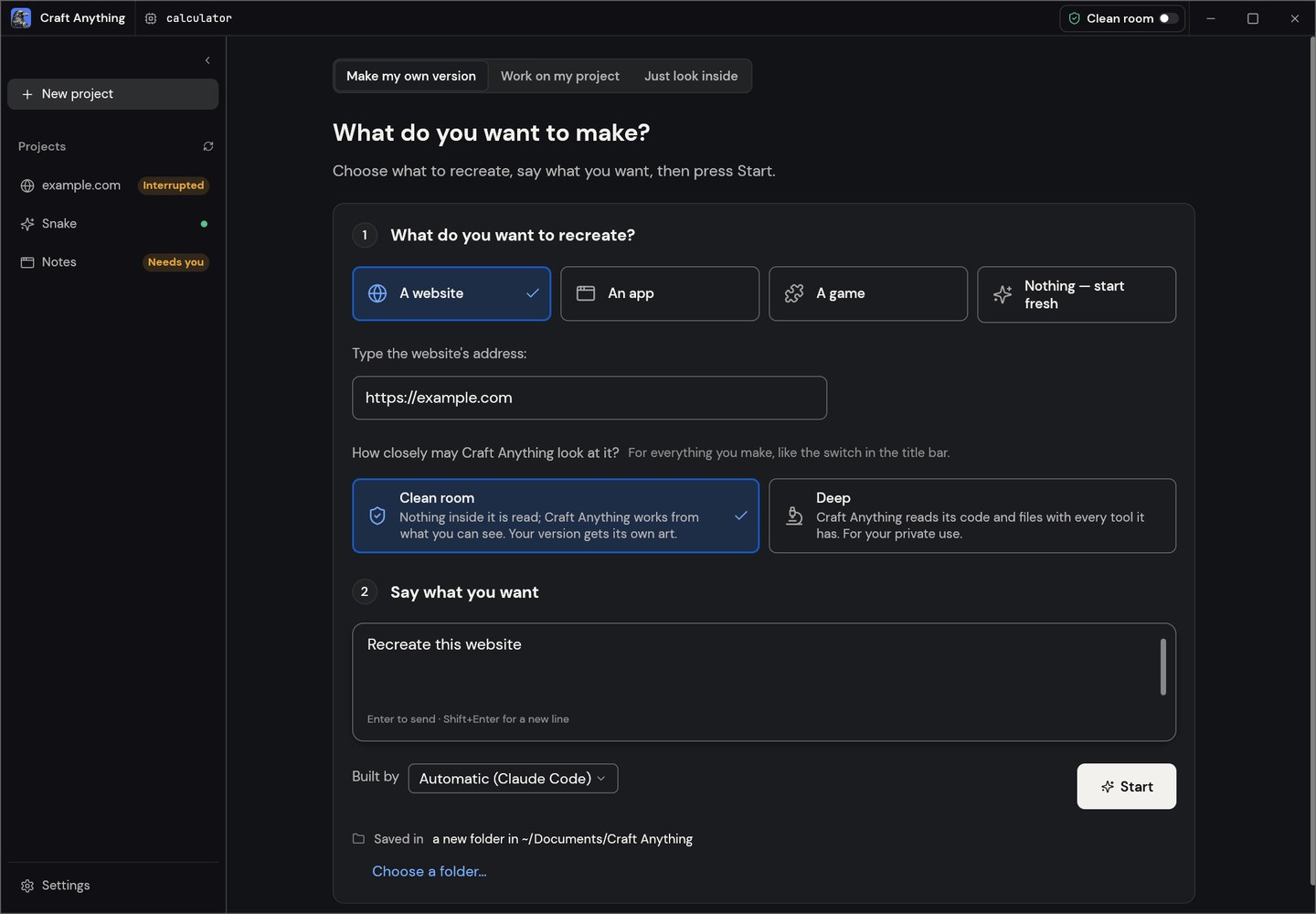
- Two ways to use it: the default is simple mode — pick website / app / game, describe the need, press Start. The page shows in plain language what the agent is doing, plus question cards, approval cards, and a “how close is it” view. Advanced mode is the full workbench. Both modes drive the same engine.
- Clean-room or deep: the default is clean-room — it does not read the original’s internal code, files, or page source, only what you can see (for example images you add, or how a site appears to a visitor). Switch to deep mode only when you need it; that turns on more inspection and analysis tools, and the docs say it is for your own private use. This is “make a new version of your own.” Do not treat it as a guide to cracking software, lifting assets, or copying proprietary code.
- How AI is wired in: building requires a coding agent already signed in locally. Claude Code is preferred: it runs your unmodified copy of claude, with your own login, and Craft Anything says it does not view or touch your account. A Codex adapter already exists, but on the day we checked the README said it had not yet been verified on a real install. Building with an API key and other coding agents is also marked “implemented, not yet proven on a real machine.” For questions and analysis you can choose Anthropic, OpenAI, OpenRouter, or a local OpenAI-compatible service in settings. Research without a build can be done without AI.
- How to install: download the package for your platform from GitHub Releases, or install the ArtCraft Launcher as the official site recommends (the product page that day listed v0.15.0, which can also install and update other Craft apps). You can also build from source (Rust 1.97 or newer; Debian / Ubuntu desktop also needs a set of system libraries listed in the README). After install,
craft-anything-cli doctorchecks what is missing in the install, the coding agent, and the engine. New projects default to Documents/Craft Anything. Note: on the day we checked, the official site’s standalone package list still showed 0.5.0 file names; use v0.6.0 from GitHub Releases for the latest packages. - What the web package is: craft-anything-web-0.6.0.zip is a browser viewer you can put on your own static server, used to explain what a file is in the browser (the docs say the file itself does not leave the browser). It is not an official “host a rebuild of any software on the web” service.
- Copyright and compliance: the project itself reminds you to use it on software you own or are allowed to inspect. A rebuild reproduces layout, style, and behavior from evidence; the agent is instructed not to casually copy logos, photos, or text. You still have to follow the license and copyright of the original software, game, or site, and you may not use this to distribute pirated software or to replace a legitimate copy.
How it sits next to other options on this site
| If you care more about… | A better place to start |
|---|---|
| Using an open-source app to edit images, PDFs, or video directly | the storytold Craft suite (EN pending) |
| Already using Claude Code / Codex and wanting a ready-made multi-device agent client | Cindy |
| Scheduling command-line agents locally with rules, and deciding only when you are unsure | Agent Autoloop (EN pending) |
| First studying a website, an app, or a game, then generating a new project of your own | Craft Anything |
| Breaking a video down shot by shot, rather than an app or a website | rea-video |
In short: the Craft suite is a set of creative tools; Cindy and Agent Autoloop are about how you use a coding agent; Craft Anything is the “understand the target, then build your own” engine, and you still have to bring a coding agent, and it is still early alpha. Do not read the last two rows as “both are about reverse-engineering a copy” — one is aimed at software or websites, the other at shots in a video.
Limits to read before you install
- A good fit if you can accept early alpha, you already use Claude Code (or you can bring your own coding agent), and you want to study a website, app, or game you are allowed to inspect, then make a new version of your own.
- Watch for: it was still early alpha on the day we checked; the docs do not promise a perfect recreation of arbitrary software; Codex and other builders are still marked unverified on a real machine in the README; the official site’s standalone package list may lag GitHub; commands outside the rules will ask for your consent first, but you still have to review the result yourself. We did not run a complete rebuild on this machine.
- A poor fit if you only want a finished Photoshop or Office alternative (see the Craft suite (EN pending); those projects are also still alpha); if you expect to open it without a coding agent and have it copy a complete commercial product; or if you want to use it to crack software, lift assets, or distribute pirated copies.
Bottom line
Craft Anything turns “see how a website or an app works, then have an AI make a new version of your own” into a pure-Rust open-source engine: it is highly starred, dual-licensed, and the installers are already at v0.6.0, but the status is still early alpha, and a build still requires a coding agent you bring yourself. It and the Craft suite already covered on this site (EN pending) are different products under the same brand, not an upgrade of the same app. If you already use Cindy or Agent Autoloop (EN pending) to manage coding agents, this can fill in the “study a target, then build your own” step. For the version, platforms, and limits, go by the README and GitHub Releases on the day you check.


