


Want to practice spoken English or run a mock interview without booking a partner? Moss-Live (moss-live.com) is real-time AI voice chat in the browser: full-duplex, interruptible follow-ups, with modes for casual chat / language tutor / mock interview / storytelling, plus custom instructions. After login you currently get about a 60-second voice preview (subject to daily quota and availability). Researched November 3, 2026.
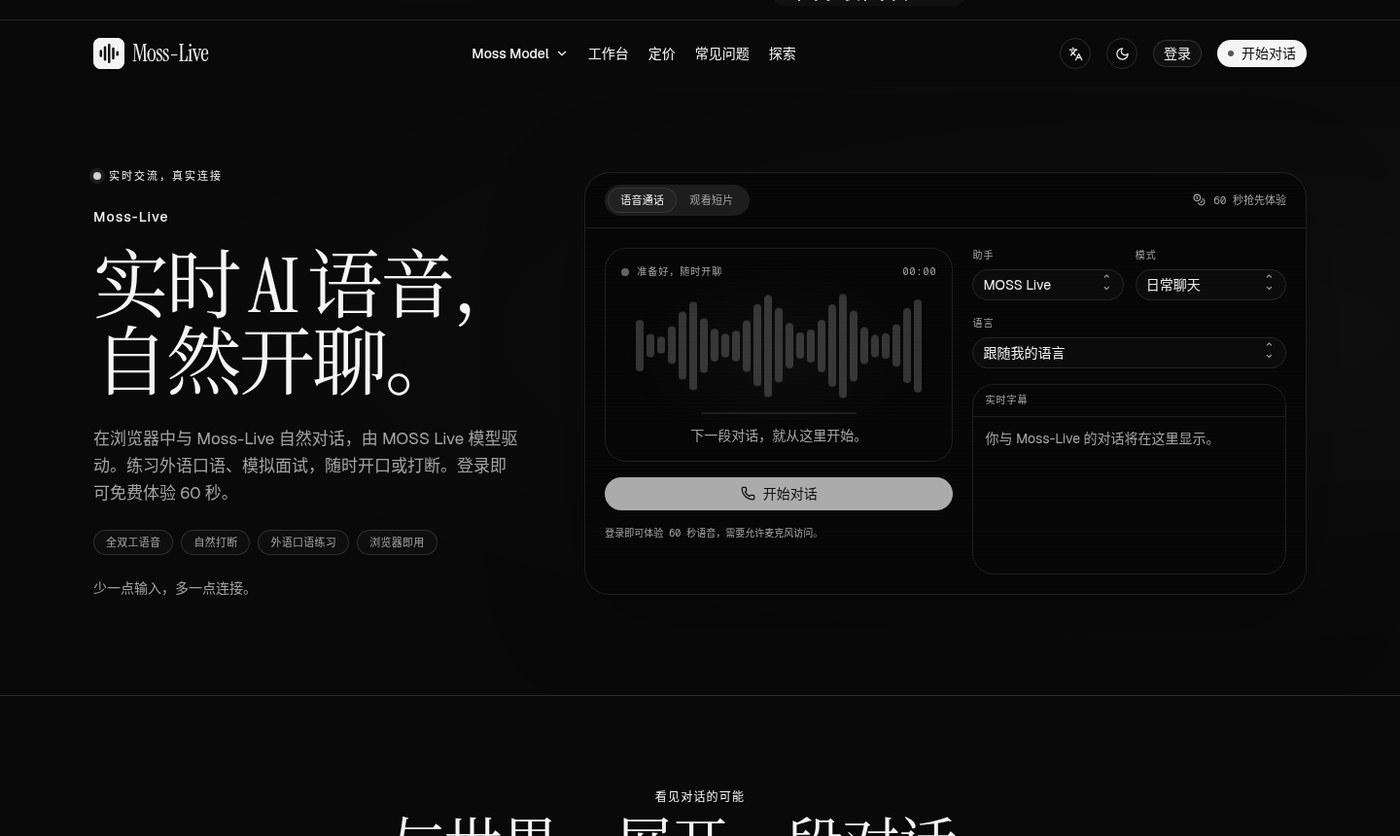
Three things to clear up first
- Who provides the model: voice runs on the MOSS official API as moss-live-1.0; Moss-Live runs the browser experience, MOSS supplies the model (site FAQ).
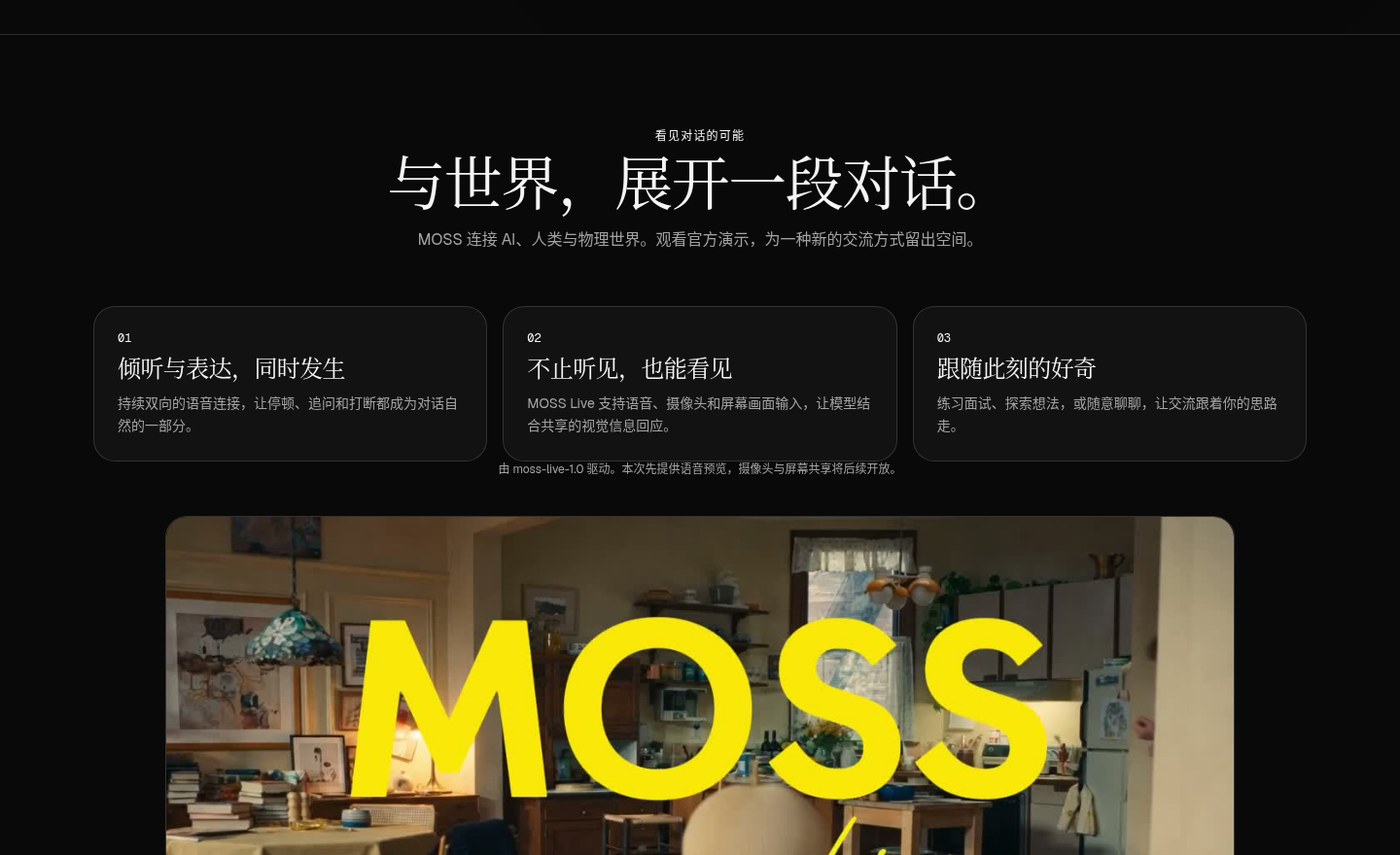
- What works now: this MVP opens voice first; camera and screen share are “supported on the model side, product later”.
- How billing works: free 60-second preview; longer calls need a subscription or one-off credit packs (Stripe). Credits: about 1 credit = 6 seconds, billed by connection time; subscription credits expire monthly, pack credits never expire (pricing page).
Plans at a glance (annual pricing when checked)
| Tier | Annual → monthly | Monthly credits ≈ voice | Max session | Custom instructions |
|---|---|---|---|---|
| Starter | $13.90/mo (was $19.90) | 660 ≈ 66 min | 20 min | 2,000 chars |
| Pro | $25.90/mo (was $39.90) | 2,000 ≈ 200 min | 45 min | 3,500 chars |
| Max | $47.90/mo (was $79.90) | 4,100 ≈ 410 min | 90 min | 5,000 chars |
Prices are in USD; annual plans charge the full year up front. Tax follows the checkout page. Promo copy claims up to ~40% off on annual.
How to use it (three steps)
Pick a mode (or write custom instructions) → sign in and allow the microphone (headphones recommended) → talk, listen, interrupt naturally; ending the call disconnects. Works in desktop and mobile browsers — no client install. Live captions can stay on during the call; the FAQ says call audio is not saved, captions stay in the current tab; audio is still sent to MOSS to generate replies.
How it sits next to tools on this site
| Need | Better fit |
|---|---|
| Japanese lyrics / short-text reading + FSRS (reading, not speaking tutor) | UtaYomi |
| Fully offline speech-to-text that pastes into the focused field | Handy (EN pending) |
| Rewrite / translate / dictate in any Mac text field | Inklet |
| Speak in the browser for oral practice / mock interviews, with barge-in | Moss-Live |
UtaYomi is “read and remember”; Moss-Live is “speak and respond”. Different jobs.
Who it is for (and caveats)
Good fit: low-friction speaking practice and interview pacing; fine with signing in for a trial; modern browser + stable network.
Caveats: free preview is short and daily-capped; longer chats are paid; mic permission is required; visual sharing is not live yet; audio leaves the machine to MOSS. On connection failures, check permissions and network first; paid calls also need remaining credits.
Entry: moss-live.com · source thread V2EX #1253913. Pricing and feature edges follow the November 3, 2026 site.


