


Want a quiet PDF reader without ads and membership pop-ups? Folio is an open-source desktop PDF reader — Electron + React + PDF.js, MIT, source Forward-Future/folio (~222★ when checked). Installers moved to folio-releases — Windows / macOS / Linux all ship; do not treat it as “Windows only”. Latest when checked: v1.10.9 (2026-10-31). Researched November 1, 2026.
At a glance
| Item | Details |
|---|---|
| Type | Open-source desktop PDF reader (read, highlight, annotate, sign, Ask AI with your own keys) |
| Version | v1.10.9 (2026-10-31, folio-releases) |
| License | MIT |
| Stars | About 222 when checked |
| Packages | Win Setup / Portable; macOS dmg / zip; Linux deb / AppImage |
| Stack | Electron, React, PDF.js |
| Account | No Folio account; Ask AI uses your own ChatGPT / Claude subscription |
| Releases | folio-releases/latest |
What it does — and what it does not
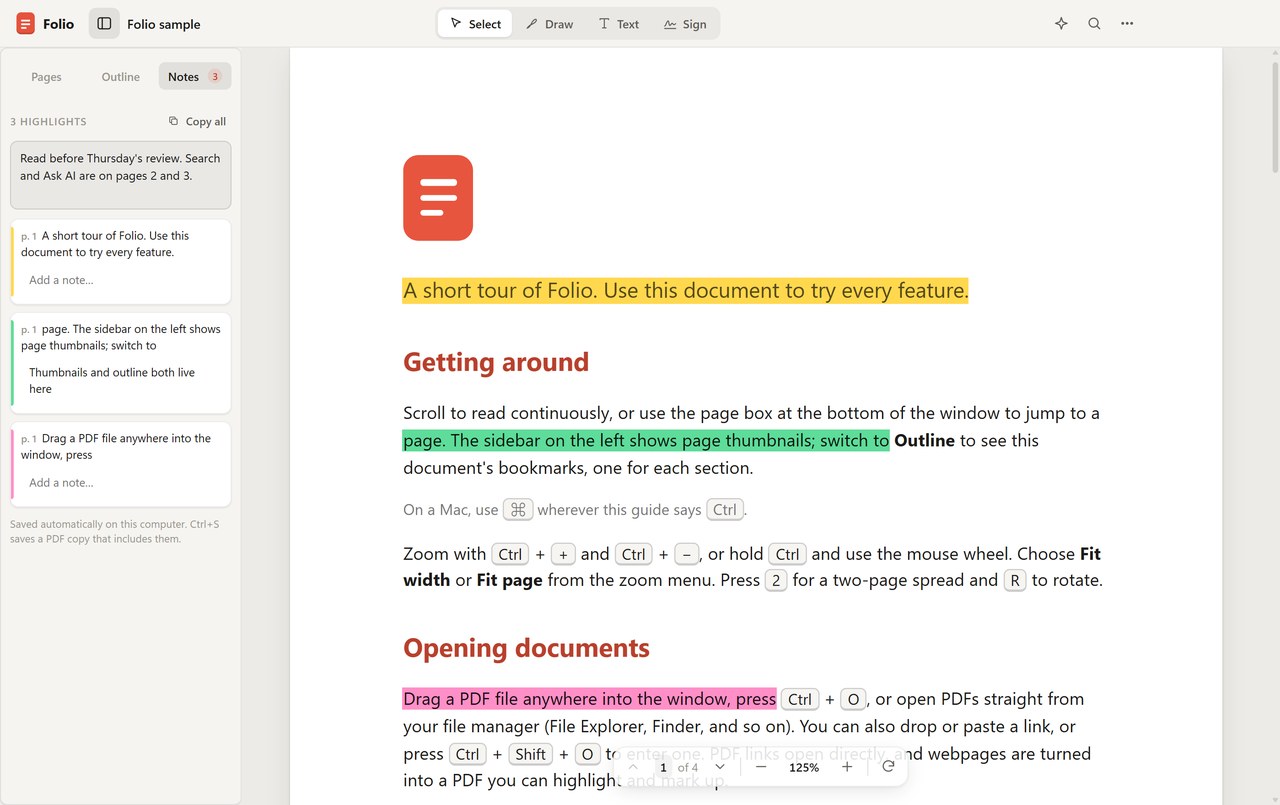
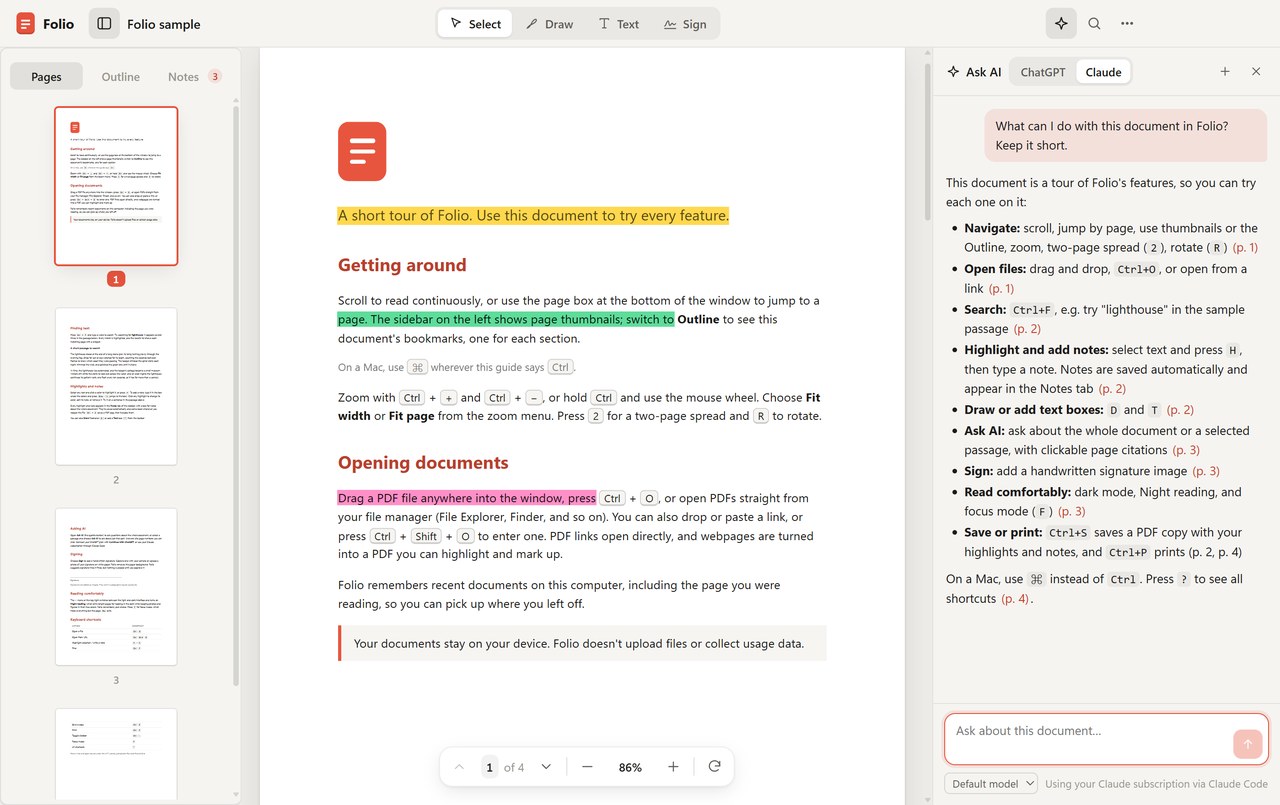
Reading: continuous scroll, outline / thumbnails, instant search, single or dual page, focus mode, light / dark and “night reading”. Annotation: multi-color highlights, paragraph notes, freehand, text boxes, handwritten signatures. You can open a PDF from a URL, or turn a web page or Word doc into a PDF first (desktop). Ask AI answers against the current document with page citations — it uses the extracted text layer, not full-page screenshots; scanned PDFs without a text layer limit search / AI.
README limits matter: Folio annotates PDFs but does not rewrite layout, merge / reorder pages, or OCR; it is not a full form-filling PDF editor. Soft caps ≈300 MiB and 10,000 pages. Unsigned builds may trip Windows SmartScreen / macOS “unidentified developer” on first open — allow once per the docs.
How it sits next to tools on this site
| Need | Better fit |
|---|---|
| Offline in-browser PDF annotate, unzip and go | PDF Tool |
| Zotero PDF → link-back Markdown | Mktero |
| Translate work PDFs inside a ChatGPT workflow | Babeldoc4GPT (EN pending) |
| Document OCR / export Word · Markdown | MiniCPM OCR |
| Clean desktop reading + open-source annotation | Folio |
Who it is for (and caveats)
Good fit: want one open-source reader on Win / Mac / Linux; hate ads and paywalls; need highlights/notes or bring-your-own AI over a document.
Caveats: the repo blurb still says “for Windows” — trust the README download table; old mberman84/folio-releases links 301 to the new org; do not use it as a layout editor or OCR tool. Version and packages follow the November 1, 2026 Releases check.
Entry: Source · Download Releases.


