


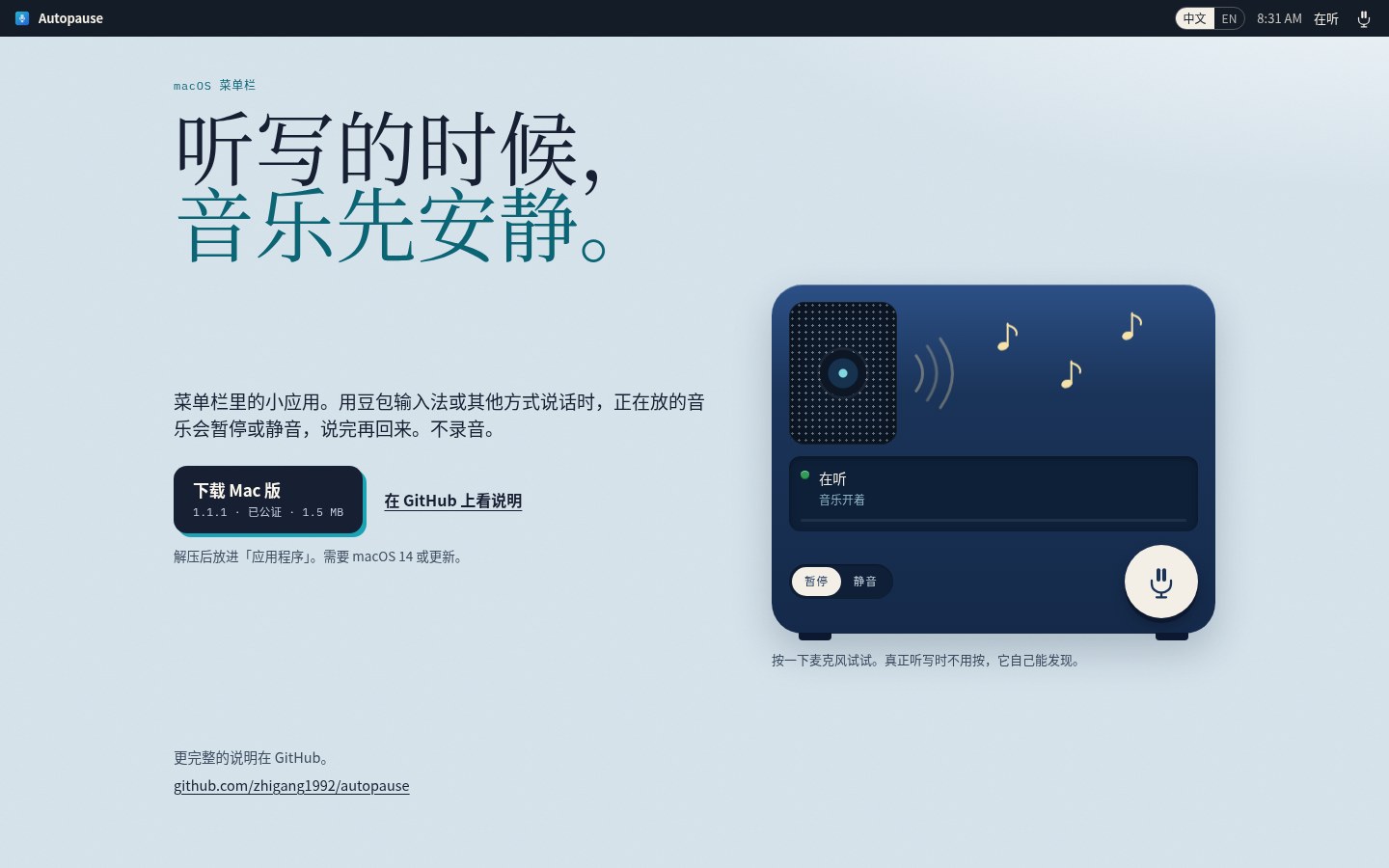
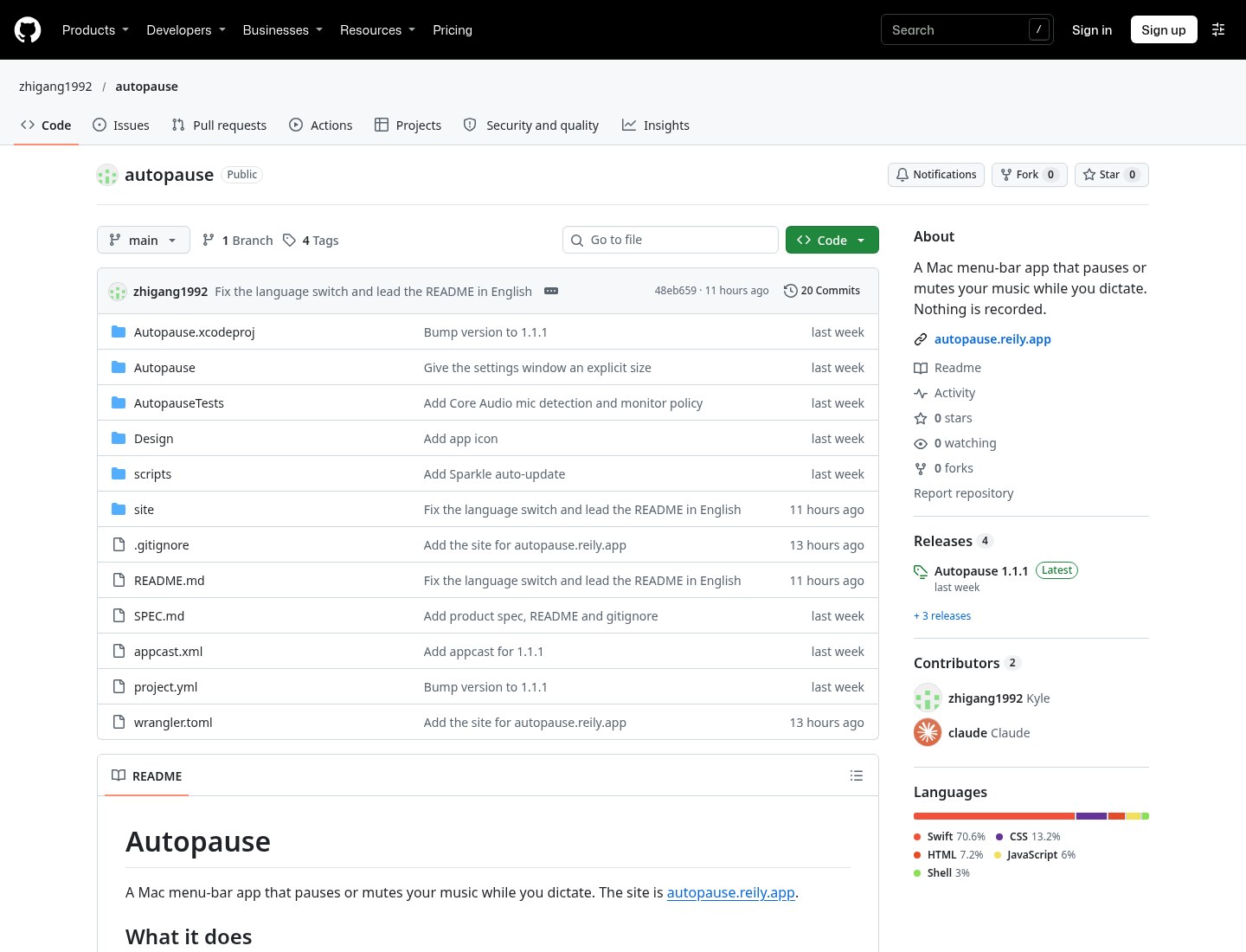
When you dictate with Doubao IME or another speech tool, background music often bleeds into the mic — or just makes it hard to hear yourself. Autopause (site autopause.reily.app, repo zhigang1992/autopause) is a small macOS menu-bar utility: when it detects the microphone is in use, it automatically mutes or pauses whatever music is playing, then restores it when you stop. It does not record, does not open the mic, does not request Microphone permission, and has no account; its only network call is an update check. Researched November 9, 2026 against the site and README (~0★, 0 forks, Swift; repo created 2026-11-02). Latest Release v1.1.1 (GitHub published 2026-11-03 00:49 UTC / 2026-11-03 08:49 Asia/Shanghai); package Autopause-1.1.1.zip (1,606,299 bytes, ~1.5 MB).
On research day GitHub’s license API returned 404 — the repo does not declare an SPDX license, and this write-up will not invent one. The project is brand new, still at zero stars, and only solves the narrow “music interferes with dictation” case. Unlike this batch’s Setem, Autopause does not do recognition; it only manages playback. Its package is Developer ID signed and notarized (README and early Releases both say so) — a clear contrast with Setem’s ad-hoc, un-notarized build. Requires macOS 14+; not on the App Store.
At a glance
| Item | Details |
|---|---|
| Product / repo | Autopause / autopause.reily.app / zhigang1992/autopause |
| License | No SPDX license declared on research day (GitHub license API 404) |
| Version | Latest GitHub v1.1.1 (2026-11-03 00:49 UTC); asset Autopause-1.1.1.zip (~1.5 MB). From v1.1.0 it ships Sparkle auto-update; “Check for Updates…” is the app’s only network access |
| Platform | macOS 14+; lives in the menu bar, stays out of the Dock |
| Signing | Developer ID signed and notarized. Unzip and drag Autopause.app into Applications |
| Privacy | No recording, no Microphone permission, no account. It watches whether an input device or process is using the mic — it does not open an audio stream |
| Stars | About 0★ and 0 forks on research day |
What it actually does
- Mute: the song keeps playing, but system volume fades down, then fades back when you finish. Default fade is about 300 ms (0–1500 ms adjustable; 0 is instant). This path needs no extra permissions — it is the “turn the room down while I talk” mode.
- Pause: stops Music, Spotify, and whatever macOS is currently playing (browser media uses a private Now Playing API as a fallback). Only what Autopause itself paused will be resumed; something already paused is left alone, and if you press play yourself mid-way it stops intervening. The first time it controls Music or Spotify, the system asks for Automation permission.
- No music blip between two sentences: after the mic goes idle it waits 1.5 seconds by default before restoring (0–5 s adjustable). You can also limit triggers to named apps so meetings or calls do not stop your music. Doubao IME is not hard-coded as the only trigger; when its Bundle ID appears on the system, Settings can suggest adding it to the list.
- Menu-bar status: the icon is a mic; it becomes a mic with a slash while volume is lowered or paused. The menu shows “Listening” or which app is being ducked, plus toggle, mode, Settings and Quit.
- How to install: download
Autopause-1.1.1.zipfrom Releases, unzip, move to Applications. Builds before v1.1.0 have no updater — replace them once by hand.
How it sits next to tools on this site
| You care more about… | Better fit |
|---|---|
| Hold to speak on Mac with a floating preview, then one-shot insert (Doubao / WeChat / Qwen or a local model) | Setem |
| Fully offline open-source speech-to-text across Windows / macOS / Linux | Handy (EN pending) |
| Rewrite, translate or tidy dictation in any Mac text field | Inklet |
| Only mute or pause music while dictating — no recognition of your own | Autopause |
Setem also has a “mute computer audio while recording” option, but that mutes speakers when Setem itself starts capturing (off by default; headphones can keep playing). Autopause never joins recognition — it watches whether any mic is busy, so Doubao IME, system dictation or another mic-holding app can all trigger it. You can run both; they solve different jobs.
Boundaries (read before you download)
- Good fit: you already dictate on a Mac and often leave music playing, and you do not want to pause it by hand every time.
- Caveats: 0★ on research day; the repo only appeared on 2026-11-02 — treat it as a very new small tool. It does not recognize speech and cannot replace Setem / Handy / Inklet. Pausing browser media leans on a private API the docs say will not pass Mac App Store review; Music / Spotify need Automation permission. No license is declared. We did not install the app ourselves; this write-up follows the site, README and Release notes.
- Not a great fit: what you actually want is speech recognition itself (use Setem, Handy or Inklet); or you are on Windows / iOS.
Bottom line
Autopause does one narrow job: when a mic is in use, mute or pause the music, then give it back when you finish. It does not record, does not ask for Microphone permission, ships notarized, and is small. The project is still brand new, at zero stars, with no declared license — if this exact pain point is yours, try it as an early tool; if the real question is “how do I turn speech into text,” start with Setem or Handy (EN pending).


