


When you just need a QR code, a regex tester, a Pomodoro timer or a unit converter, installing a dedicated desktop app is often overkill. TINKER Online gathers a batch of small web utilities on a single page: open a browser, search or click a category, and use the tool immediately — no install. The English entry is tinker.liriliri.io/online; the page researched for this write-up was the Chinese UI at tinker.liriliri.io/zh/online. It is the in-browser counterpart of the open-source desktop toolbox liriliri/tinker (researched on November 10, 2026: about 269★, AGPL-3.0, latest desktop package v3.5.0, with Windows / macOS / Linux installers). Do not confuse it with Thinking Machines’ training platform also named “Tinker,” or with Inkling 2 Small (EN pending) on this site — that is a different company’s product that happens to share the name.
At a glance
| Item | Details |
|---|---|
| Product | TINKER Online / desktop repo liriliri/tinker |
| Online entry | https://tinker.liriliri.io/online/ (English UI). The Chinese page researched this day, https://tinker.liriliri.io/zh/online/, returned HTTP 200 |
| Desktop edition | v3.5.0 (2026-11-04): TINKER-3.5.0-win-x64.exe, …-mac-arm64.dmg, …-mac-x64.dmg, Linux deb/rpm |
| License | The repo is marked AGPL-3.0 |
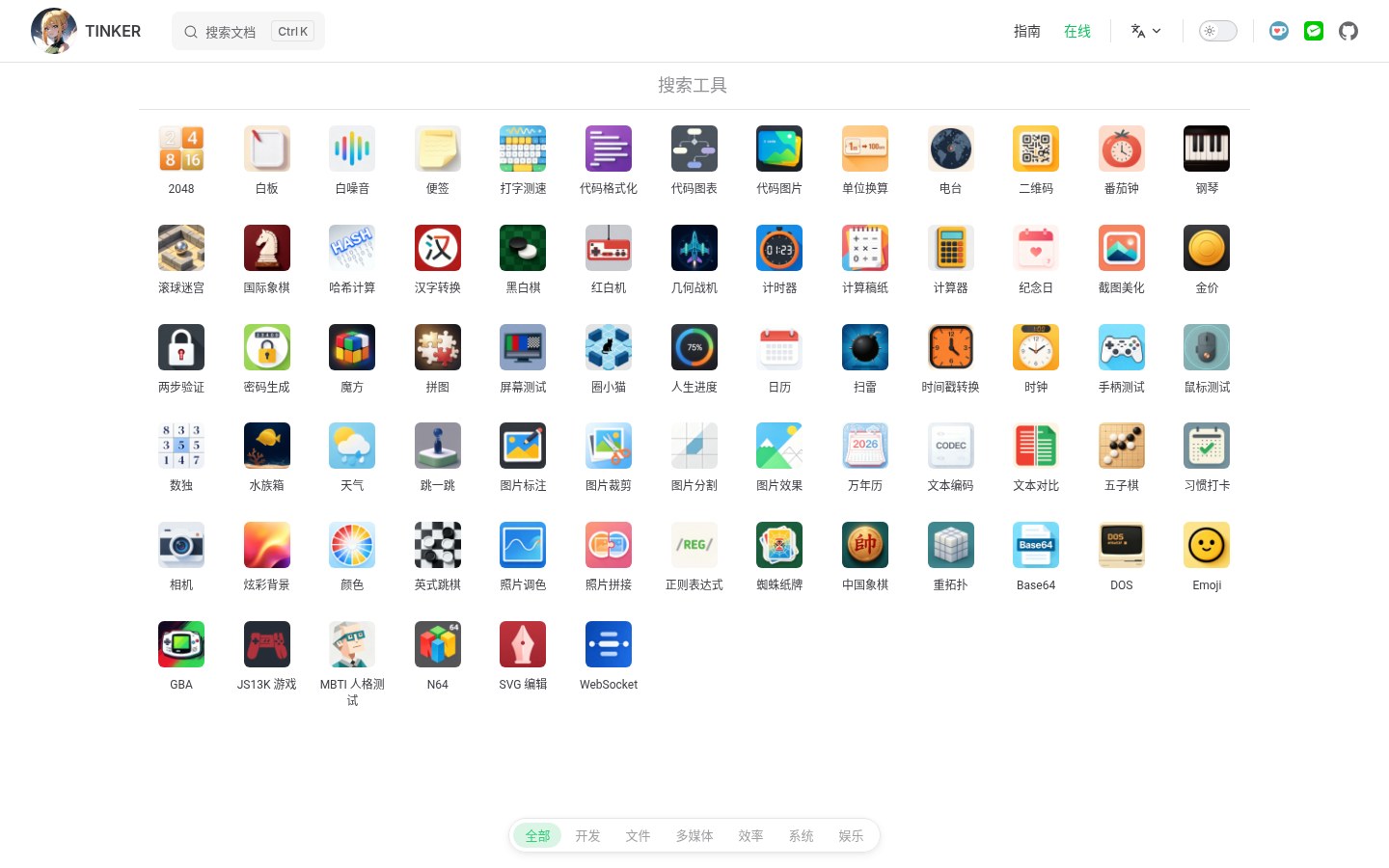
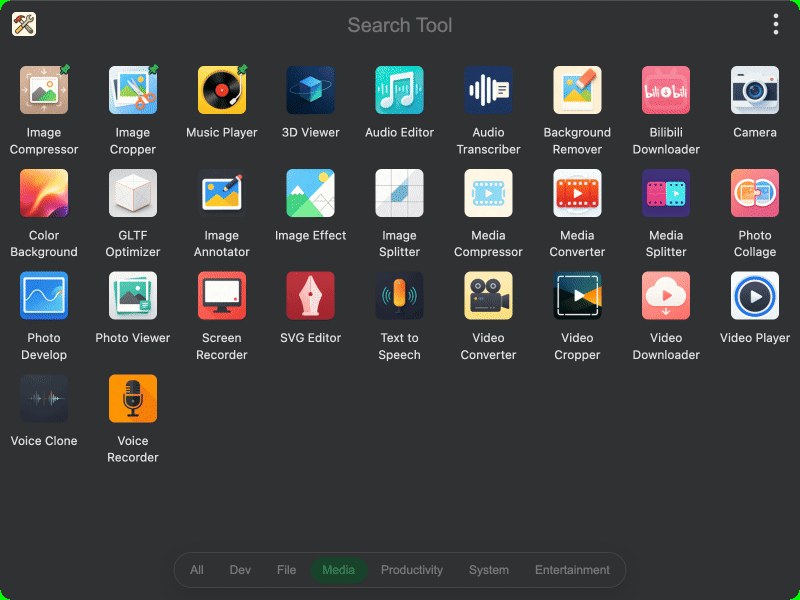
| What the online page offers | On research day, about 64 plugins with Chinese names were parsed from the Chinese page’s script; a bottom bar can filter by All / Dev / Files / Multimedia / Productivity / System / Entertainment. Click one and it opens in an in-page window. Treat the live list as authoritative; the desktop build ships more built-in plugins (including Hosts, compression and other more system-level tools that the online page does not necessarily have) |
What it actually does
- One-page entry, open by category: productivity-style tools such as a Pomodoro timer, QR codes, a password generator, unit conversion, notes, a whiteboard and two-factor (TOTP) codes; developer-style tools such as code formatting, code-to-image, regex, text diff, hashing, timestamps and Base64 (whether every item is live depends on the current list); multimedia such as image crop/annotate/stitch, screenshot beautifying and an SVG editor; entertainment includes Minesweeper, chess, a Rubik’s cube and NES/Famicom-style games. It is built for “I need this for a minute,” not for a deep workflow.
- No install: you can open it without signing up, which suits a shared computer or a machine where you do not want leftover installers. Whether you paste sensitive data (passwords, private keys, unpublished drafts) into a web tool is your own security call — the online page runs in the browser, so the trust boundary is not the same as a purely local desktop build.
- How it relates to the desktop edition: the site and repo position TINKER as “a toolbox for everyone,” and the desktop edition can also be called from the command line and Agent Skills. The online edition is the part you can open directly in a browser; if you need Switch Hosts, deeper local-file features or a full offline setup, download the desktop package.
- How to use it: open the online link above → search or tap a category at the bottom → click to open a tool. For the desktop edition, pick the package for your OS from Releases.
How it sits next to tools on this site
| You care more about… | Better fit |
|---|---|
| Just the two tools on this site: an AI-subscription price calculator + batch image compress/watermark | Baffox online toolbox (EN pending) |
| Developer-oriented encode/decode, JWT, formatting and similar, with data kept in the browser as much as possible | Utilo online developer tools (EN pending) |
| An image host / compress-and-convert toolkit, or another IT-oriented utility collection | 52Upload / ITUpload online toolbox (EN pending) |
| A focused PDF annotator that can work offline | PDF Tool |
| A multi-category utility doorway (productivity + dev + entertainment) you can try with no install | TINKER Online |
In short: Baffox / Utilo / 52Upload / PDF Tool are each “one category, or one site.” TINKER Online is a “many-tools doorway”: breadth first. Depth and the privacy boundary have to be judged tool by tool.
Boundaries (read before you download)
- Good fit: you occasionally need a QR code, a regex tester, a Pomodoro timer or a simple image edit, and you do not want to install a pile of apps for that; or you want to try TINKER in the browser before deciding whether to install the desktop edition.
- Caveats: the research-day online list is about 64 items, not the full desktop set; entertainment/games take up part of it, so do not expect “all productivity”; if you modify the AGPL desktop edition and then distribute it over a network, compliance is on you; in AI circles the same name “Tinker” also refers to Thinking Machines’ product — when you search, look for the domain
liriliri.io. We did not functionally accept every small tool. - Not a great fit: you only want a single PDF, image-host or compress-image capability (go to the matching article); you need Hosts, system-level features or a fully offline setup (prefer the desktop edition or another local tool).
Bottom line
TINKER Online spreads several dozen web utilities across one page, with no install and category filters — the in-browser subset of liriliri’s open-source desktop toolbox. If you already bookmarked the Baffox online toolbox (EN pending), Utilo (EN pending) or the 52Upload toolbox (EN pending), what this adds is a “wander many categories on one page” doorway, not a replacement for any of those specialist tools.


