


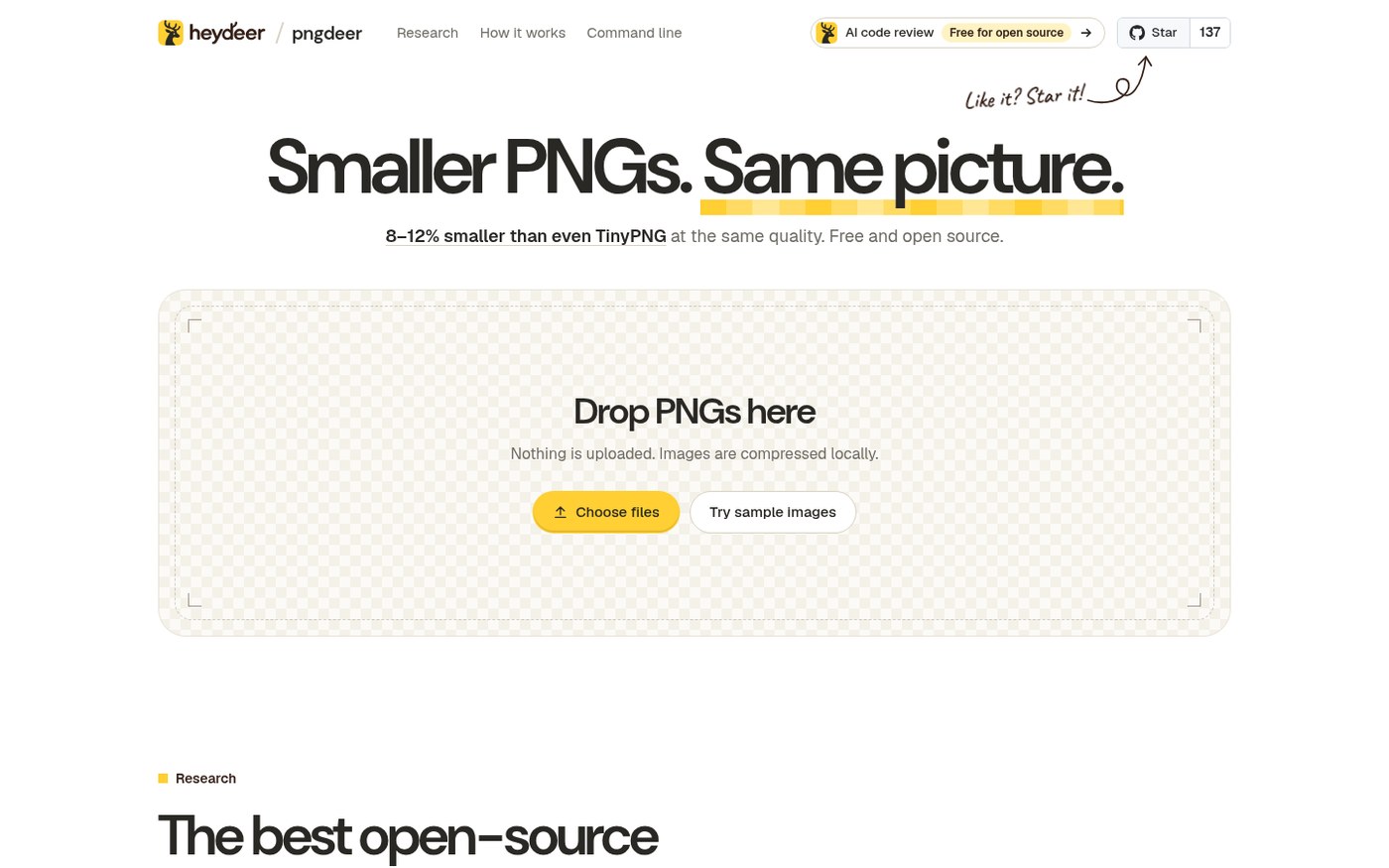
Compressing PNGs on a random website usually means the file flies to someone else’s server first. pngdeer takes another route: the same Rust compressor runs in the browser via WebAssembly — nothing uploads — and on macOS / Linux you can brew the CLI so both paths write identical bytes.
On the author’s 180-image suite, at matched visual quality the median file was 8–12% smaller than TinyPNG. Repo: heydeer/pngdeer; web: heydeer.ai/open-source/pngdeer. Researched October 27, 2026.
At a glance
| Item | Details |
|---|---|
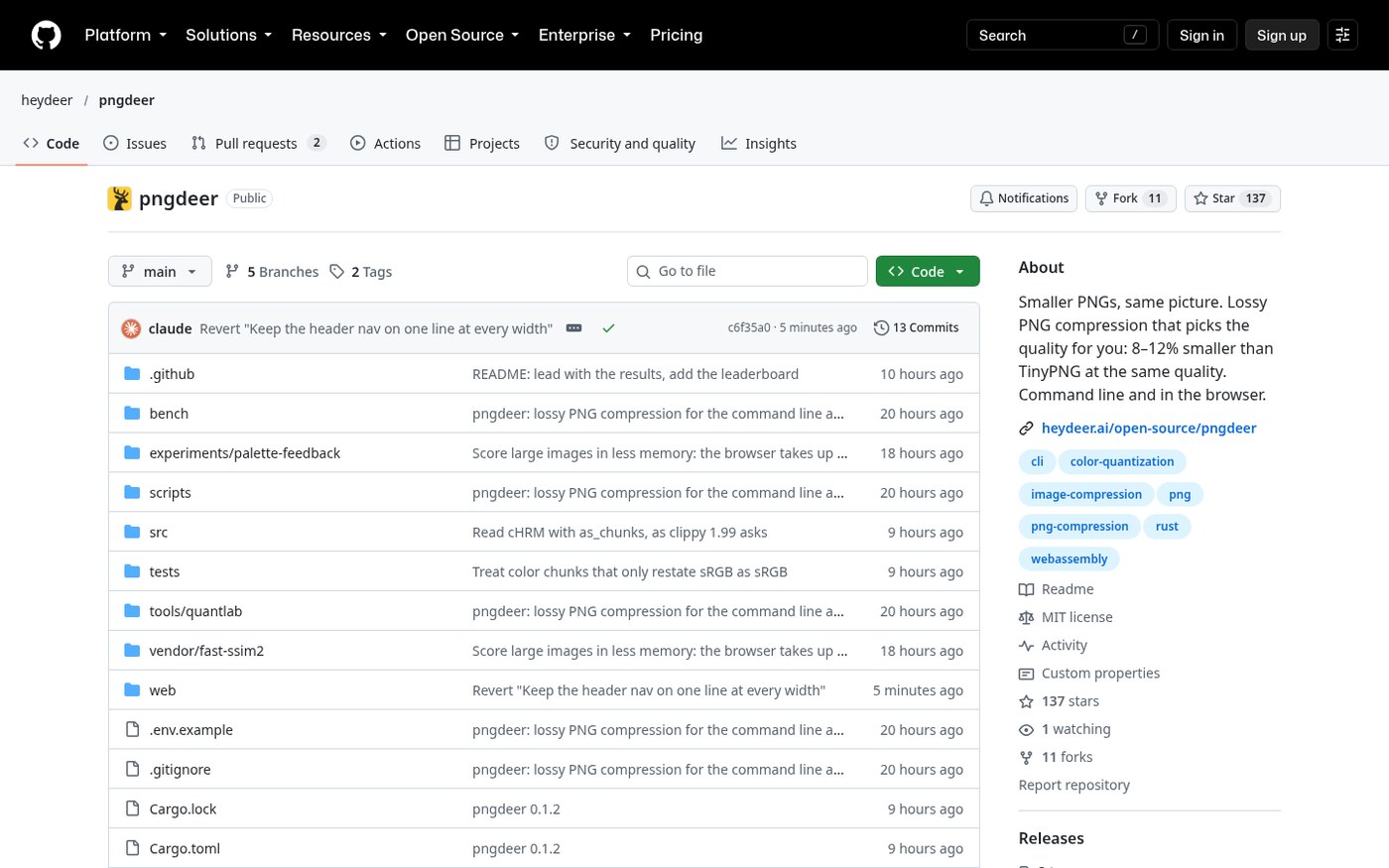
| Type | Lossy PNG compressor (auto palette / dither — no classic “quality slider”) |
| Version | v0.1.2 (latest Git tag when checked; no GitHub Releases asset pack yet) |
| License | MIT |
| Platform | Browser (WASM, multi-core); CLI: macOS / Linux (brew install heydeer/tap/pngdeer; or cargo build --release) |
| Price | Free open source |
| Stars | About 137 when checked |
| Site / demo | heydeer.ai/open-source/pngdeer |
| Repo | github.com/heydeer/pngdeer |
How it compresses
The README is blunt: for each image it searches 2–256 color palettes, tries Floyd–Steinberg dithering on/off, neighborhood smoothing, and a second palette builder; scores with perceptual metric SSIMULACRA2, targeting roughly TinyPNG-like look while staying at or under 90 on that scale (the author says ~1:1 is nearly invisible). It keeps the smallest file that still “looks good”.
- Large images: browser cap ~40 million pixels; CLI can go higher. Big images search on a downscaled preview, then validate at full size.
- Colors match in Oklab; transparent pixels are judged on both light and dark backgrounds.
- CLI can fix a target:
pngdeer in.png -o out.png --target 85.
How it sits next to other compress / convert tools on this site
| Need | Better fit |
|---|---|
| Browser toolbox: compress, convert, watermark packs | 52Upload / ITUpload-style boxes and Baffox online tools (China-oriented; EN skipped) |
| Video to a target size without uploading | Make Video Smaller (EN pending) |
| Mac drag-out radial menu for local image / PDF convert | OpenShelf (EN pending) |
| PNG only, TinyPNG-class size, optional CLI batch | pngdeer |
It is not a lossless optimizer and does not replace a full image editor. For pixel-identical output use tools like oxipng / zopflipng. The author’s comparison table also lists pngquant, ImageMagick, Pillow, and others — under TinyPNG-matched look settings, pngdeer’s held-out median was about 12% smaller and the tuning set about 8% (butteraugli re-check still ~6–9% smaller). Numbers are from the author’s October 2026 bench; you can re-run bench/ in the repo.
Who it is for (and who should skip)
Good fit: avoid uploading private images to compress sites; want thinner PNG icons / UI shots / illustrations; Mac / Linux CLI batch; OK with lossy quantization.
Skip for now: need a Windows native one-click GUI (when checked, brew / source / web were the main paths); must stay strictly lossless; need JPEG / WebP / AVIF in one tool — pngdeer is PNG-only.
Try online: heydeer.ai/open-source/pngdeer. CLI: brew install heydeer/tap/pngdeer. Version, benches, and install paths follow the October 27, 2026 README / tag check.


