


Support macros, email signatures, today’s date, a fixed code snippet — pasting the same line across apps every day is slow and easy to paste into the wrong place.
Espanso is a free, open-source, cross-platform text expander: you type a short trigger and it replaces it with the full text in the current input field. Config is local YAML; snippets and scripts stay on your machine. Site: espanso.org; source: github.com/espanso/espanso. Researched October 25, 2026.

At a glance
| Item | Details |
|---|---|
| Type | Text expansion / snippet expander |
| Version | v2.4.1 (latest GitHub Release, September 2, 2026) |
| Price | Free; GPL-3.0 |
| Platform | Windows 10+ (x64), macOS, Linux (Wayland / X11) |
| Site | espanso.org |
| Install (Windows) | Installer / portable zip; or winget install --id=Espanso.Espanso -e |
| Source | espanso/espanso (~14.7k stars when checked) |
| Package hub | hub.espanso.org |
| Privacy | Matches and replaces locally; keystrokes are not sent to a “cloud expand” service |
Windows docs currently mark x64; ARM is still planned. With a newer publisher signature you may hit SmartScreen — official guidance is More info → Run anyway.
How it works
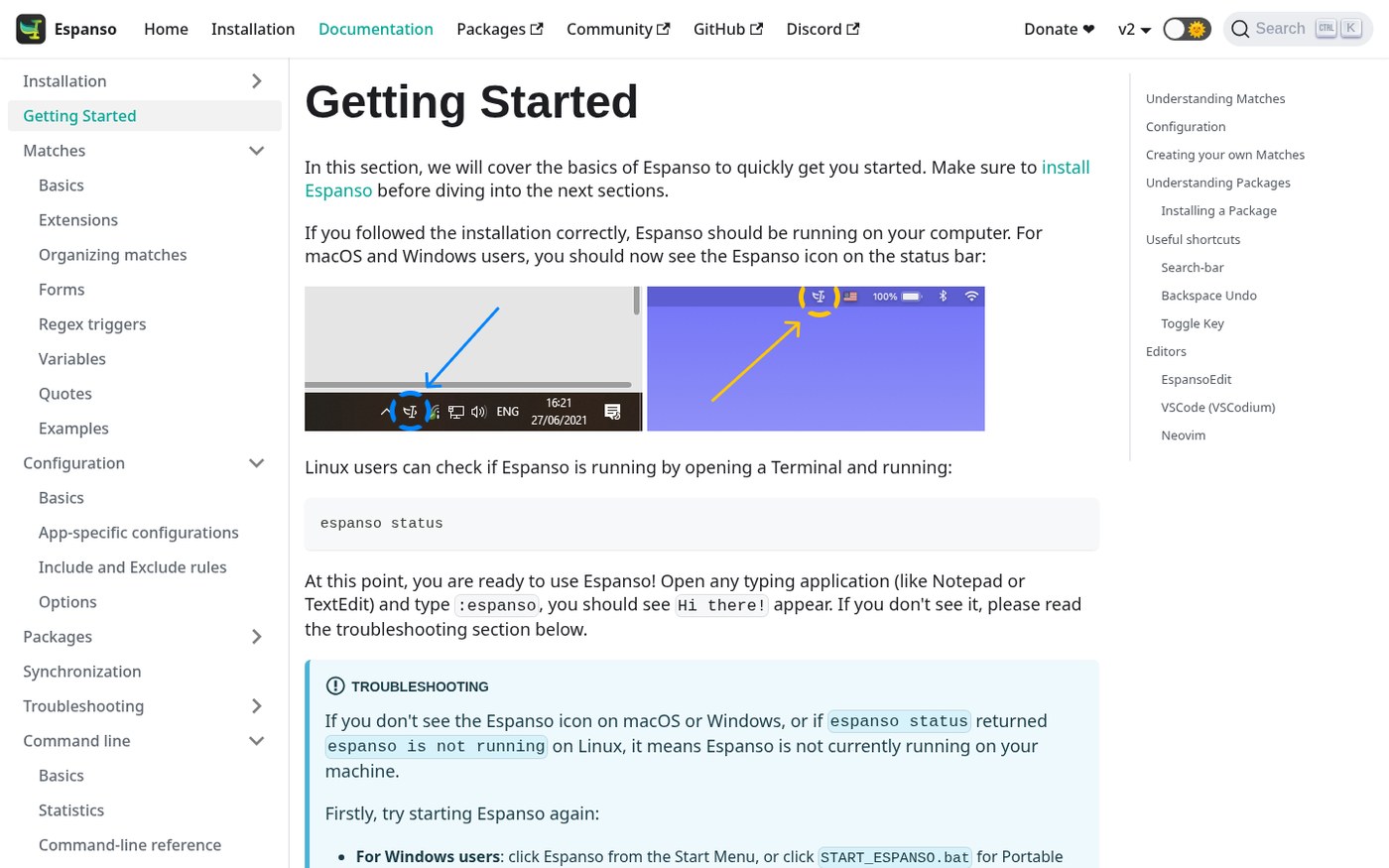
After install, a tray (or menu bar) icon appears. Open Notepad or any app, type the built-in test trigger :espanso, and it should become Hi there!.
Day-to-day use can stay simple:
- Static snippets:
:addr→ full address;:mail→ work email. - Dates and emoji: built-in date expansions and emoji packs without memorizing codes.
- Search bar: when you forget a trigger, open search (docs default Alt+Space) and pick one to insert.
- Forms / Shell / scripts: complex macros can pop a form first, then expand; or inject command output into the current app.
Config follows a Unix-style layout in local files — edit YAML in any editor. Community packages install from Espanso Hub in one click (accents, math symbols, shrug, and so on).
How it sits next to PowerToys and local search
| Need | Better fit |
|---|---|
| Window layouts, bulk rename, quick launch and other system utilities | PowerToys (no EN version yet) |
| Search the body of documents on your PC | lsearch (EN pending) |
| Instant filename search across the disk | Everything |
| Type a few characters and expand into a full paragraph in any app | Espanso |
PowerToys has some text-related features, but Espanso’s strength is a cross-app, scriptable, form-capable snippet ecosystem — and configs can go in Git or sync (see the official sync docs).
Windows install in two steps
- Download the Installer from the site install page, or in PowerShell run:
winget install --id=Espanso.Espanso -e
Chocolatey / Scoop also work. Prefer no installer? Use the Portable zip.
- If SmartScreen blocks it: More info → Run anyway. Confirm the tray icon, then test
:espanso.
Linux / macOS steps are on Installation; Wayland and X11 packages differ — follow the docs.
Who it is for (and who should skip)
Good fit: support/sales repeat macros; doctors/lawyers with fixed chart or document paragraphs; developers inserting code blocks and signatures; anyone who does not want snippets uploaded to a commercial TextExpander-style cloud.
Skip for now: you want a full GUI and refuse to touch YAML (the project says a GUI is still planned); Windows on ARM waiting for an official build; workplaces that ban lightly signed input tools.
Download: espanso.org/install or Releases. Version and SmartScreen notes follow the October 25, 2026 docs.


